







A store for your ads · Facebook & Instagram
An online store built for Facebook and Instagram ads
From Casablanca to Algiers, Cairo and Abidjan, Facebook and Instagram ads still bring most first orders. Instead of answering every “how much?” in messages, send the ad to a page that answers and takes the order.
Why send your ads to a store
No more “price?” in messages
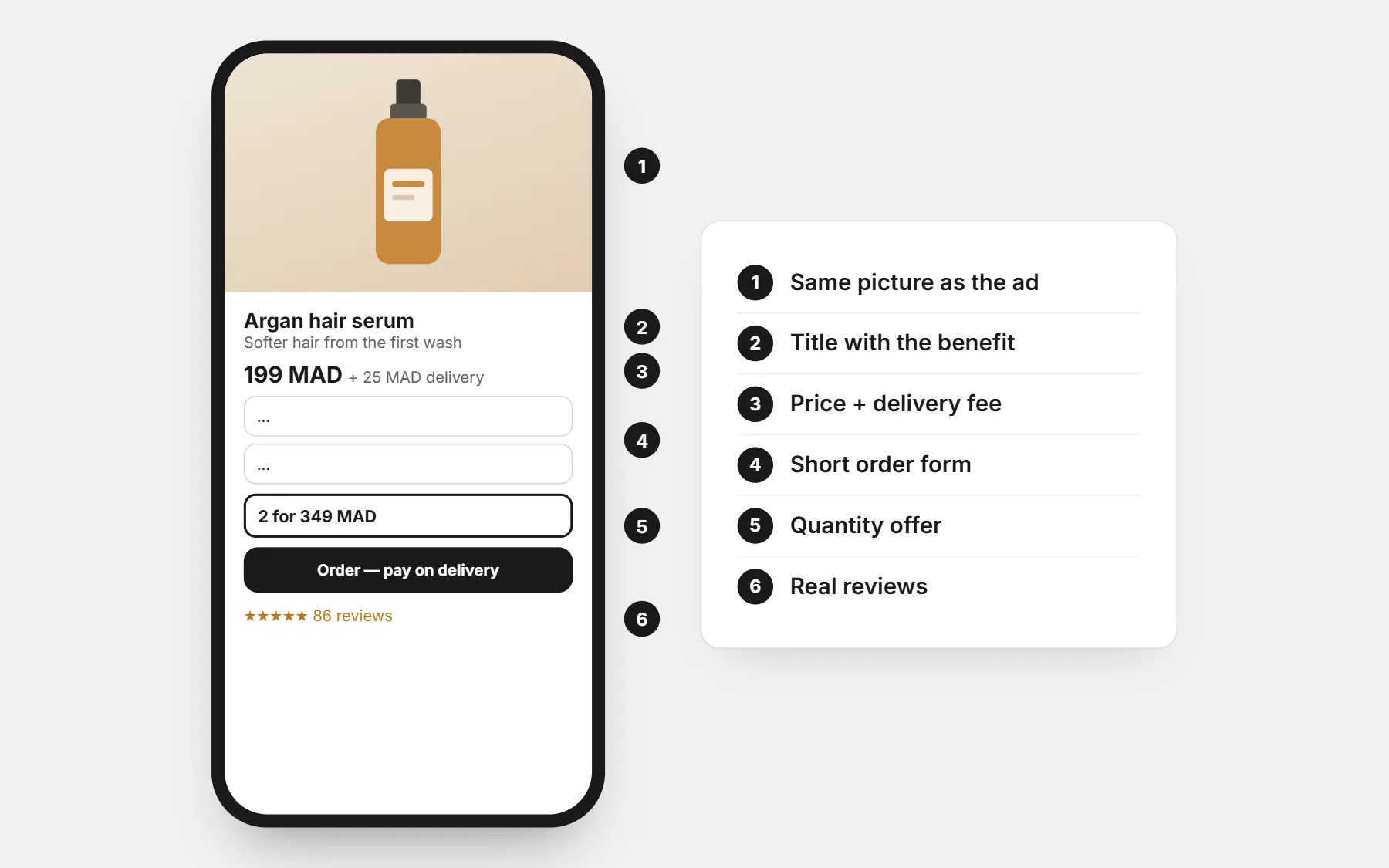
The price, delivery fee and order form are on the page — the buyer orders alone.
Meta Pixel included
Paste your Pixel ID; views, add-to-carts, checkouts and orders with their value go back to Meta.
A COD form that converts
Name, phone, city, address — on the page or as a pop-up.
WhatsApp for the last question
One tap to chat, with the product already written.
From ad to order in five steps
- 1
Pick a theme
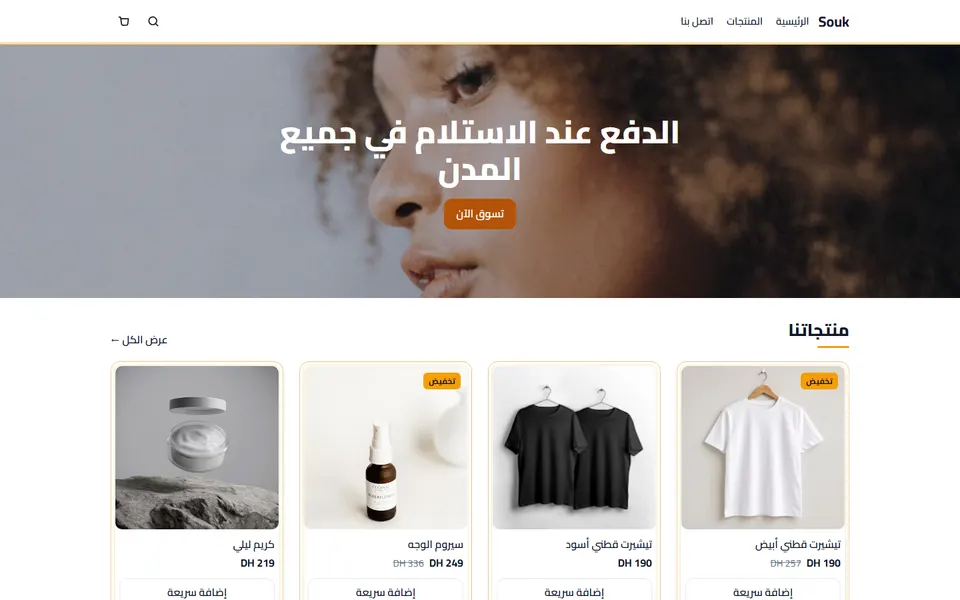
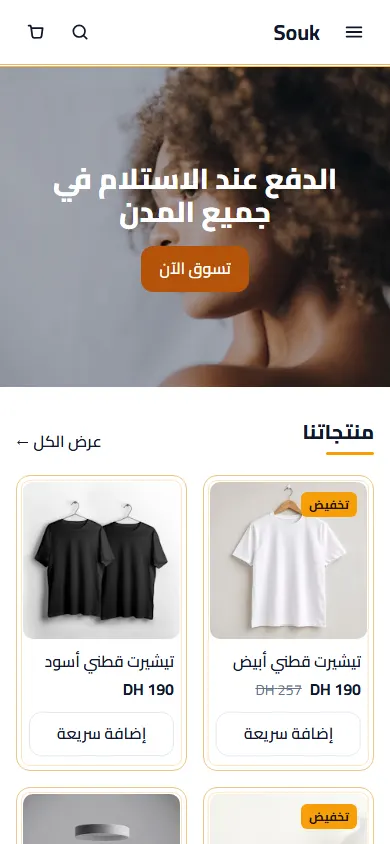
Souk, Vitrine or Nest suit what sells on Facebook — all free.
- 2
Add your product
Real photos, the full price and your delivery fee.
- 3
Paste your Meta Pixel ID
Settings › Tracking pixels.
- 4
Point the ad at the product page
Use the product link as the ad’s website address.
- 5
Confirm and ship
A quick WhatsApp confirmation cuts refused parcels.
What your pixel receives
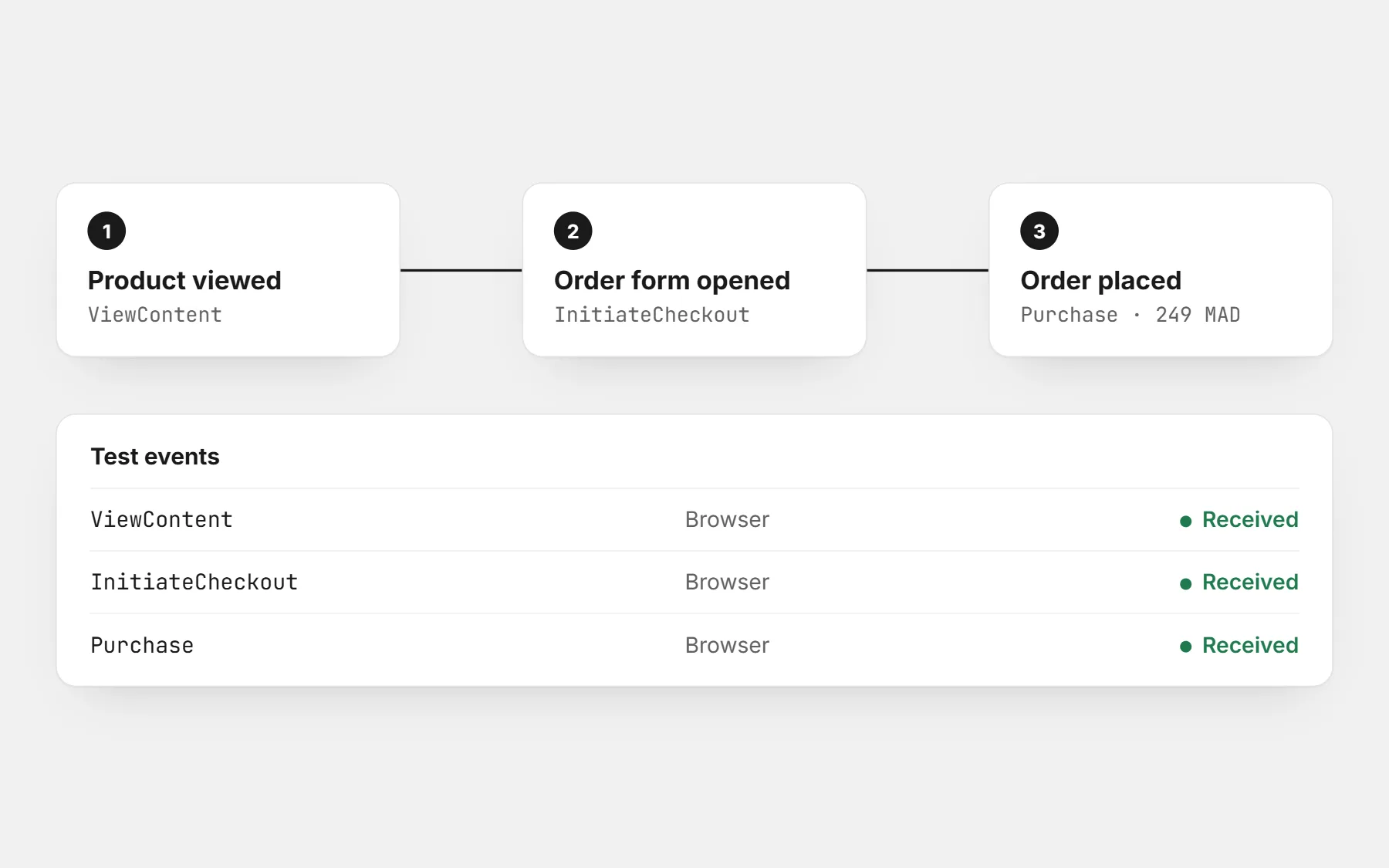
- Page view
- Every page the shopper opens.
- Product view
- The product they look at, with its price.
- Checkout started
- When they open the order form.
- Order
- Each order with its value and currency, so the platform learns who buys.
Sent from the shopper’s browser by the pixel you paste in Settings › Tracking pixels.
The landing page checklist
- Send the ad to the product page, not the home page.
- Show the full price and the delivery fee before the form.
- Keep the order form short: name, phone, city, address.
- Use real photos and a short video of the product.
- Show reviews and your delivery promise next to the button.
- Confirm every order quickly before you ship it.
Themes that fit these ads
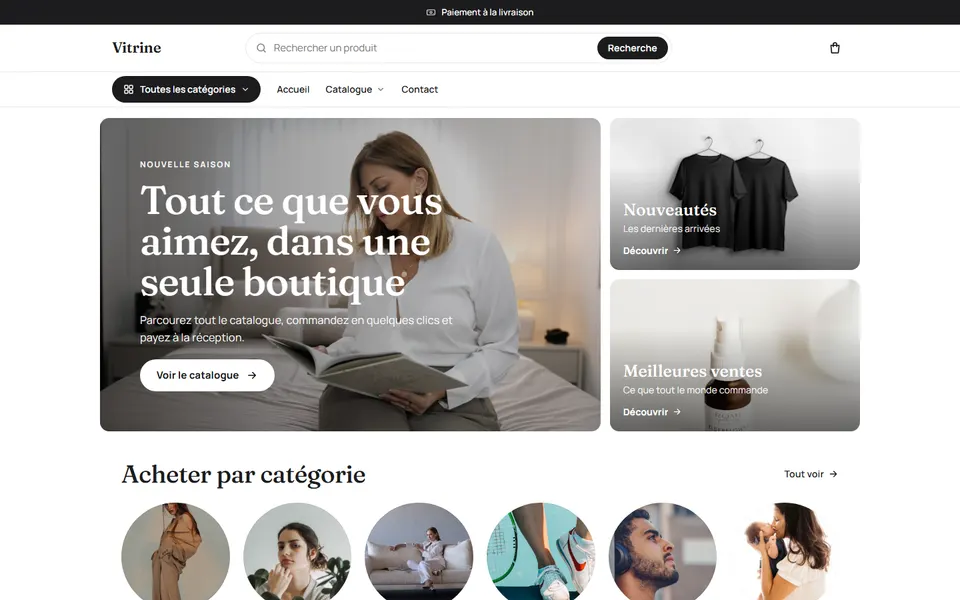
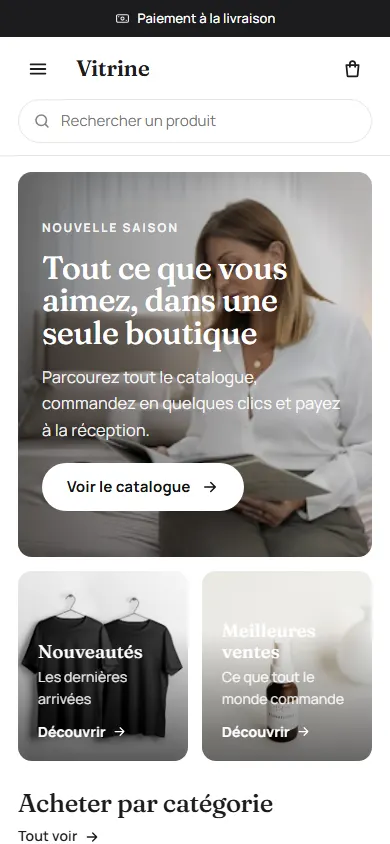
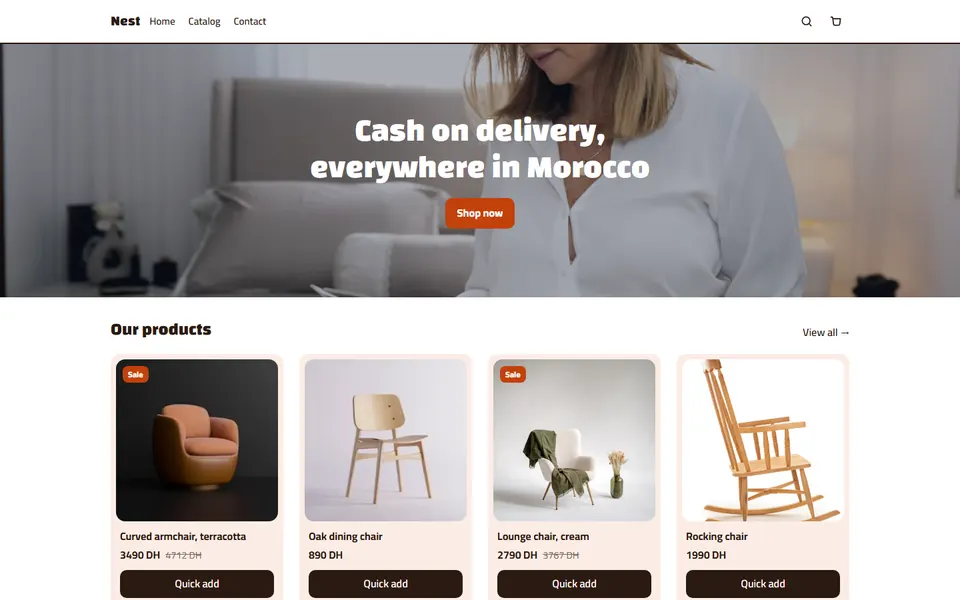
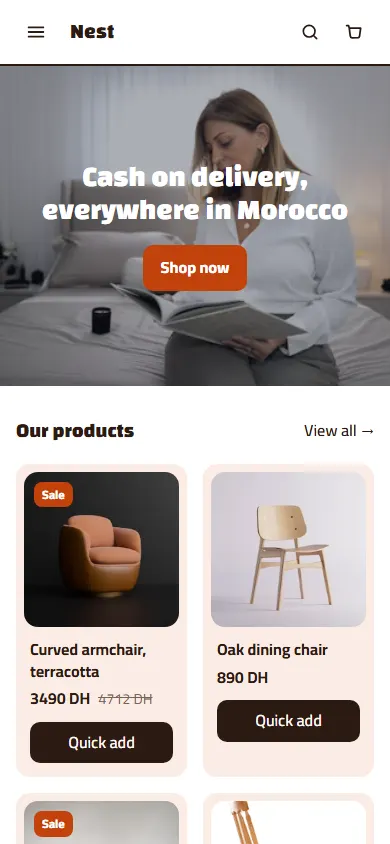
Apps that turn clicks into orders
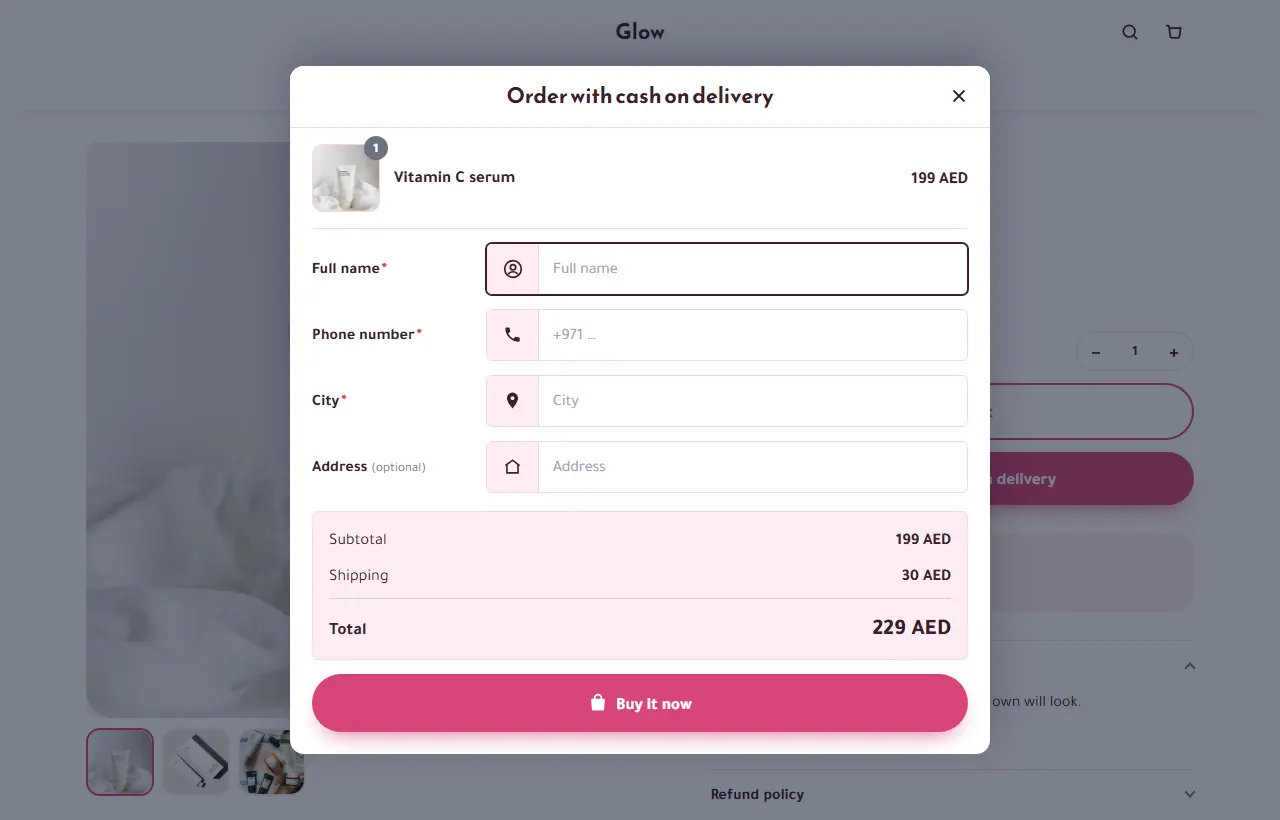 Quick Order FormA short order form on your product pages — on the page or as a pop-up — for cash on delivery or bank transfer, with a sticky Order now button on phones. Free on every plan.
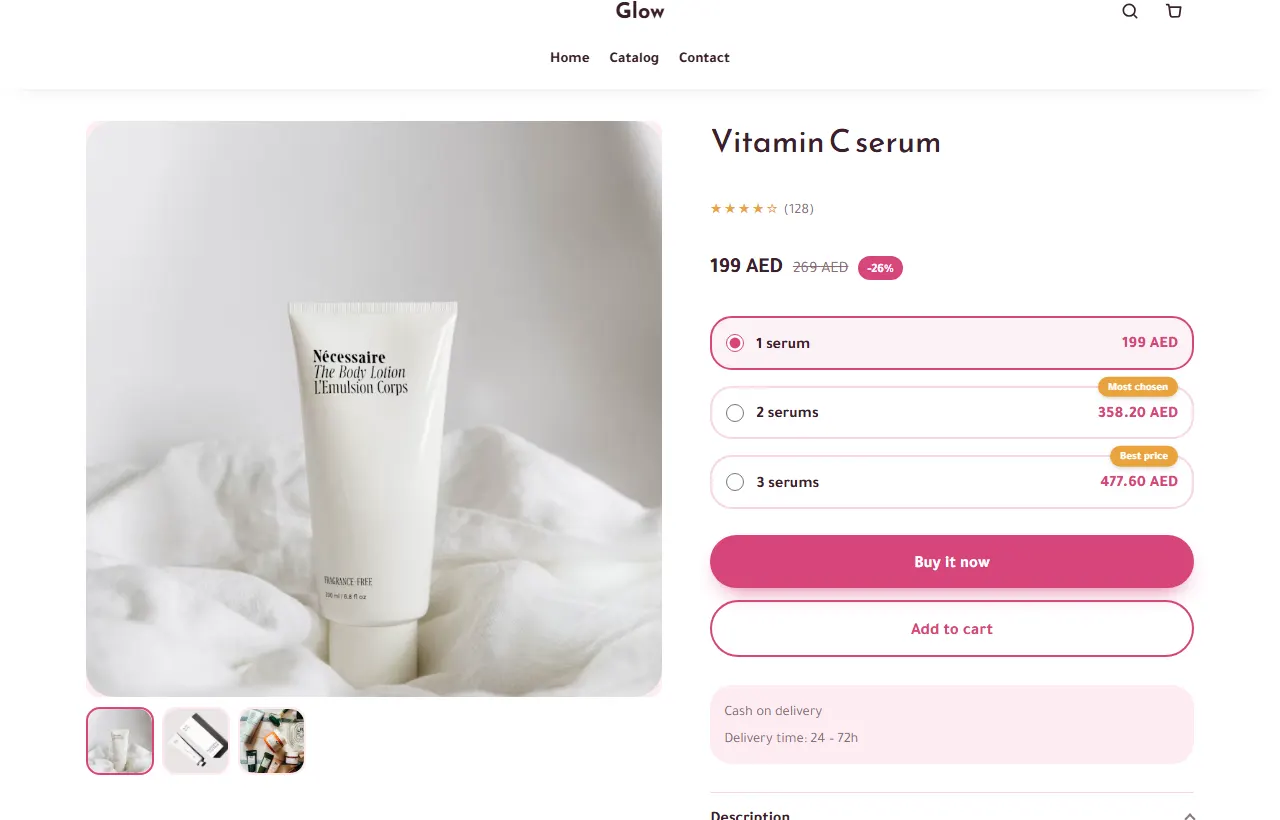 Quantity OffersShow “1 piece, 2 for less, 3 for even less” on your product pages and in the order form. Prices are calculated on the server. Free on every plan.
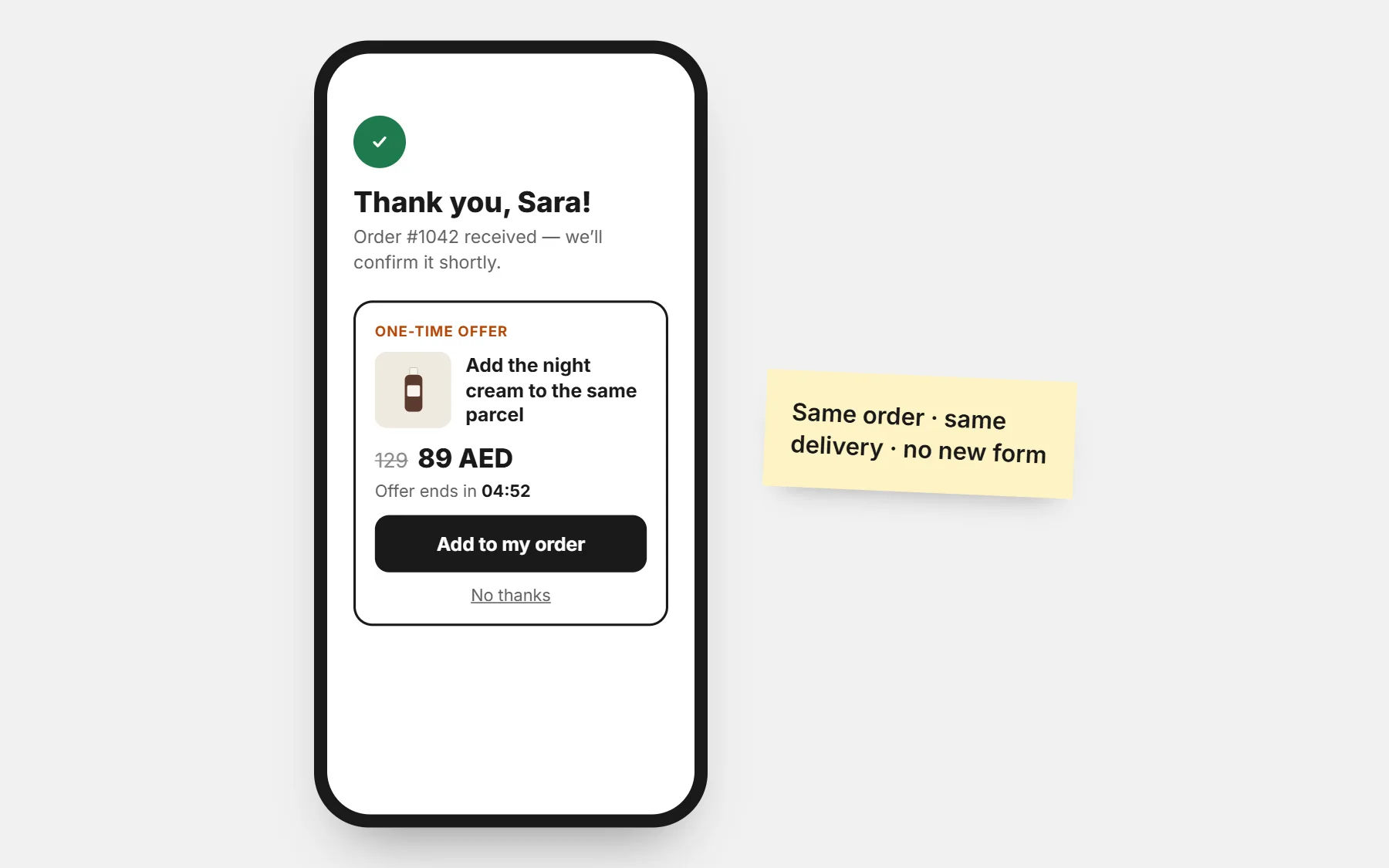 Post-order UpsellRight after ordering, offer one more product at a special price — added to the same order and the same delivery in one tap. Free on every plan.
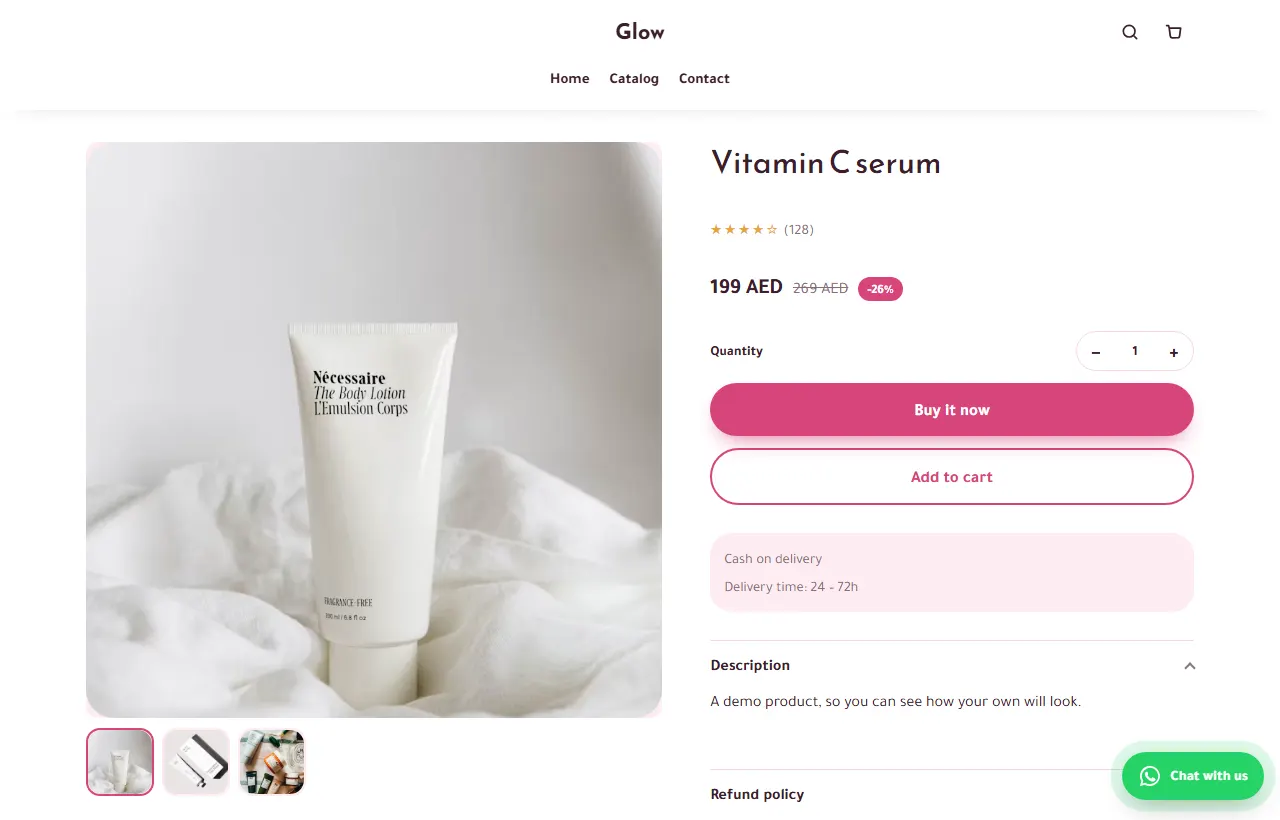 WhatsApp Chat ButtonA floating WhatsApp button that opens a chat with the product and its link already written. Your number, your hours, your colour. Free on every plan.
Questions people ask first
Does the Meta Pixel see my orders?
Yes. Each order is sent with its value and currency, so you can optimise your ads for purchases.
Can I keep my Facebook page and Instagram?
Yes. Put the store link in your posts, bio and stories; the free Facebook & Instagram app connects your pixel with one sign-in and also sends each order from our server, counted once.
Is it a landing page or a full store?
Both. Each product page works as a landing page for one ad, and the store holds your whole catalogue.
Where it brings the most buyers
Other ad platforms
Build the store for your Facebook & Instagram ads
Every theme and every app is included in every plan. Build free for 3 days · $1 for your first 14 days.
Build free for 3 days · $1 for your first 14 days · Cancel any time