What an online store builder does
You pay a monthly plan; the builder hosts the store, keeps it secure and fast, and gives you an editor to change everything. You bring the products, the photos and the customers.
- A store address, and later your own domain.
- Themes you customise without code.
- Products, variants, stock and collections.
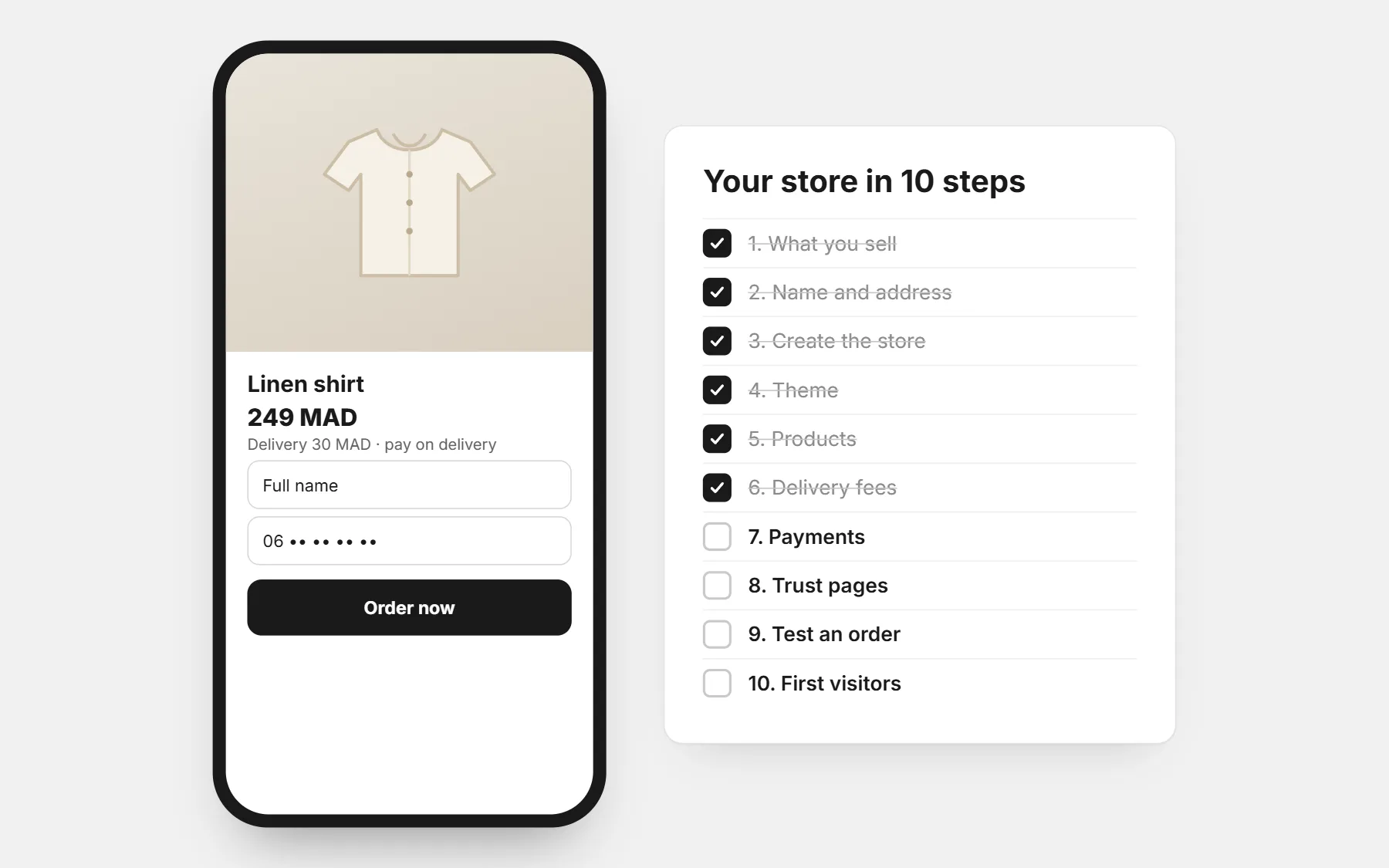
- An order form or checkout, payment options and delivery fees.
- Orders, customers and the numbers that show what sells.
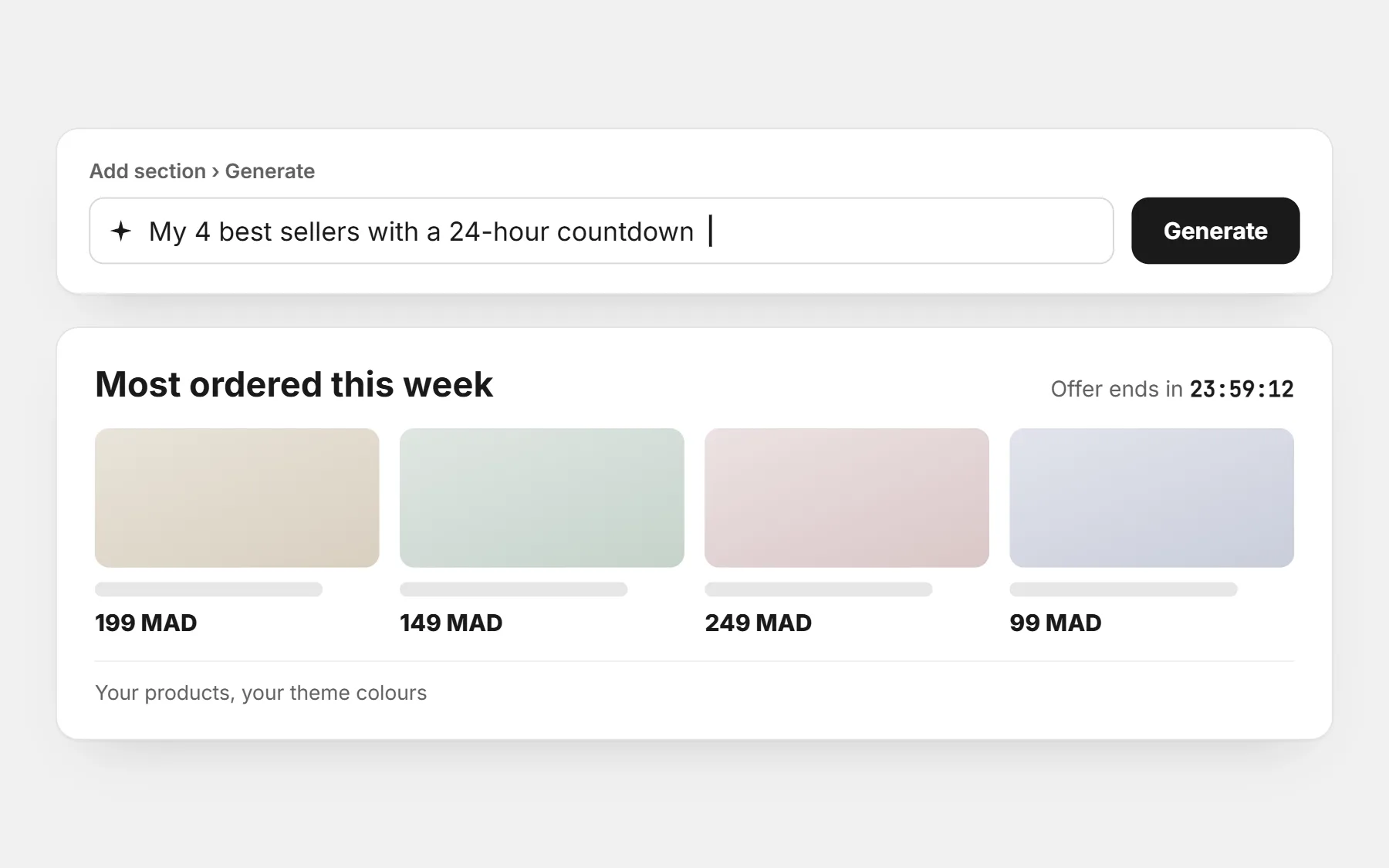
- Apps for reviews, offers, upsells and ads tracking.
Store builder, WordPress, marketplace or social media only?
| Option | Good for | Watch out for |
|---|---|---|
| Hosted store builder | Most small brands: fast start, no technical work | Fees per order and paid apps on some platforms |
| WordPress + WooCommerce | People with a developer or time to learn | Hosting, updates, security and plugins are yours to manage |
| Marketplace | Testing demand with the marketplace’s traffic | Commissions, their rules, and the customer belongs to them |
| Social media and WhatsApp only | The very first sales | Every order by hand, no tracking for ads, hard to grow |
Already selling by message? See from WhatsApp orders to an online store.
The 12-point checklist
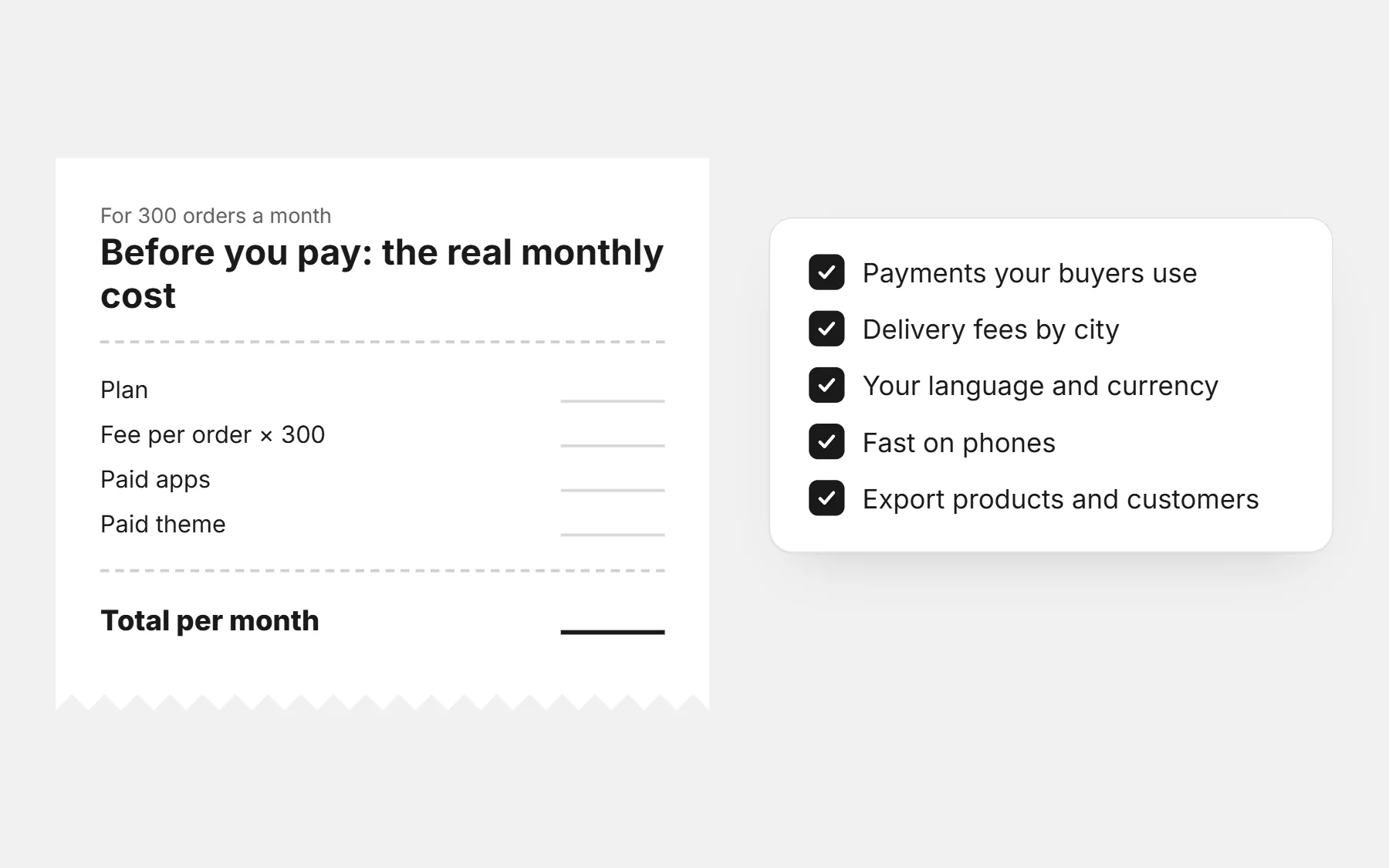
- Real monthly cost. Plan + fee per order + paid apps + paid theme. Add them up for 100 and 500 orders a month.
- Payments your buyers use. Cash on delivery, bank transfer, cards — what people in your country actually pay with.
- Delivery fees your way. One fee, a fee per city or region, free above an amount.
- Your language. Arabic right to left, French, English — on the store and on the checkout.
- Your currency and phone format. Prices in your currency, phone numbers checked for your country.
- Speed on phones. Open a demo store on mobile data, not Wi-Fi.
- Themes for your trade. Several free ones, and an editor you understand in ten minutes.
- What is built in. Order form, quantity offers, reviews, upsell, pixels — or an app (and a bill) for each?
- Ads tracking. Facebook, TikTok, Snapchat and Google pixels without code.
- Your own domain. On which plan, and how hard it is to connect.
- Leaving. Can you export your products and customers?
- Help in your language. Who answers, and how fast.
How CODOS Store answers the checklist
| Question | CODOS Store |
|---|---|
| Fee per order | None — you pay the plan |
| Themes and apps | Included, no extra fee per theme or app |
| Payments | Cash on delivery and bank transfer, side by side |
| Delivery fees | One fee, per city, free above an amount — per market |
| Languages | Arabic (right to left), French, English |
| Countries | Any country and currency; add markets with their own prices and fees |
| Pixels | Facebook, TikTok, Snapchat and Google without code |
| Own domain | On Growth and Advanced |
| Export | Products and customers |
| Start | Three days free to build privately, then $1 for the first 14 days |
Monthly prices are on the pricing page. Comparing with a platform you know? See CODOS Store vs Shopify, vs YouCan and vs WooCommerce, or the best platform in Morocco and Egypt.
Test before you decide
- Build one real product page, with real photos.
- Order it from your phone, as a buyer.
- Change the theme colours and one section — was it easy?
- Ask support one question and time the answer.
Then follow how to create an online store, step by step.
Questions people ask first
What is the best online store builder?
The one whose total monthly cost, payments and delivery options fit your country and your volume. A builder made for card payments in Europe can be the wrong choice for cash on delivery in North Africa, and the other way round.
Is there a free online store builder?
Some have a free plan with limits or fees per order. On CODOS Store you build free for three days, then pay $1 for the first 14 days; the plan is paid after that, with no fee per order.
Can I change builder later?
Yes, if you can export your products and customers. On CODOS Store both export; you can also import products from a Shopify file.
Do I need technical skills?
No. A good builder lets you set everything from an editor: theme, sections, products, delivery fees and payments.