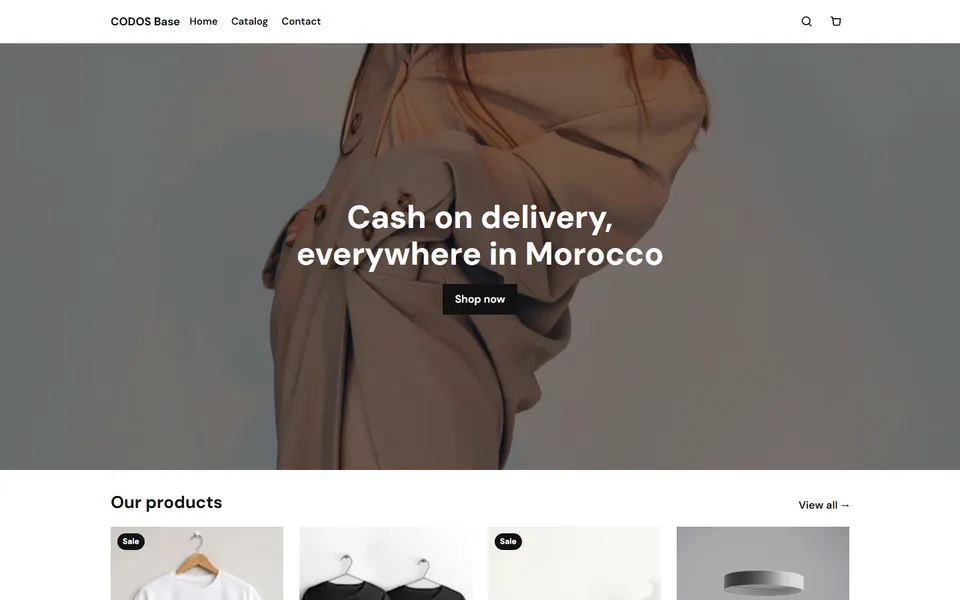
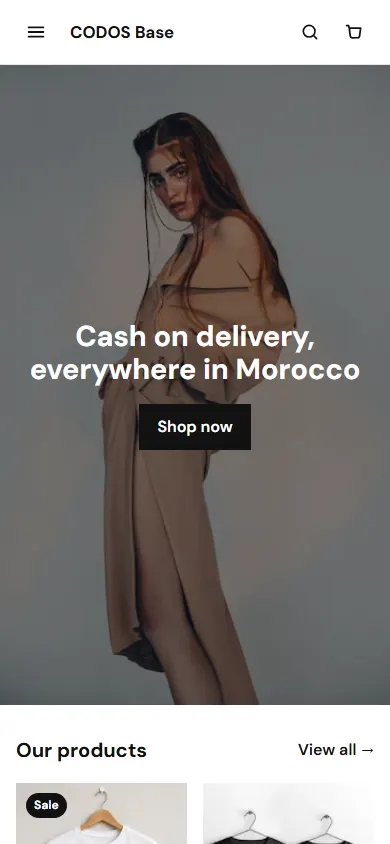
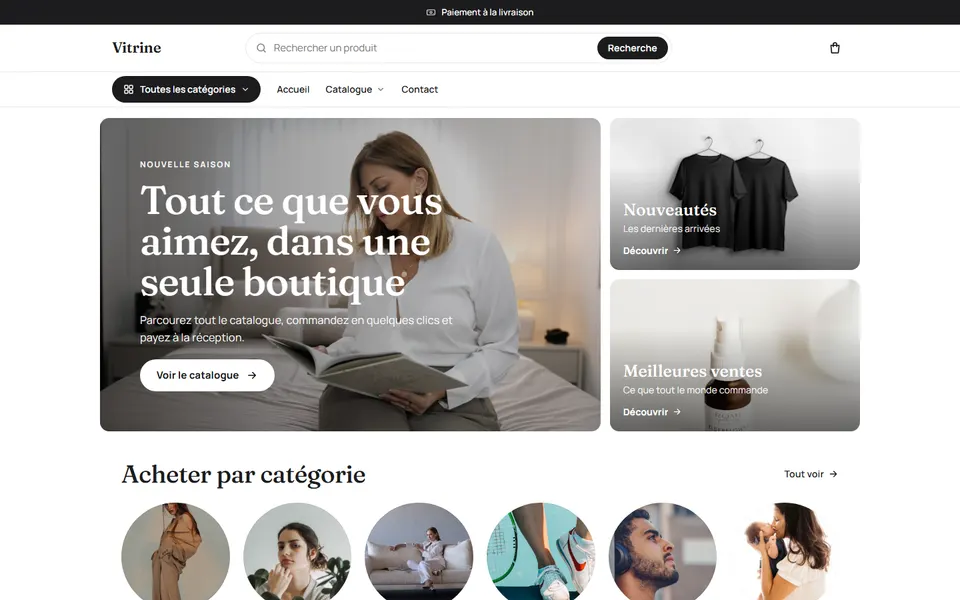
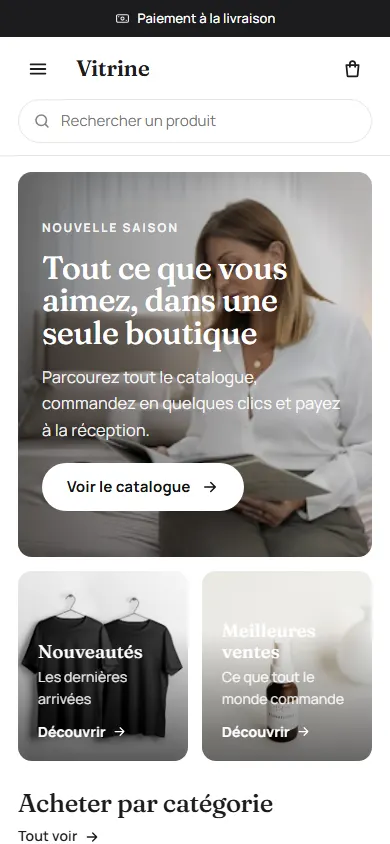
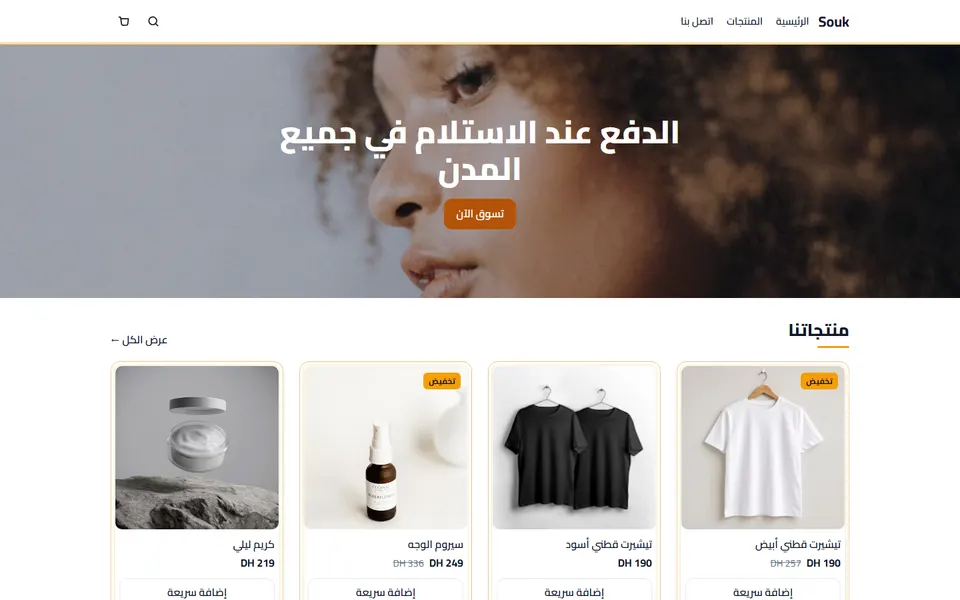
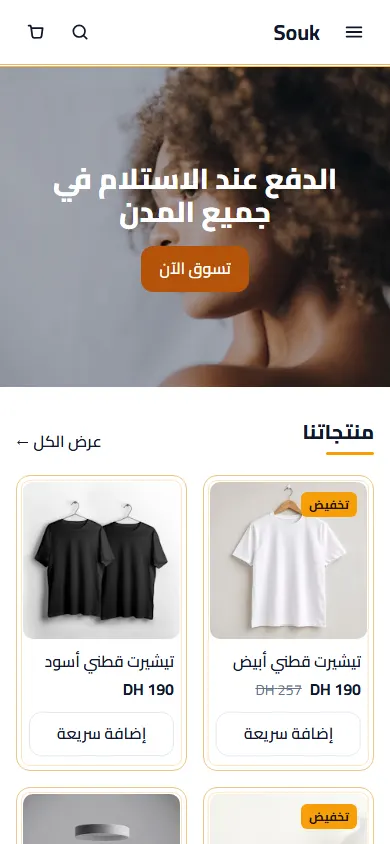
Before you look for visitors: is the store ready to sell?
Sending people to a page that does not convince them burns your only chance with them. Check these five points first, on your phone:
- Price and delivery fee visible without scrolling far.
- Real photos: the product from several sides and in use.
- The order button is obvious and the form is short: name, phone, city, address.
- How to pay is clear: pay on delivery, bank transfer, or both.
- A way to ask: a WhatsApp button for the people who hesitate.
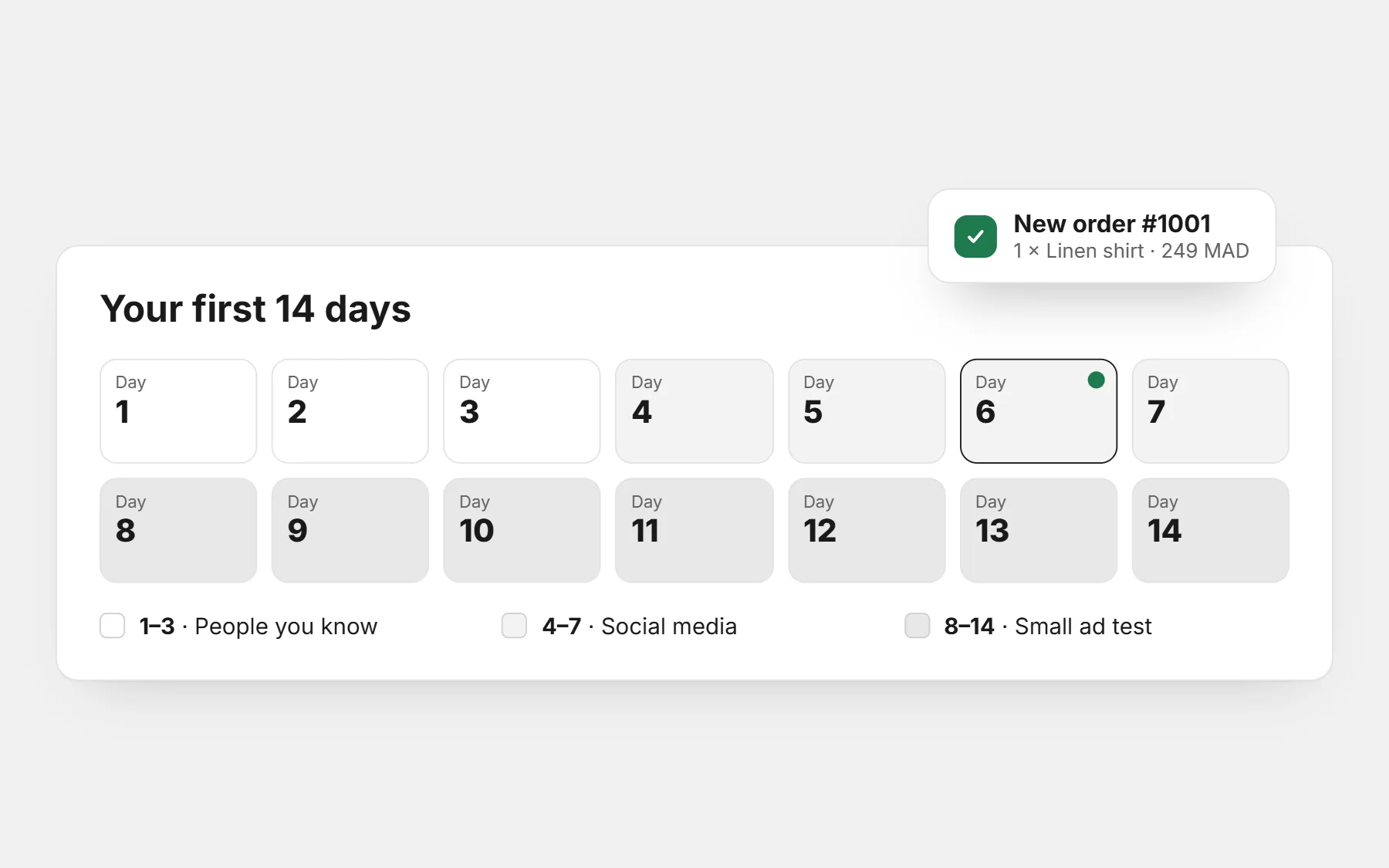
Days 1–3: the people who already know you
Your first buyers are often friends of friends, not ads. That is not cheating: it is how most shops start, and it brings your first reviews.
- Post the product on your WhatsApp status three days in a row, with the price and the link.
- Send a personal message (not a broadcast) to 20 people who could use it, or know someone who could.
- Offer a launch code for the first ten orders, with a clear end date.
- Ask the first buyers for a photo review once they receive the product.
Hi [name]! I just opened my online store: [product] for [price], delivered in [days] days and paid on delivery. If you or someone you know needs one, here is the link: [link]. The first 10 orders get [discount] with the code [CODE].
Days 4–7: social media, without waiting for the algorithm
- Put the store link in your Instagram, TikTok and Facebook profiles.
- Post three short videos: the product in use, unboxing, and answering one common question.
- Reply to every comment and message within the hour — early buyers ask first.
- Join the local groups where your buyers already are, and follow their rules about selling.
Selling on Instagram already? See from Instagram to an online store.
Days 8–14: a small ad test on your best product page
Once a few strangers have ordered or asked questions, test a small daily budget on one product for seven to ten days. Install your pixel first, so the ad platform learns who orders.
- One product, the one people ask about most.
- Two or three videos, not twenty.
- Send the ad straight to the product page, not to the home page.
- Decide in advance what one delivered order may cost you — the ad budget calculator does the sum.
Guides: pixel setup, Facebook ads for a store, and clicks but no orders if visitors come but do not buy.
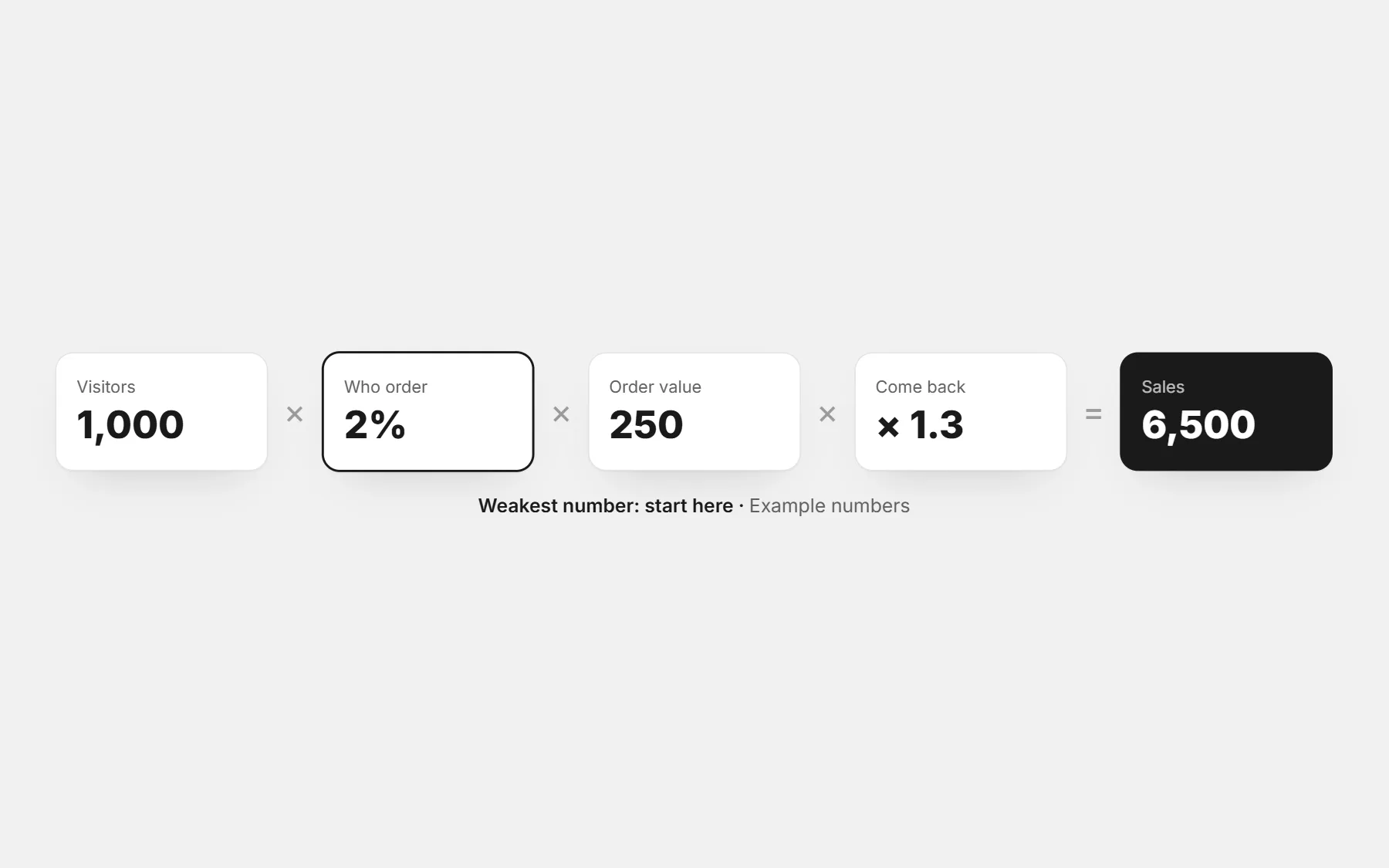
Turn the visitors you get into buyers
- Reviews: show the first photo reviews on the product page as soon as you have them.
- Quantity offer: “buy 2, save X” raises the order value without lowering the price of one.
- Guarantee: say plainly what happens if the size is wrong or the product arrives damaged.
- Abandoned checkouts: you see who started the form and left, and can send them a WhatsApp reminder.
- Answer fast: a question on WhatsApp answered in five minutes often becomes an order.
The full list, section by section: sections that make a store sell more.
After the first order
- Confirm it quickly and ship it fast: the first buyer becomes your first review.
- Write down where they came from. Do more of that.
- Ask what almost stopped them from ordering, and fix it on the page.
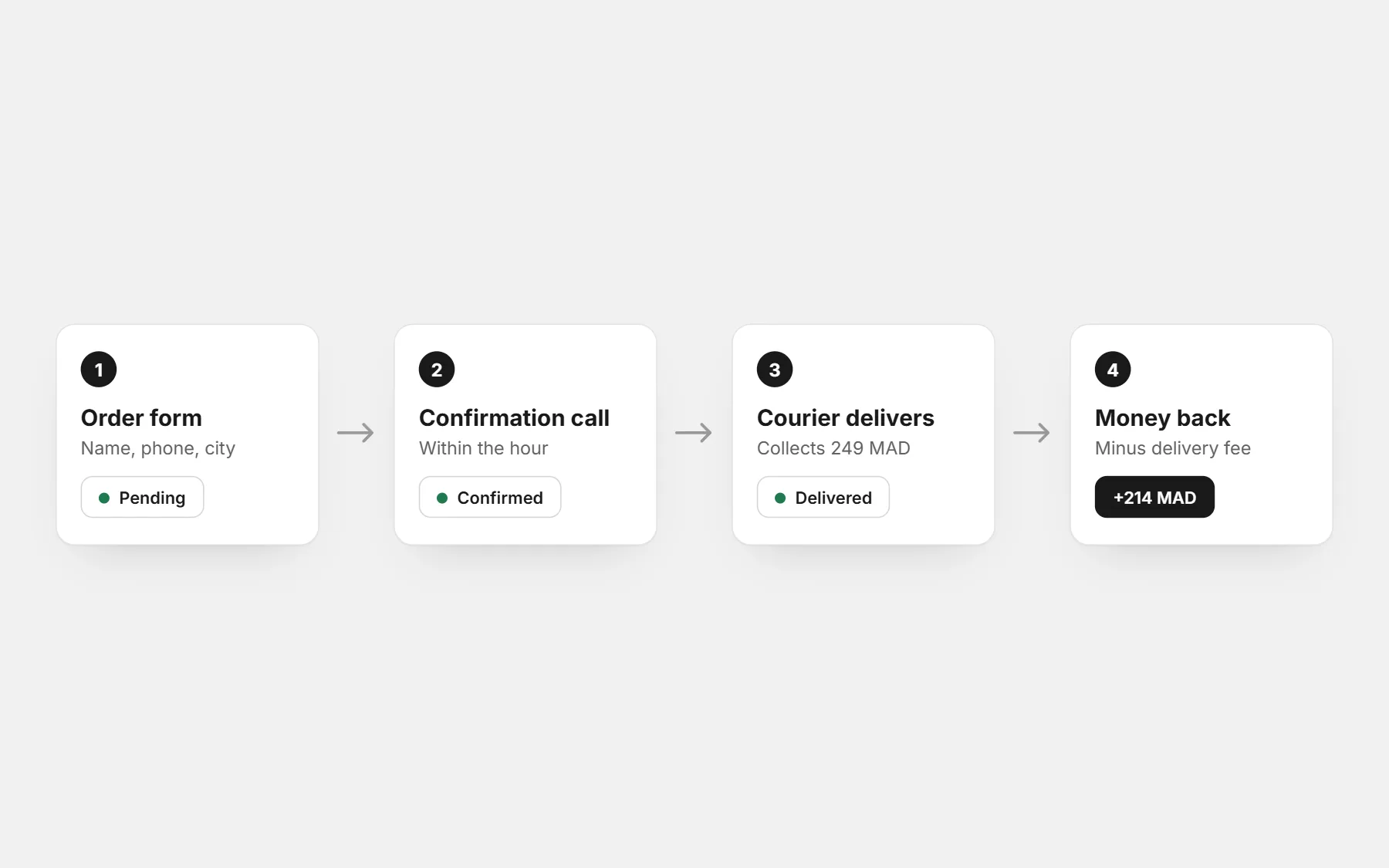
Selling with payment on delivery? Keep refusals low from day one with the confirmation call script.
Profit calculator
Your real profit per order after delivery, refused parcels and ads — and the most you can pay per order.
Questions people ask first
How long does it take to get the first order?
With a ready product page and the people you know, often within the first week. Without visitors, never: a store does not get found on its own in the first weeks.
Do I need ads to get the first order?
Not always. Many first orders come from WhatsApp, friends of friends and social posts. Ads help once you know which product people ask about.
Why do I have visitors but no orders?
Usually the price or delivery fee is unclear, the photos are weak, or the form asks too much. See clicks but no orders.
Should I give a discount for the first orders?
A small launch code with an end date works well. A permanent discount just lowers your margin — check it with the profit calculator.