







Add to Cart Pop-up: the moment shoppers are most ready to add more
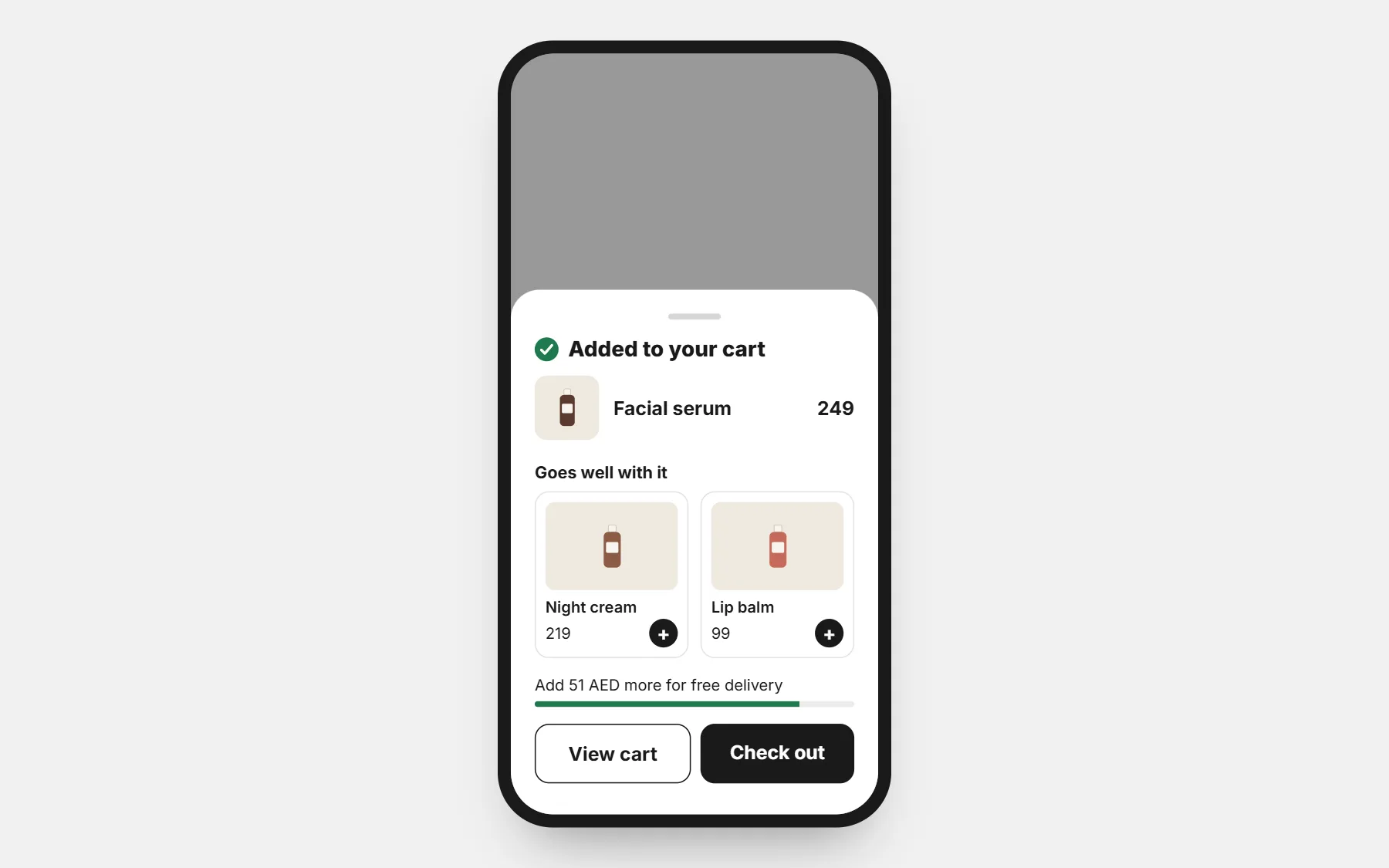
After Add to cart, shoppers usually see a cart and leave with one product. The pop-up shows what they added, the products that go with it, how close they are to free delivery, and the way to checkout.
The problem it solves
The best moment to suggest a second product passes in a second.
How it works
- 1
Add to cart
The pop-up shows what was added.
- 2
Goes well with it
Matching products, one tap each — sizes and colours chosen in the pop-up.
- 3
Straight to checkout
Or keep shopping.
What you get
- What was just added, with its price
- Matching products, one tap to add
- Sizes and colours chosen in the pop-up
- Amount left for free delivery
- View cart or check out
- Bottom sheet on phones, in your theme’s look
Where to switch it on
Install it in Apps and choose how many suggestions to show.
Free — launch offer
Apps will soon cost $25 a month. Add one now and it stays free for you, for good — no limit on use.
Every theme is free tooQuestions people ask first
Is Add to Cart Pop-up free?
Yes, during our launch. Apps will soon cost $25 a month, but if you add Add to Cart Pop-up now it stays free for you, for good. You pay only your store plan.
Which products are suggested?
The product’s Frequently Bought Together products first, then products from its collections.
Are prices and stock up to date?
Yes, they always come from the server.
Apps that work well with it
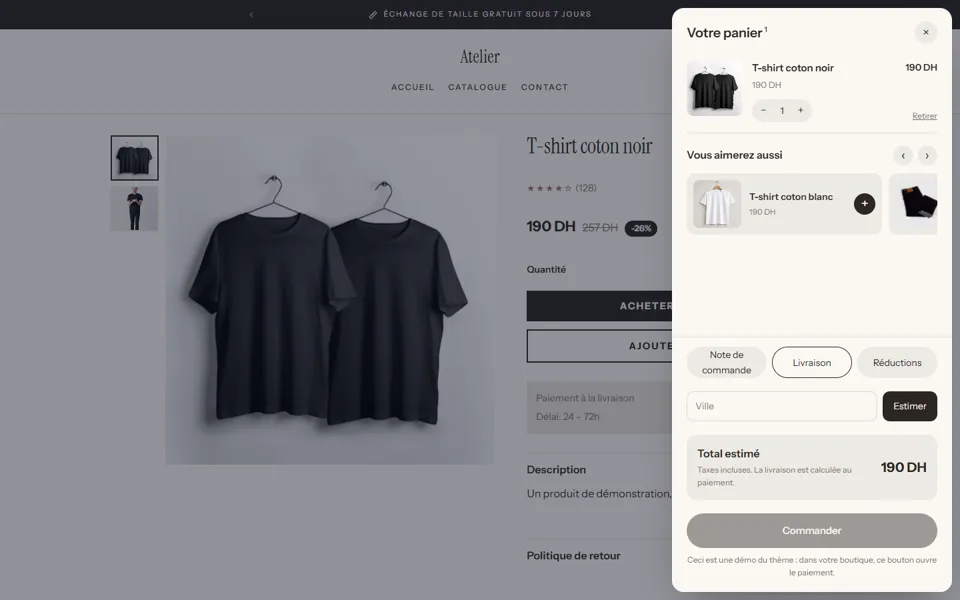
Smart Cart
A plain cart is a dead end: a total, a button, and many questions.
Free — launch offerHow it works
Frequently Bought Together
Matching products sit in other collections, where buyers never look.
Free — launch offerHow it works
Free Shipping Bar & Gifts
Shoppers don’t know how close they are to free delivery.
Free — launch offerHow it works
Open your store with Add to Cart Pop-up switched on
Every app and every theme is free while we launch — and stays free for you once added. Build free for 3 days · $1 for your first 14 days.
Build free for 3 days · $1 for your first 14 days · Cancel any time