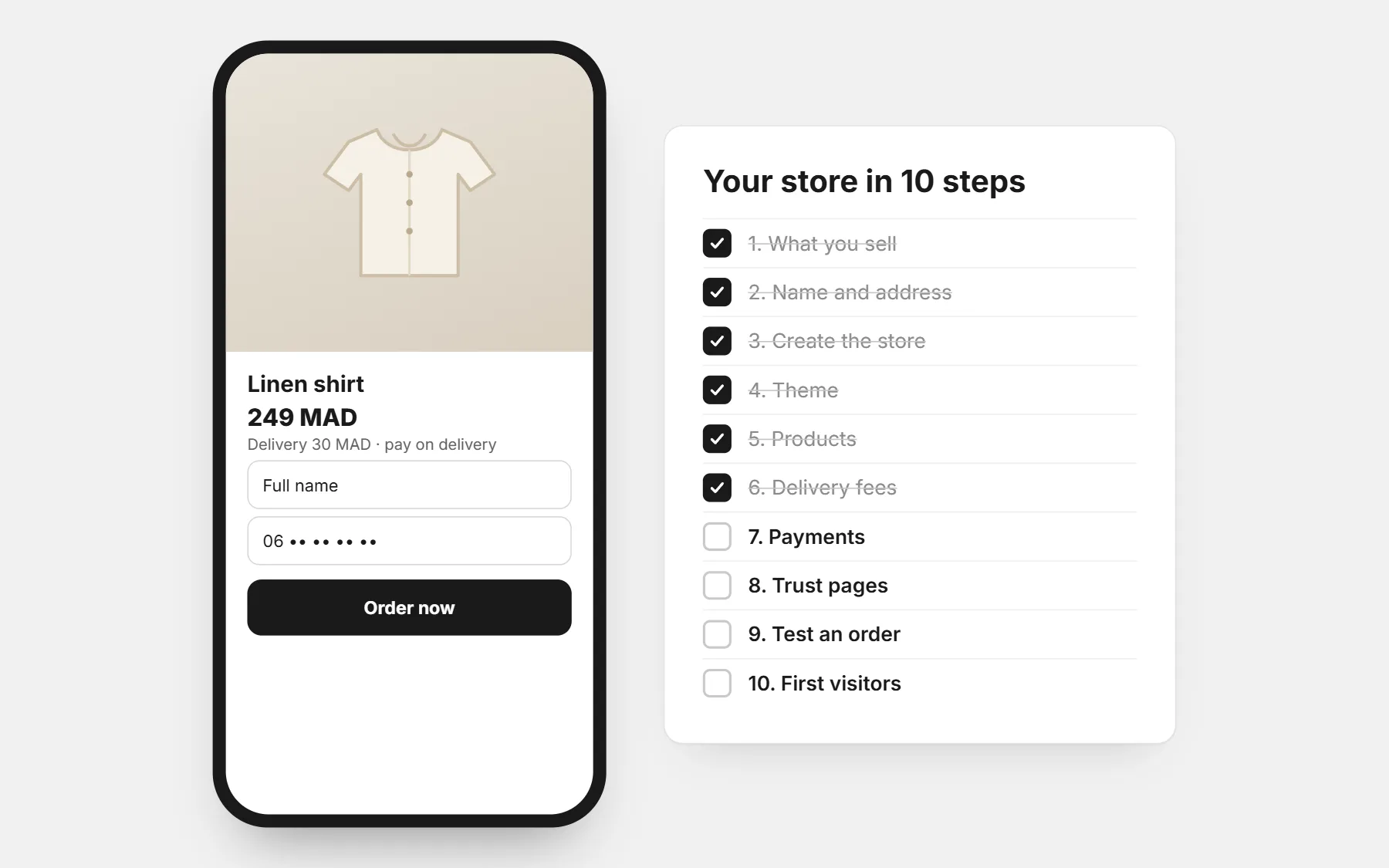
1. Choose what you sell, and check it sells
Start from what you can source reliably and explain well. A product you know beats a “trending” product you cannot describe.
- Can you buy it at a price that leaves a margin after delivery and ads? Try the numbers in the profit calculator.
- Do people already buy it online in your country? Look at ads and pages selling it.
- Can you get real photos and a short video of it?
- Can it travel without breaking, and be resold if a parcel comes back?
2. Pick a name and an address
Short, easy to say on the phone, easy to spell in your customers’ language. Check the name is free on Instagram and TikTok too. The store name generator gives you ideas.
Your store gets a free address like yourname.mycodos.com. On Growth and Advanced you can connect your own domain.
3. Create the store
On CODOS Store you sign up with your email, choose your country and currency, and build privately for three days before paying. Nobody sees the store until you open it.
- Country and currency: prices show in your currency and phone numbers in your country’s format.
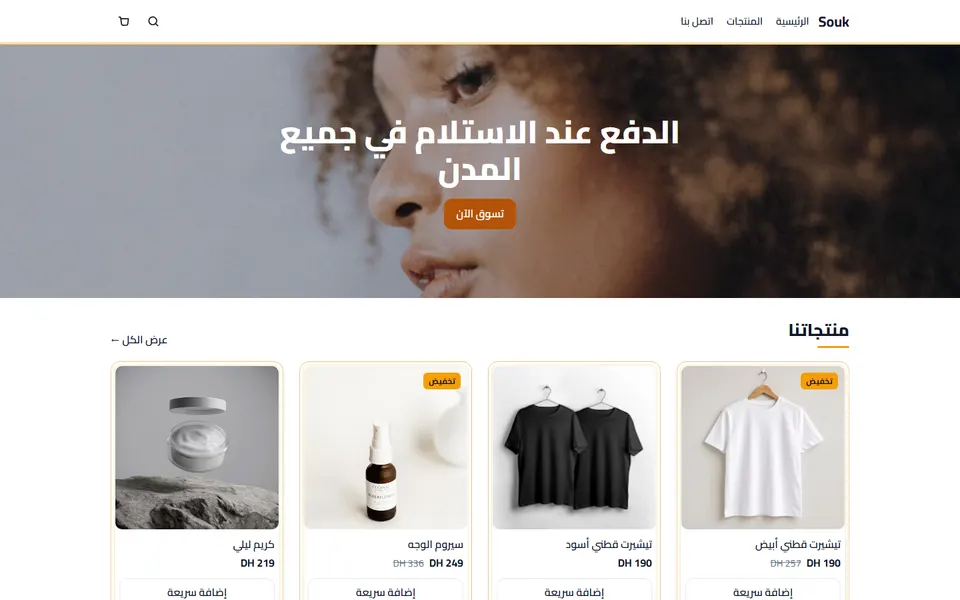
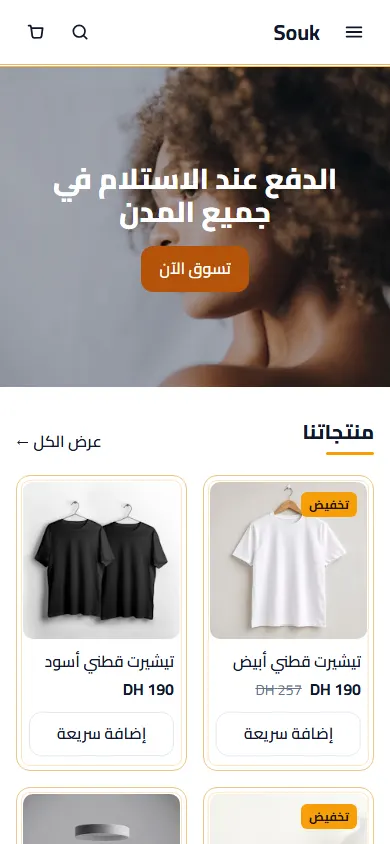
- Language: Arabic (right to left), French, English — or several.
- Markets: add other countries later, each with its own currency and delivery fees.
4. Choose a theme and make it yours
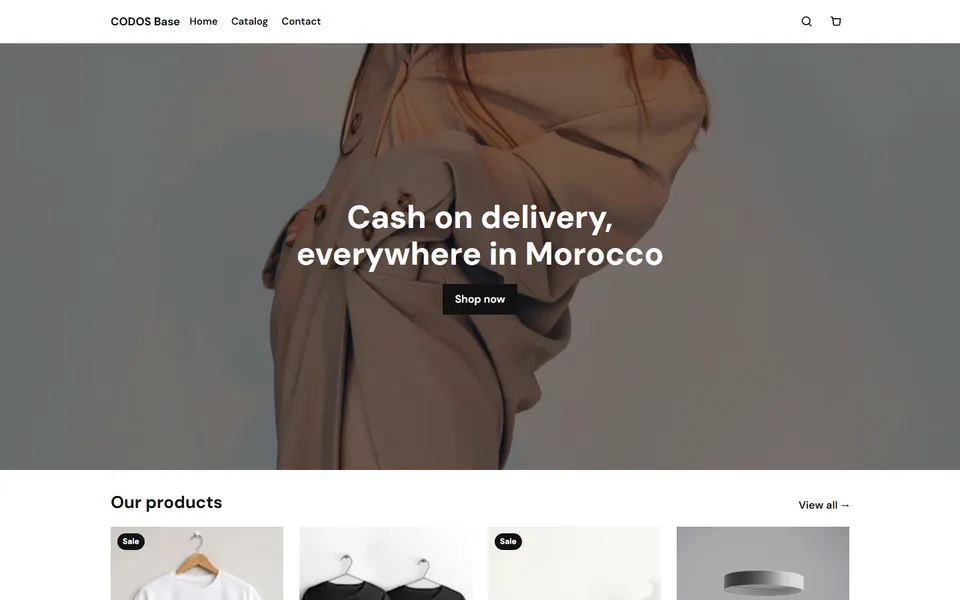
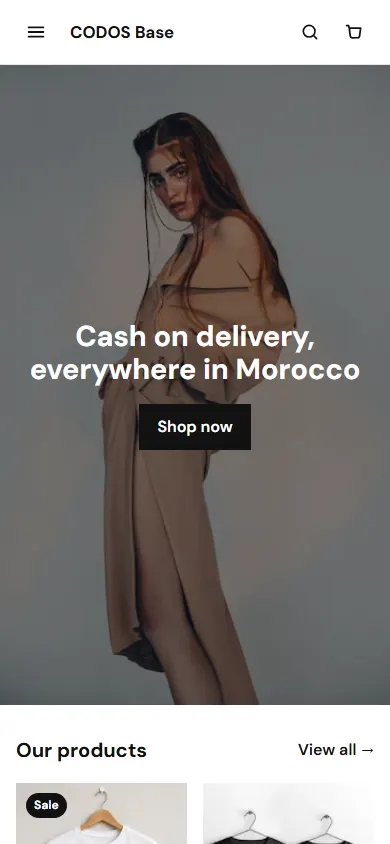
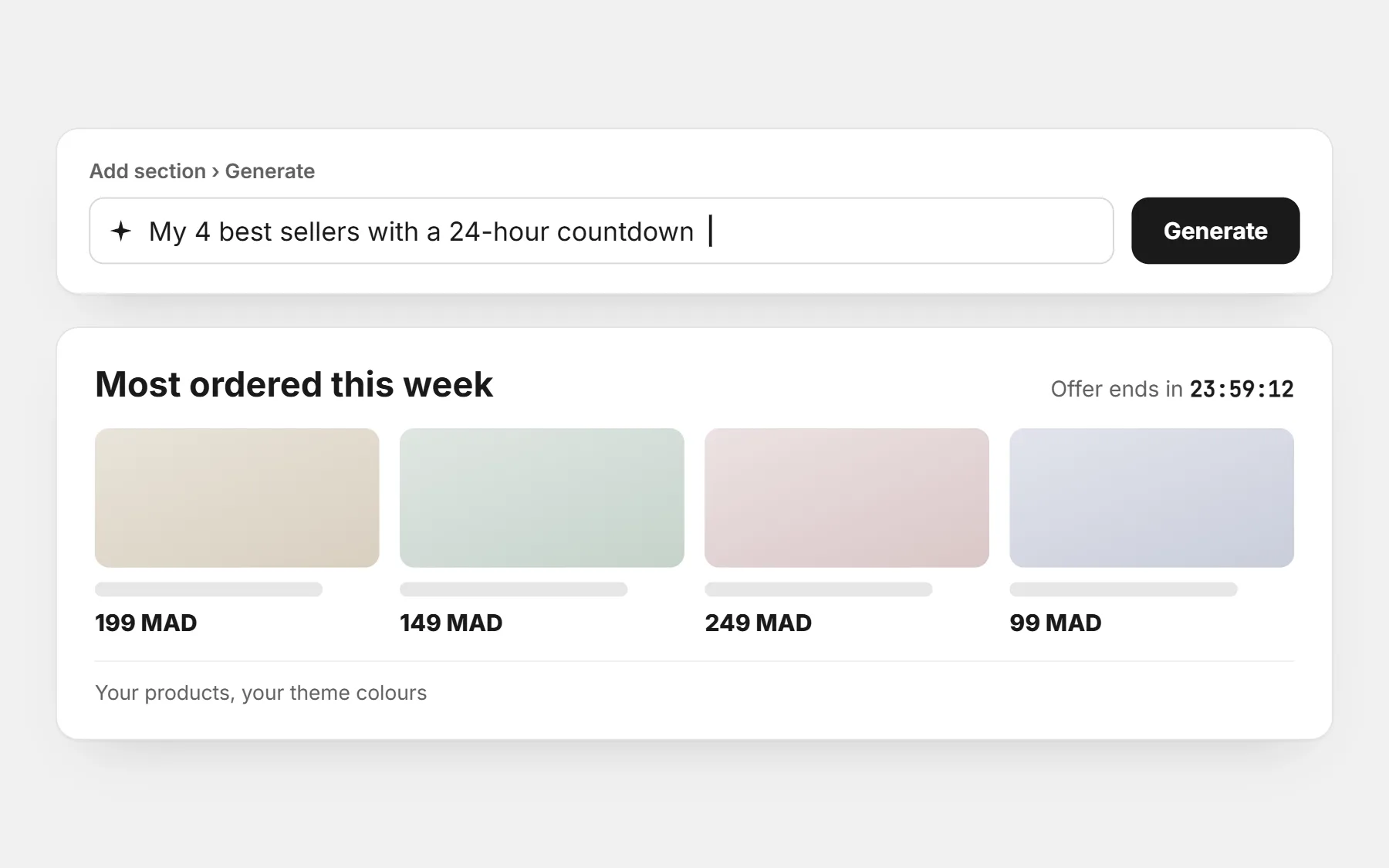
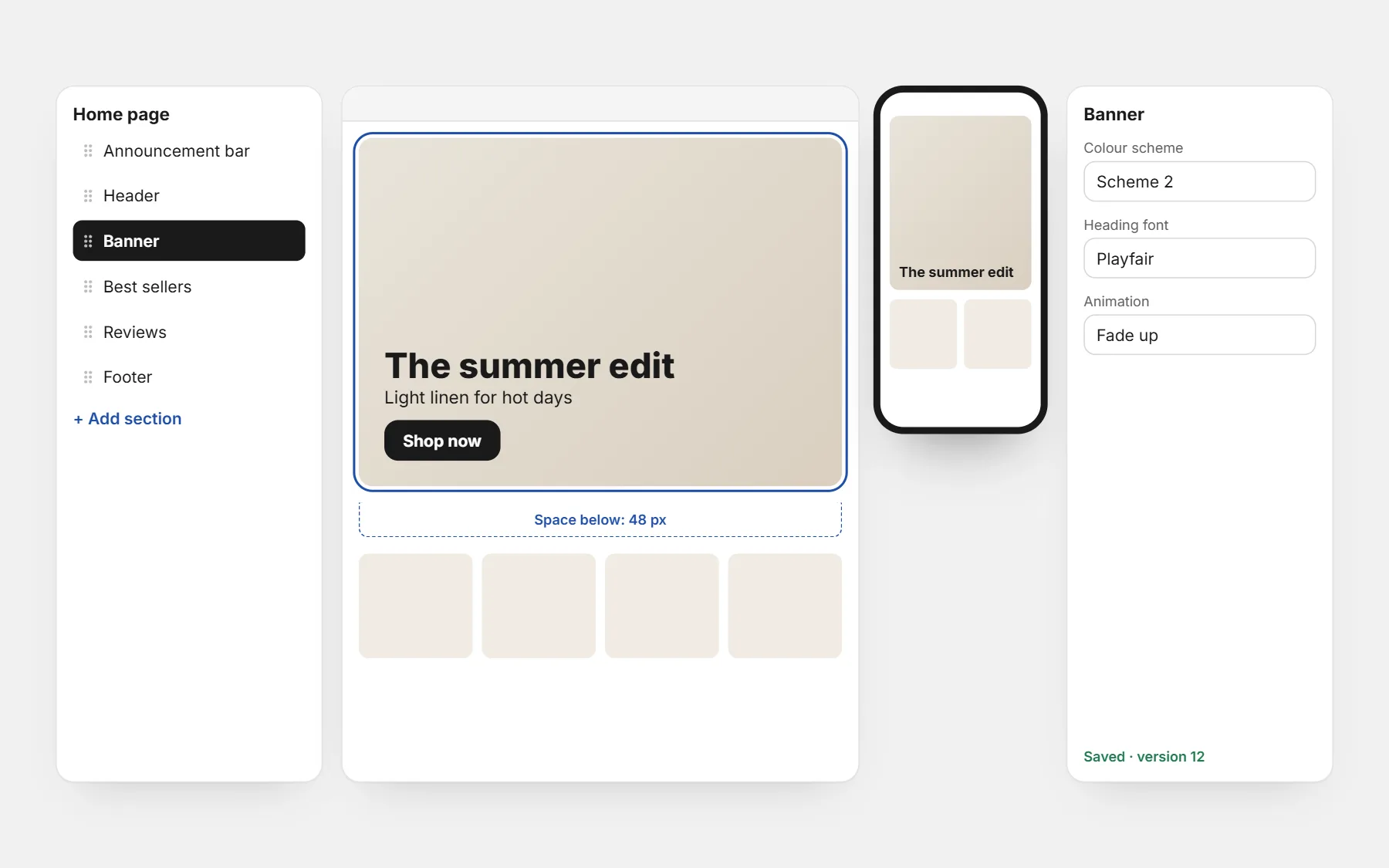
Pick a theme close to your trade, then change the logo, colours, fonts and sections in the editor. No code. Every theme is free.
5. Add your products properly
- Photos: real ones, on a clean background, plus one in use. See product photos with your phone.
- Title: what it is, the main benefit, the size or quantity.
- Description: who it is for, what it changes, what is in the box, delivery time. See product descriptions that sell.
- Price: the full price, and a quantity offer if it suits the product.
- Variants: sizes and colours as buttons or swatches.
6. Set delivery fees
One fee for the whole country, a fee per city, and free delivery above an amount. Show the fee before the order form — a surprise fee is the first reason buyers refuse a parcel. See delivery fees by city.
7. Choose how buyers pay
In many countries most first orders are paid on delivery. Turn on cash on delivery, bank transfer, or both. The order form asks only what you need: name, phone, city, address.
8. Write the pages that build trust
- Contact page with a WhatsApp number.
- Delivery and returns policy, in plain words.
- An “About” page with a real face or a real place.
- Reviews on product pages as soon as you have them.
9. Test like a customer
- Order from your phone, on mobile data, not Wi-Fi.
- Check the price, the delivery fee and the confirmation message.
- Ask a friend to order without your help and watch where they hesitate.
10. Open the store and bring the first visitors
Put your link in your Instagram, TikTok and WhatsApp profiles, post the products you have, and only then start small ads to your best product page. Install your ad pixels first: see pixel setup and our pages for Facebook, TikTok and Snapchat ads.
Profit calculator
Your real profit per order after delivery, refused parcels and ads — and the most you can pay per order.
Questions people ask first
How long does it take to create an online store?
A simple store with a few products takes a day or two: an afternoon for the setup and theme, then the time to take good photos and write good descriptions.
Do I need a company to start?
Rules depend on your country. Many sellers start under a simple status for individuals; our country pages name the official body to check.
Do I need to know how to code?
No. Themes, sections, the order form and the apps are all set from the editor.
How much does it cost?
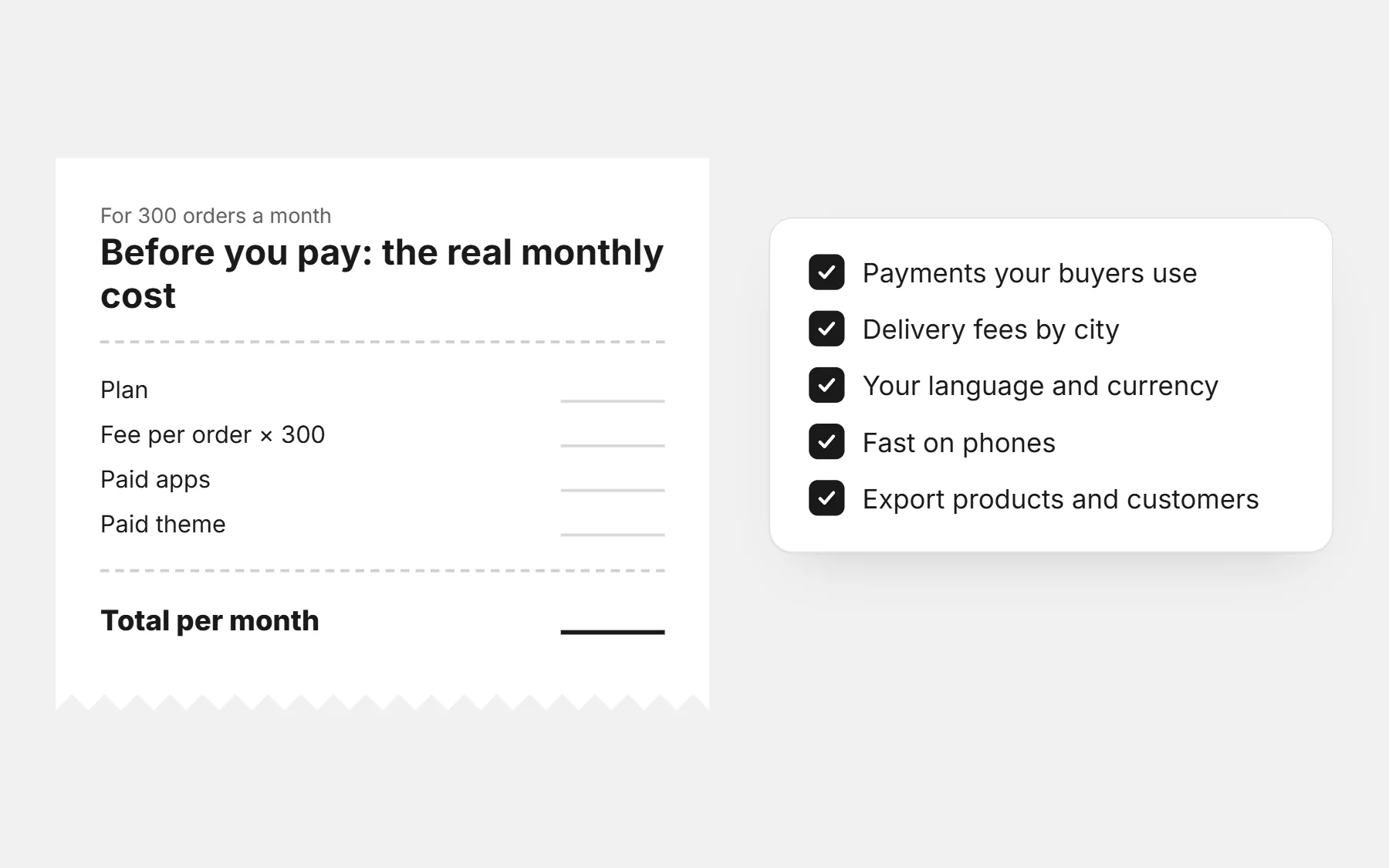
See how much an online store costs: the plan, a domain if you want one, and your ad budget.