







Google Sheets: your orders in your sheet, automatically
Your team confirms orders from a sheet, so someone copies each order by hand. Google Sheets adds every order of your store to your sheet on its own, and updates the row when the order is confirmed, shipped or delivered.
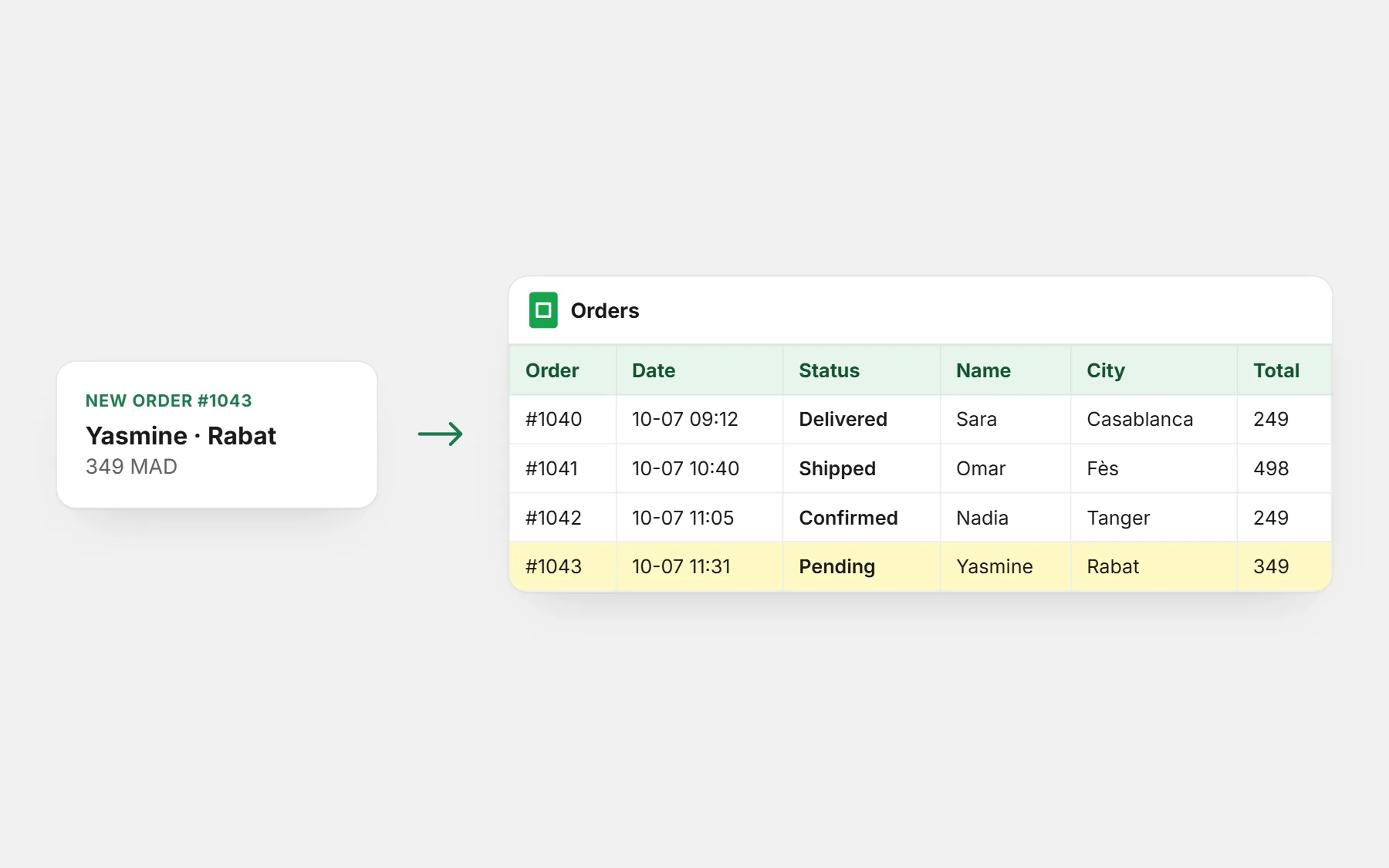
The problem it solves
Copying orders by hand is slow, and one typo in a phone number sends a parcel nowhere.
How it works
- 1
Share your sheet
With the address shown in the app, as an editor.
- 2
Paste its link
Choose the tab and the columns.
- 3
Orders arrive
Each new order becomes a row; its status follows.
What you get
- New orders added automatically
- Choose the columns and their order
- Column titles in English, French or Arabic
- Row updated when the status changes
- Your time zone for the date
- Test row and past orders (7, 30 or 90 days)
- One sheet per shop
Where to switch it on
Install it in Apps, share your sheet with the address shown, paste its link and save. A test row shows it works.
Free — launch offer
Apps will soon cost $25 a month. Add one now and it stays free for you, for good — no limit on use.
Every theme is free tooQuestions people ask first
Is Google Sheets free?
Yes, during our launch. Apps will soon cost $25 a month, but if you add Google Sheets now it stays free for you, for good. You pay only your store plan.
Do I need to sign in with Google?
No. You share one sheet with our address; it can only see the sheets you share with it.
How fast do orders arrive?
Within seconds. If the buyer then accepts your upsell, the row is updated.
Can I add my own columns?
Yes, to the right of ours — for example the name of the person who confirmed.
Apps that work well with it
Quick Order Form
A long cart and checkout loses many buyers on their phone, especially the ones who will pay when the parcel arrives.
Free — launch offerHow it works
Email Marketing
Sending an email usually means another tool, another list to export, and a design that looks nothing like your shop.
Free — launch offerHow it works
WhatsApp Chat Button
Shoppers with a question leave when there is no quick way to ask.
Free — launch offerHow it works
Guides to go further
Deliver
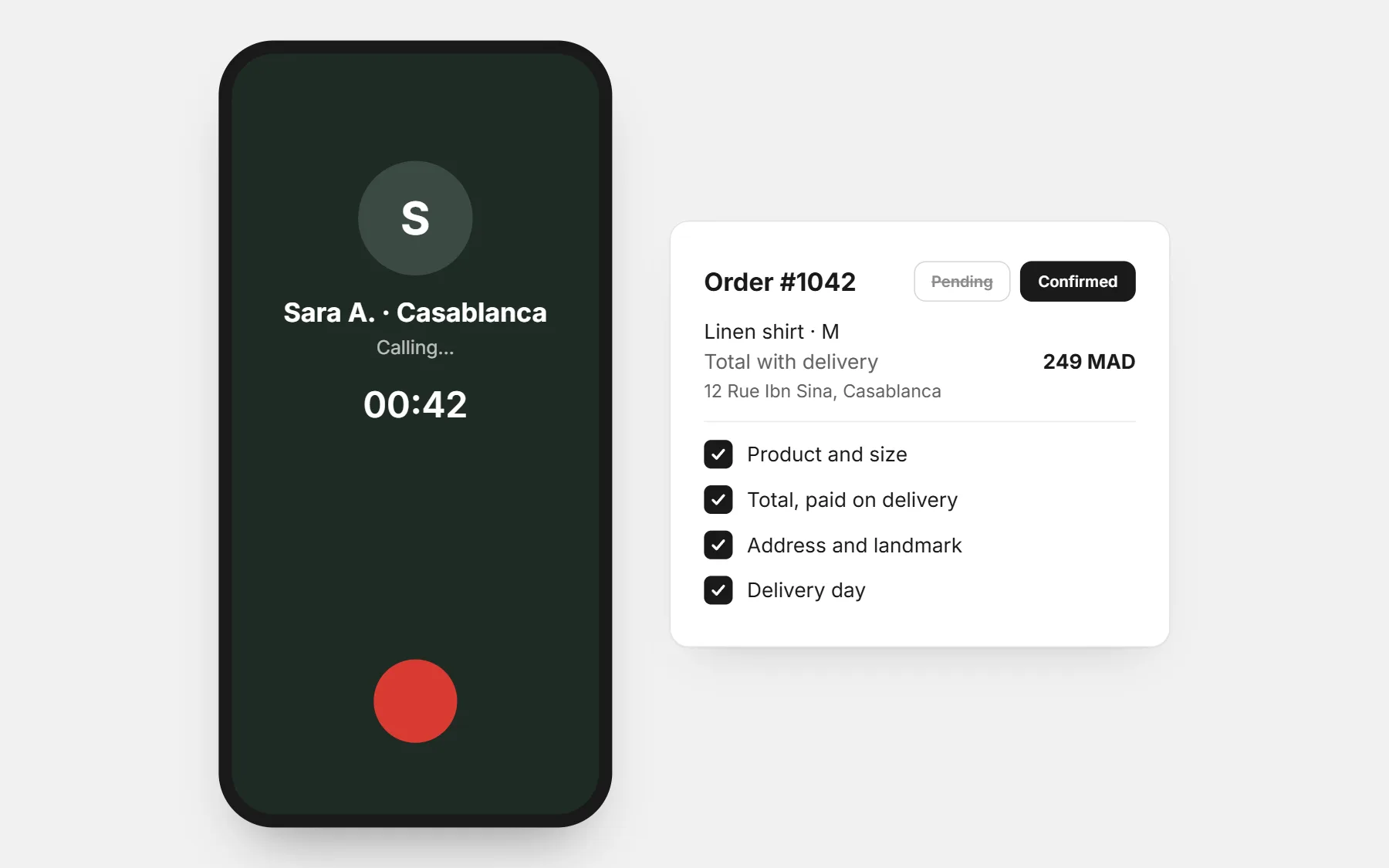
The confirmation call script for cash-on-delivery orders
A ready-to-use phone script to confirm cash-on-delivery orders, with answers to the usual objections, when to call, how many tries, and how to record each order — fewer refused parcels.
3 min read
Sell
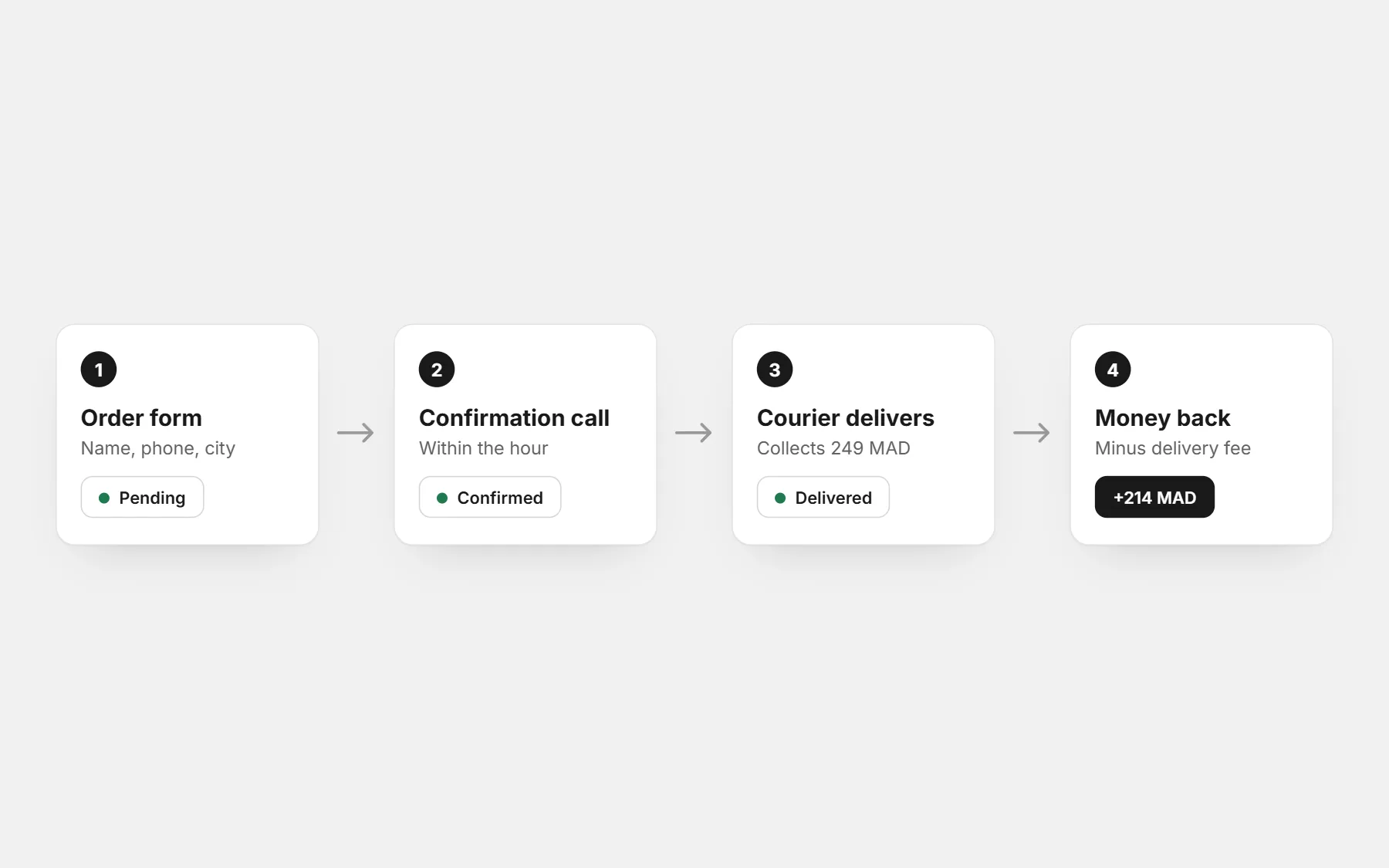
How to run an online store with cash on delivery
How to run an online store with cash on delivery: a short order form, delivery fees by city, order confirmation, couriers that collect the cash, and the numbers that decide your profit.
3 min read
Open your store with Google Sheets switched on
Every app and every theme is free while we launch — and stays free for you once added. Build free for 3 days · $1 for your first 14 days.
Build free for 3 days · $1 for your first 14 days · Cancel any time