Right to left is more than the text
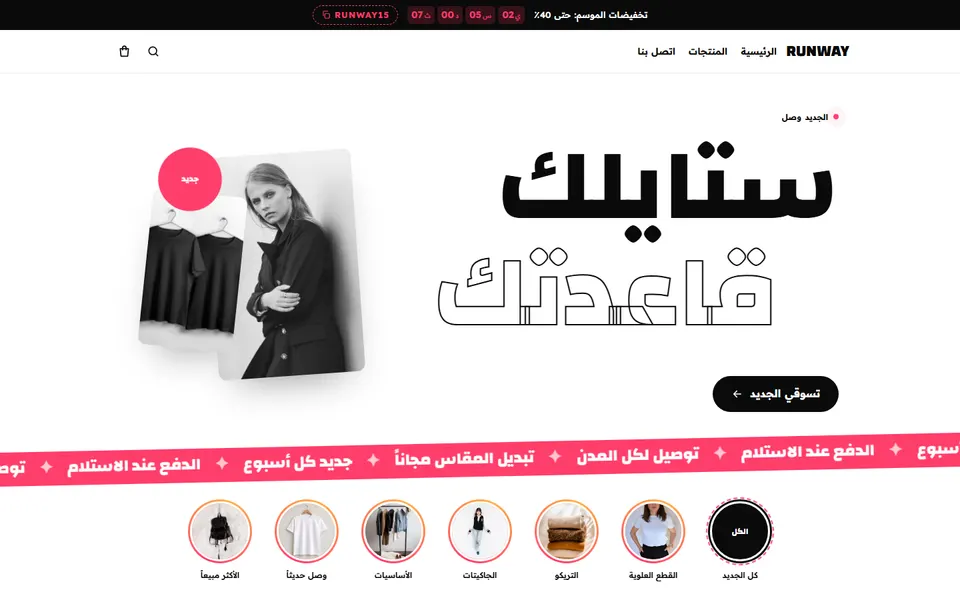
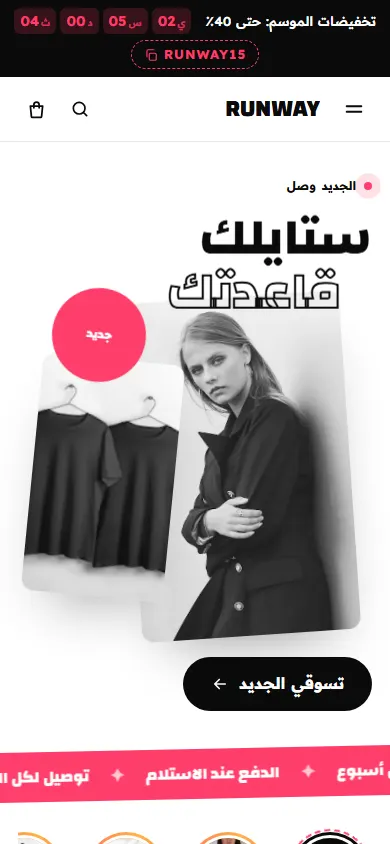
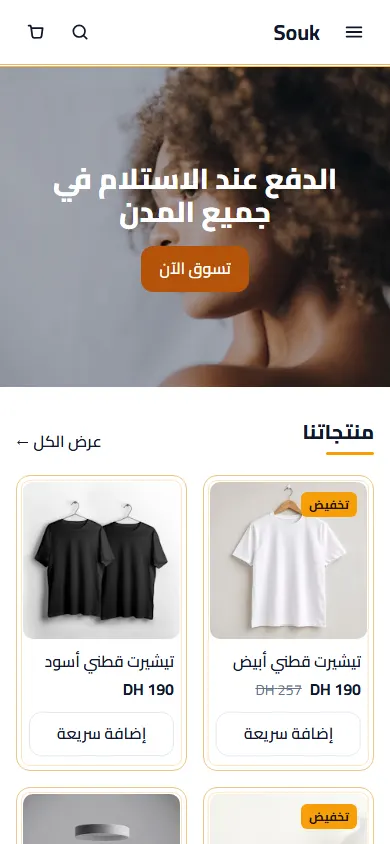
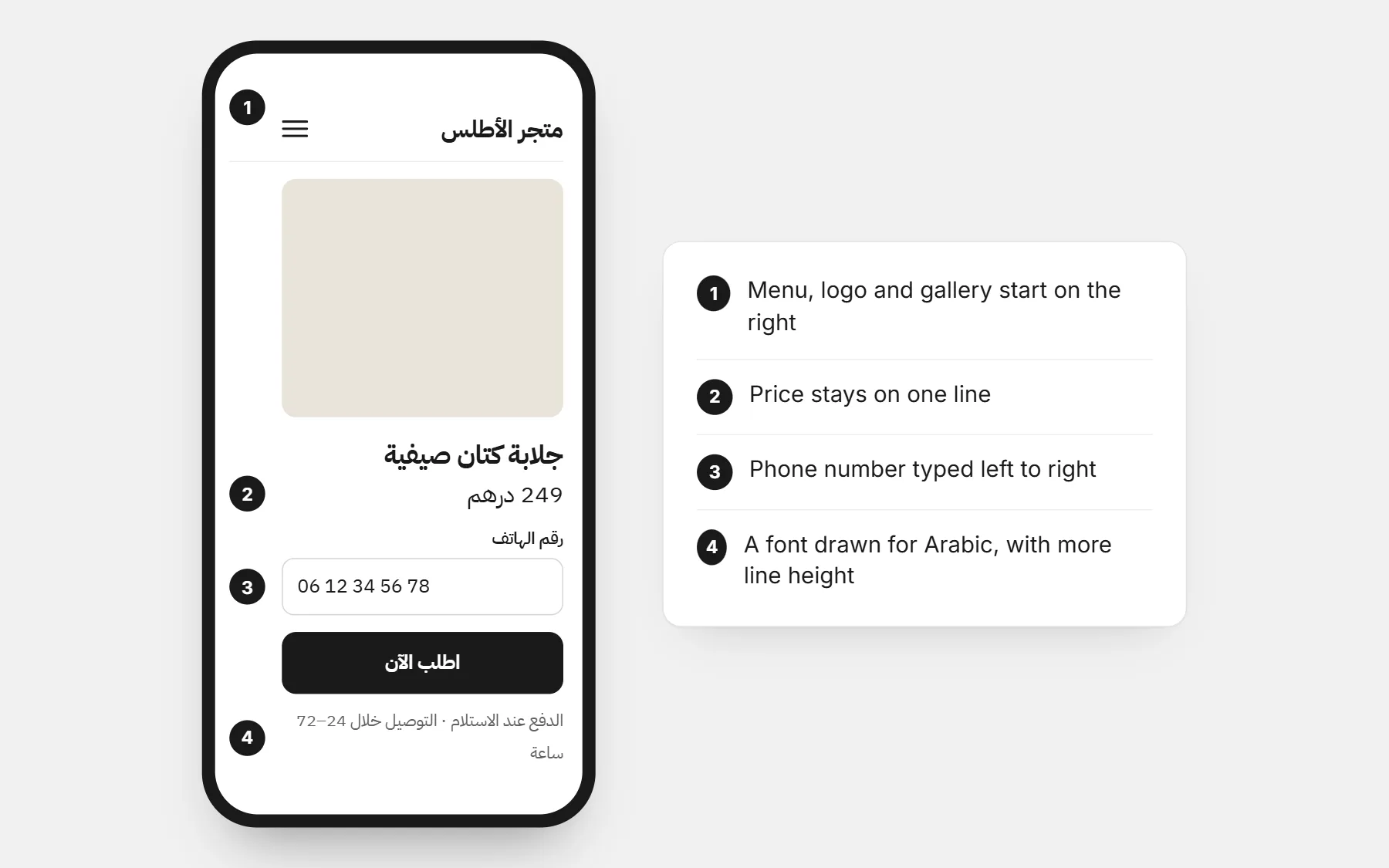
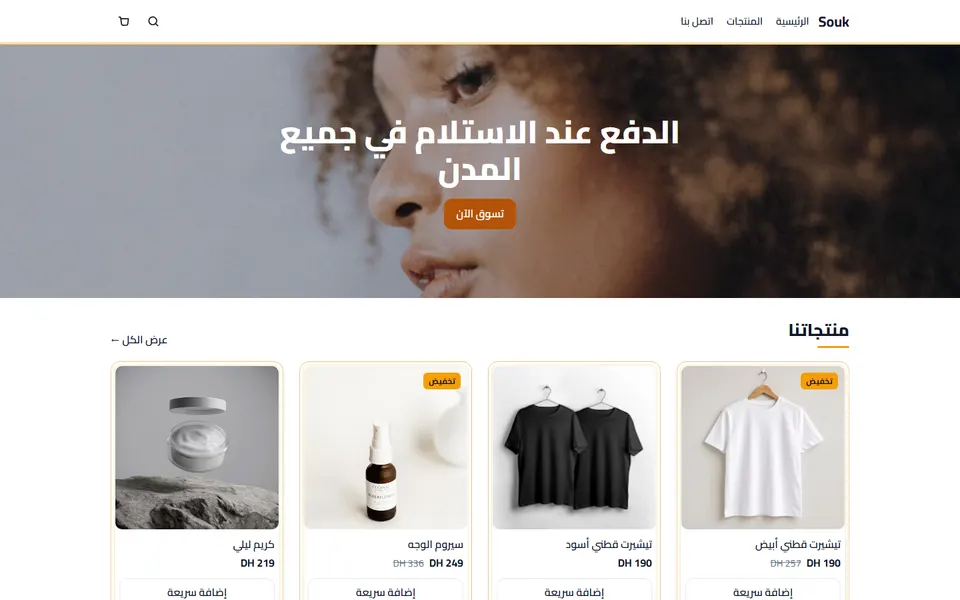
- The whole layout turns: menu, logo, product gallery, sliders and the “next” arrows all start on the right.
- Icons that show a direction (arrows, “back”, progress) are mirrored; icons that show objects (cart, phone) are not.
- Mixed text — an Arabic sentence with a brand name, a size like “XL” or a price — must stay readable without words jumping around.
- Forms align to the right, but phone numbers and emails are still typed left to right.
Fonts and sizes
- Choose a font drawn for Arabic (Cairo, Tajawal, Almarai, IBM Plex Sans Arabic, Noto Kufi…) rather than a Latin font with a fallback.
- Arabic needs a slightly bigger size and more line height than Latin text to stay readable on a phone.
- Avoid very thin weights for body text; they disappear on small screens.
- Pick one Arabic font and one Latin font that look like they belong together, for bilingual pages.
Numbers, prices and phone numbers
- Choose one style of digits for the whole store. Maghreb shoppers mostly read 0123456789; many Gulf and Egyptian shoppers are also used to ٠١٢٣٤٥٦٧٨٩. Keep it consistent.
- Write the currency the way your customers do: “249 درهم” or “249 DH”, “199 ر.س” or “199 SAR”.
- Phone numbers are entered left to right, with the local format your customers know (06…, 05…, +971…).
Arabic only, or bilingual?
| Choice | Best for |
|---|---|
| Arabic only | Gulf markets, local products, customers who message you in Arabic |
| Arabic + French | Morocco, Algeria, Tunisia — many shoppers switch between both |
| Arabic + English | Gulf countries with many expatriate customers |
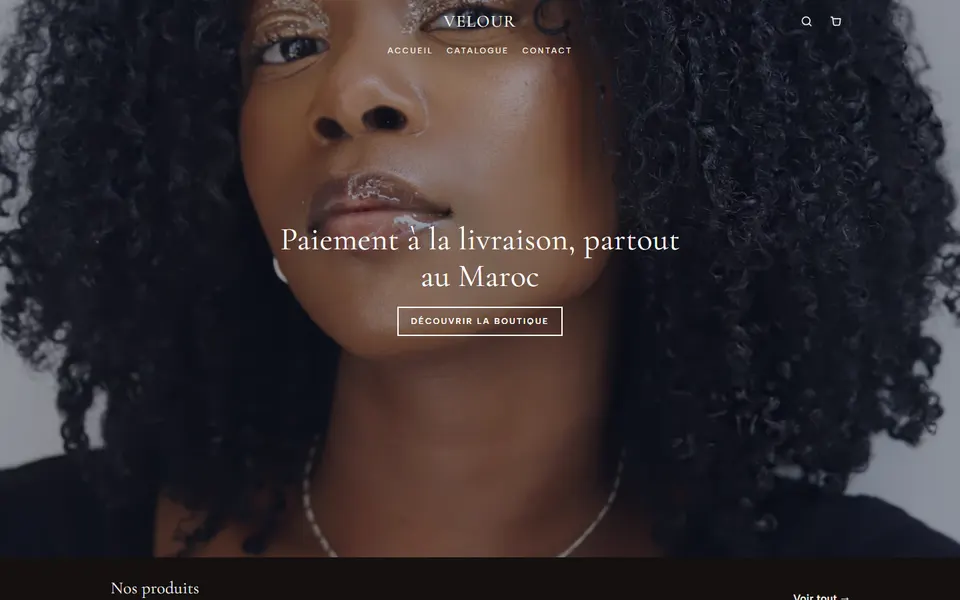
If you go bilingual, translate everything — product pages, order form, emails, the thank-you page. A half-translated store looks unfinished.
The details that build trust
- Write like a person, not like a machine translation. Read every page aloud once.
- Show how to pay and the delivery time in Arabic next to the order button.
- A WhatsApp button with your number — many Arabic-speaking shoppers want to ask one question before ordering.
- Real photos and real reviews from customers in your country.
Questions people ask first
Should the domain name be in Arabic?
Usually no. A short Latin domain is easier to type and share. Your brand name can be in Arabic on the store itself.
Will Google show my Arabic store in search?
Yes, if the pages are really written in Arabic and declared as Arabic. Write titles and descriptions in Arabic with the words people search.
Can I sell to several Arab countries from one store?
Yes, as long as you can deliver there. Choose the currency and payment methods for each market, and show only what you can honour.