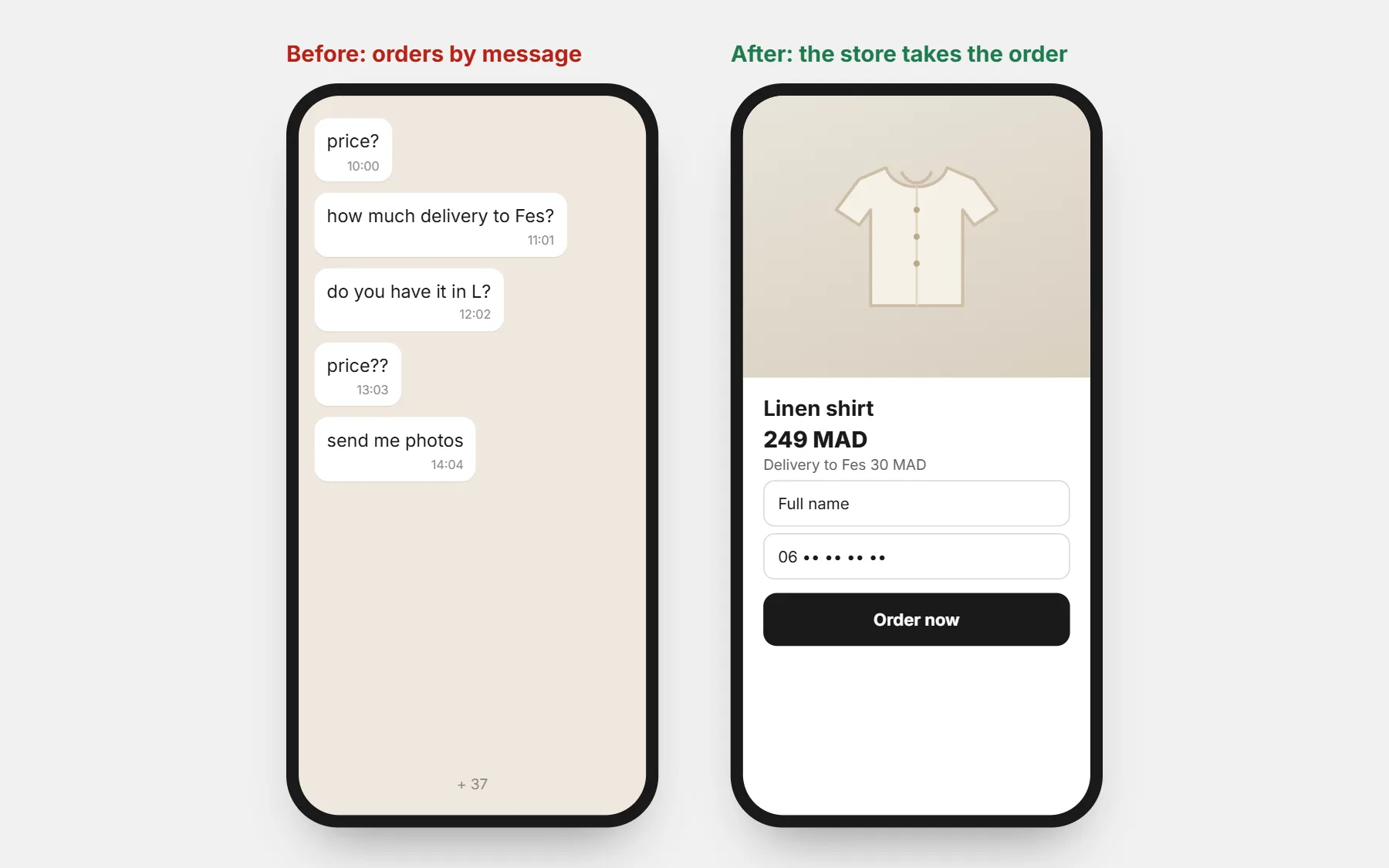
Signs you have outgrown order-by-message
- You answer the same three questions dozens of times a day: price, delivery, sizes.
- Orders get lost between chats, voice notes and screenshots.
- You cannot say how many orders you had last week, or which ad brought them.
- Customers wait hours for an answer and buy elsewhere.
- You cannot run ads well, because there is no page to send them to.
What the store does, what WhatsApp keeps
| Job | Store | |
|---|---|---|
| Show products, prices, sizes | Yes — always up to date | Only to answer a specific question |
| Take the order and the address | Yes — the form fills it in for you | No more copying by hand |
| Delivery fee by city | Calculated at once | — |
| Confirm the order | The order arrives with the phone number | Yes — a short confirmation message |
| Answer doubts before ordering | FAQ and reviews on the page | Yes — the WhatsApp button |
| Follow-up and news | Email and order messages | Yes, to customers who agreed |
Switch in one week
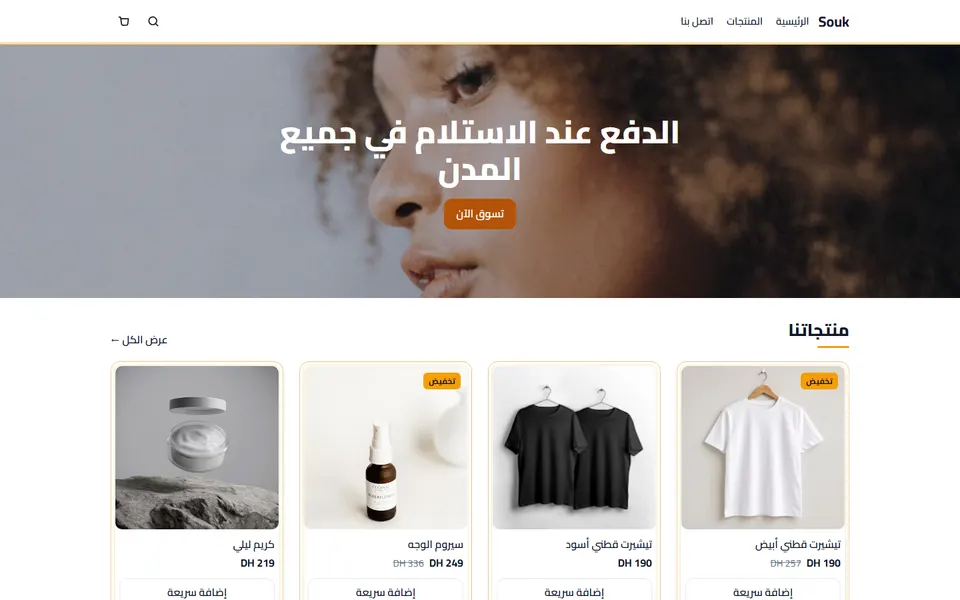
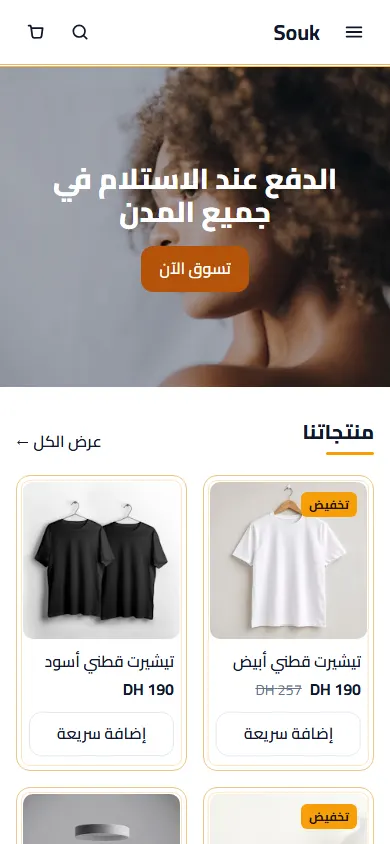
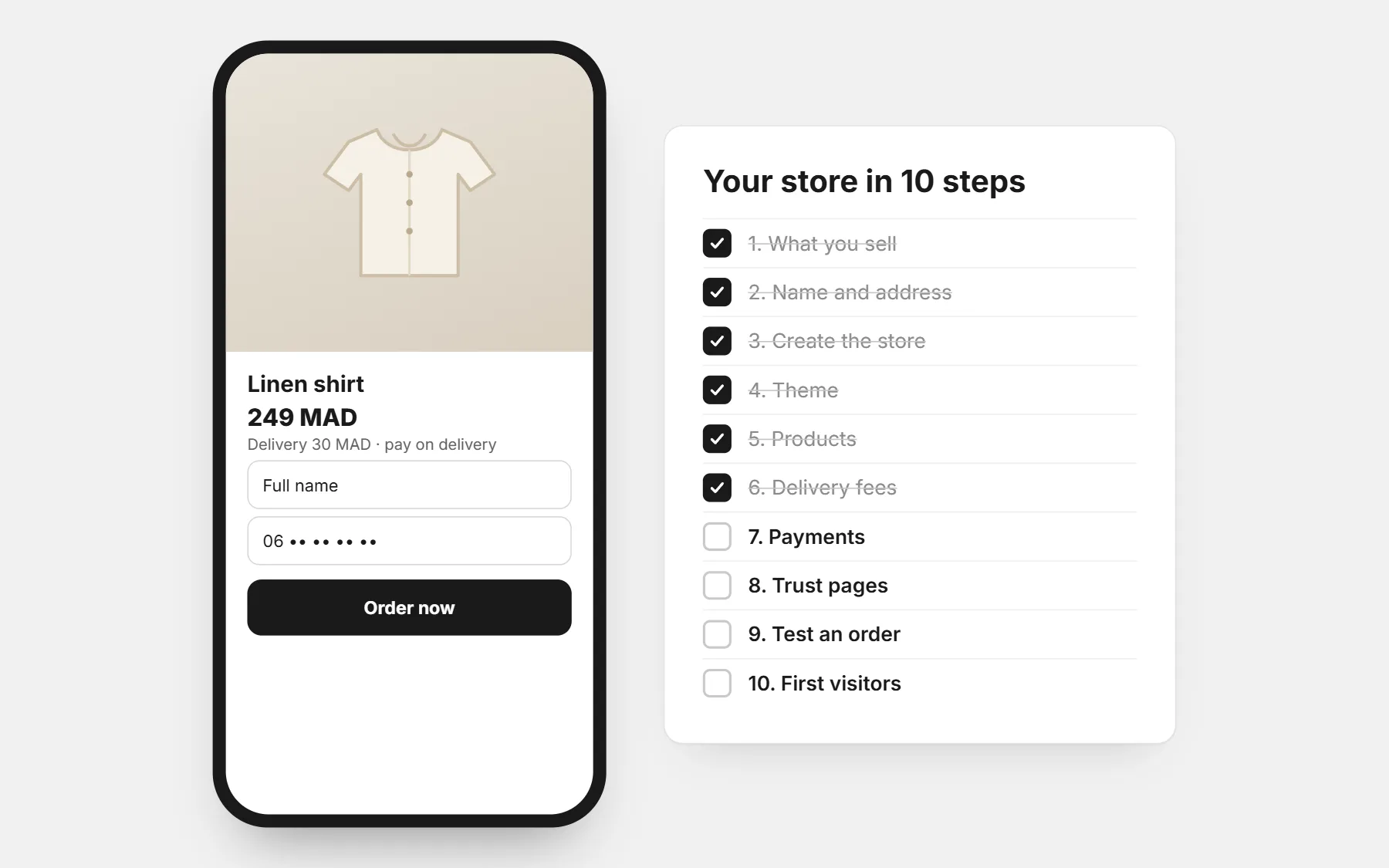
- 1Day 1: create the store, pick a theme, set your country, currency and delivery fees. See how to create an online store.
- 2Day 2–3: add your best-selling products with real photos and full prices.
- 3Day 4: add the WhatsApp button, with the product already written in the message.
- 4Day 5: test an order from your phone; write your confirmation message — see order confirmation messages.
- 5Day 6: put the store link in your WhatsApp Business profile, Instagram bio and stories.
- 6Day 7: start answering “price?” with the product link.
Bring your WhatsApp customers along
- Reply to questions with the product link: “Here it is with the price and delivery to your city.”
- Pin the store link in your status and profile.
- Keep taking orders by message for the regulars who prefer it — place their order yourself through the store’s order form, so every order is in one list.
Questions people ask first
Will my customers still be able to message me?
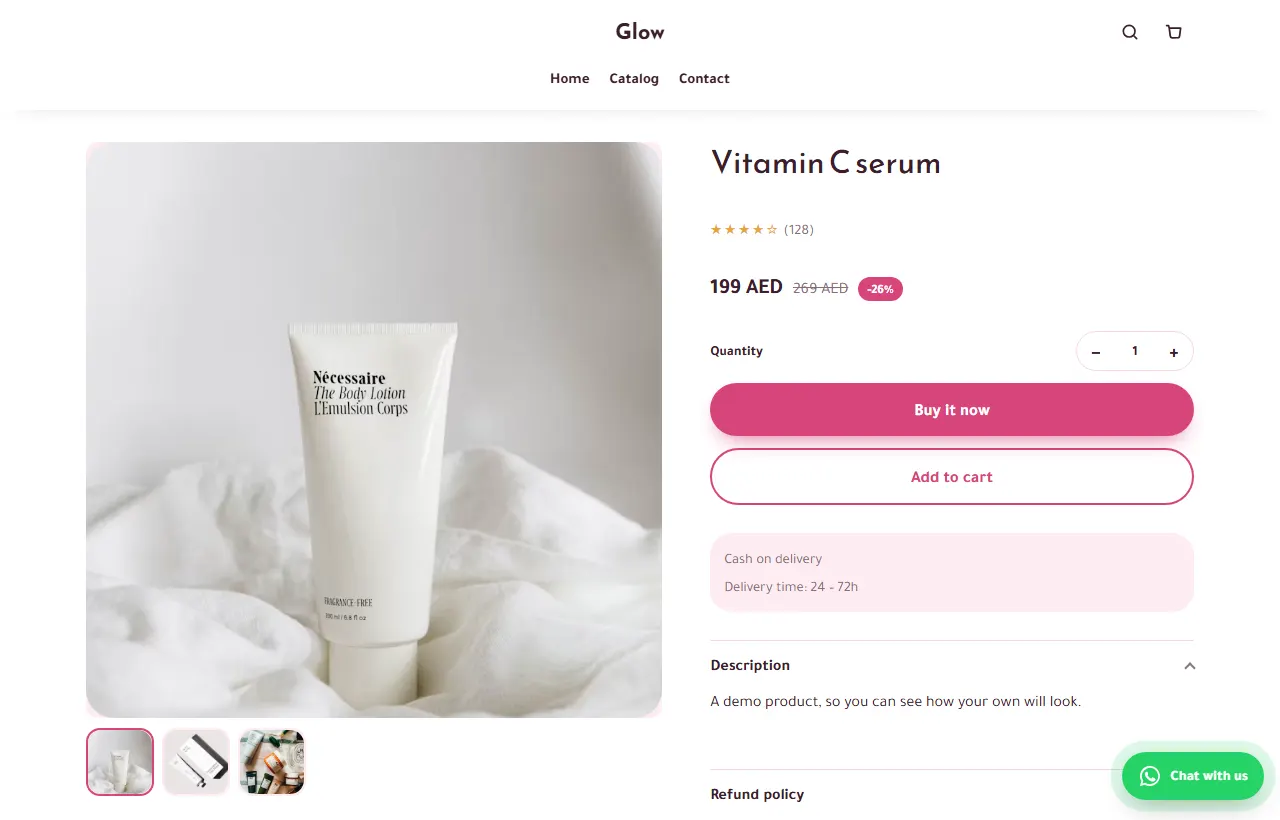
Yes. The WhatsApp button on every product page opens a chat with the product already written.
I sell on Instagram too. Does this change?
Use the same store link in your bio and stories. See from Instagram to an online store.
What about an order I take by phone?
Place it through your own store’s order form with the customer’s details, so your stock and numbers stay right.