What the pixel counts
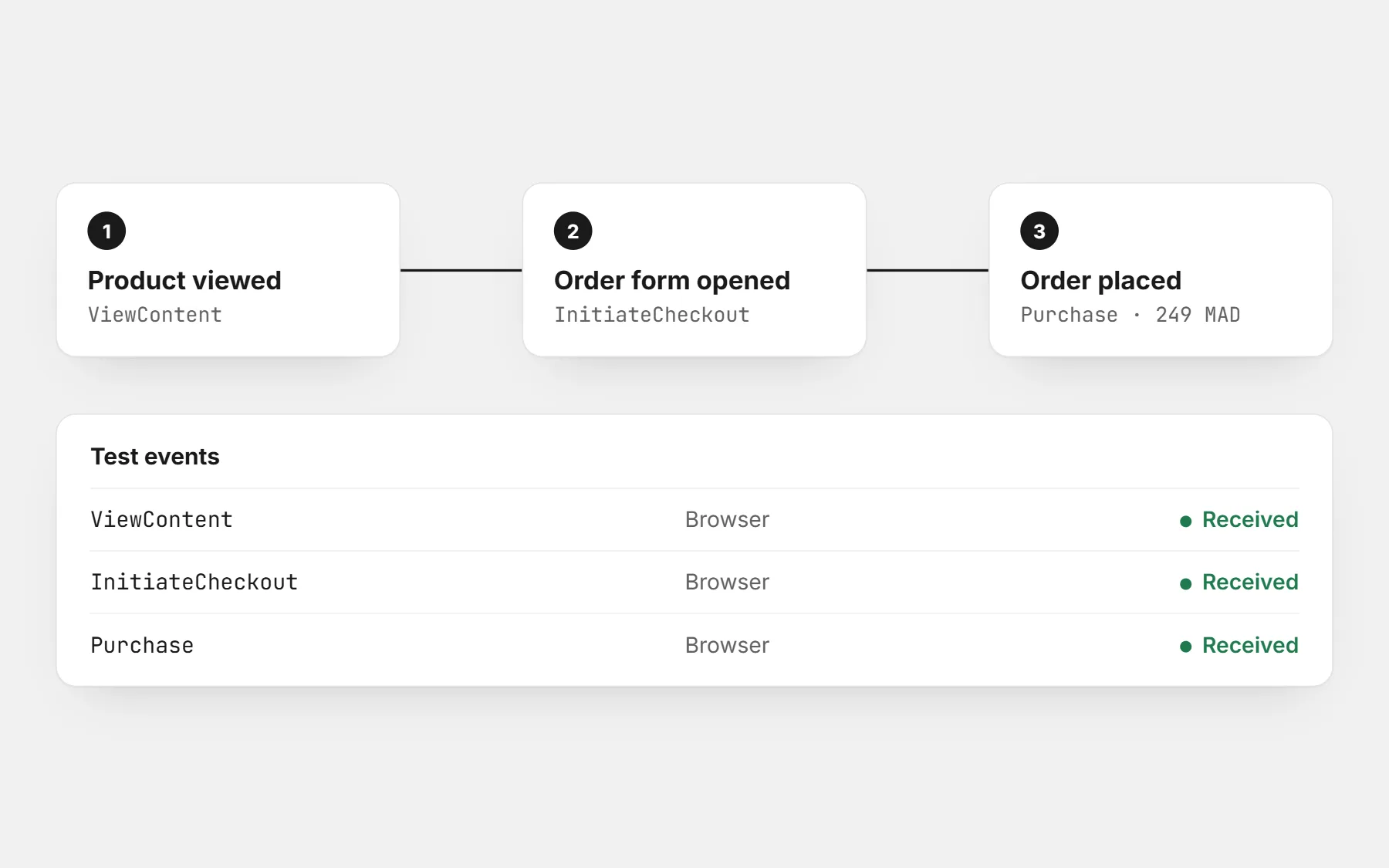
| Event | When it fires | Why it matters |
|---|---|---|
| ViewContent | Someone opens a product page | Shows which ads bring interested people |
| InitiateCheckout | Someone starts the order form or checkout | Shows where people drop off |
| Purchase | An order is placed | What the platform learns from to find more buyers |
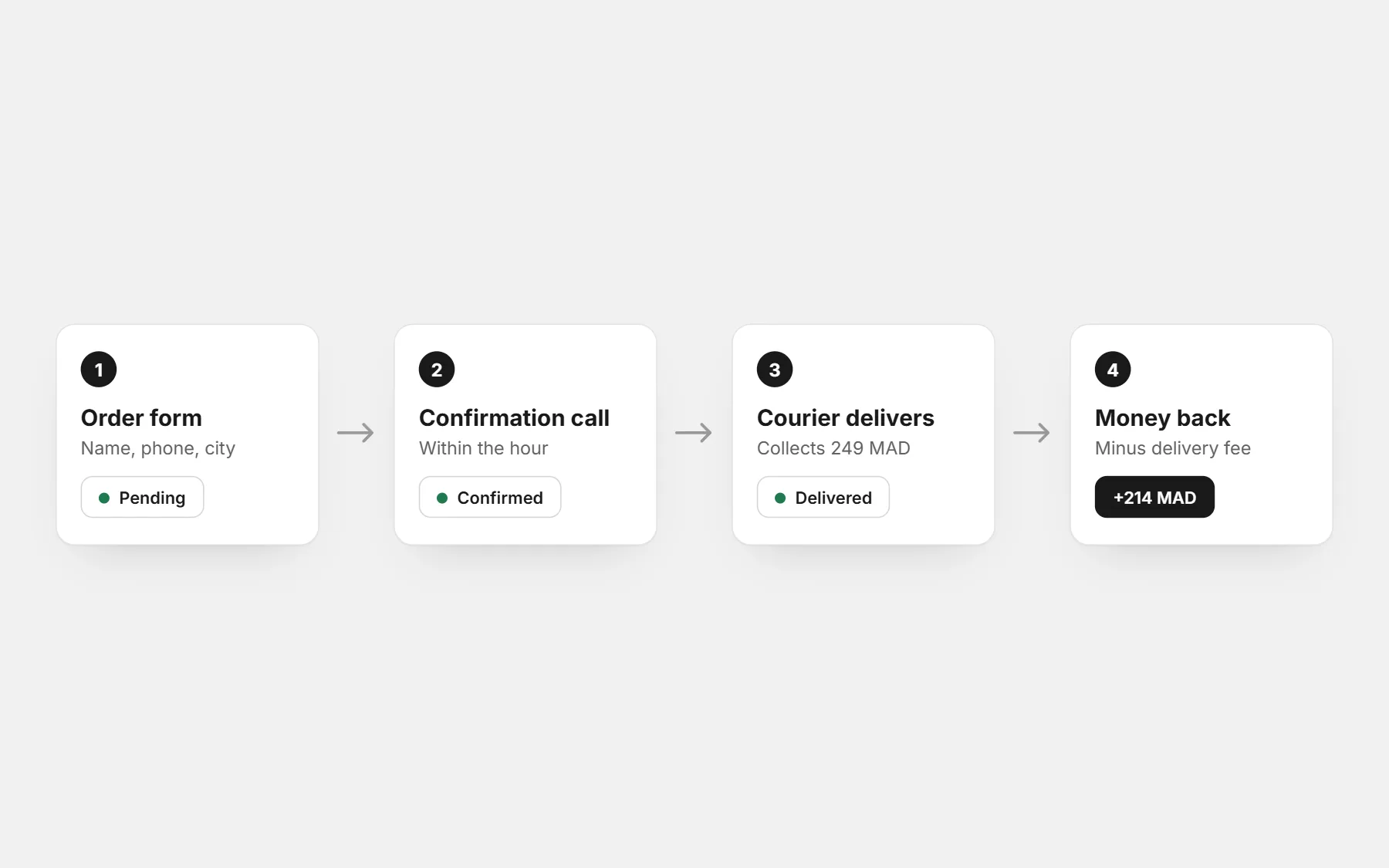
With cash on delivery, the Purchase event fires when the order is placed, not when it is paid. Keep that in mind when you compare the ad results with your delivered orders.
Meta (Facebook and Instagram) pixel
- 1Open Meta Events Manager with the business account that runs your ads.
- 2Connect data sources → Web → create a pixel (a “dataset”) with your store’s name.
- 3Copy the pixel ID — a number of 15 or 16 digits.
- 4Paste the ID in your store’s pixel settings. Do not paste the full code snippet if your store asks only for the ID.
- 5Open your store, view a product, place a test order, and check in Events Manager → Test events that the three events arrive.
TikTok, Snapchat and Google
- TikTok: TikTok Ads Manager → Assets → Events → Web events → create a pixel, and copy its ID (letters and numbers).
- Snapchat: Snapchat Ads Manager → Events Manager → create a Pixel, and copy its ID.
- Google: a Google Analytics measurement ID (G-…) or a Google Ads conversion ID (AW-…).
Check it works before spending
- Install the Meta Pixel Helper browser extension and open your store: it shows each event as it fires.
- Place one real test order and cancel it afterwards; the Purchase event should show the right amount and currency.
- Make sure each event fires once. Two pixels installed in two places double every number.
Reading the results with cash on delivery
- Compare the ad platform’s purchases with your confirmed and delivered orders each week. The gap is your confirmation and refusal rate.
- Judge an ad by its cost per delivered order, not by the cost per purchase the platform shows.
- Let a new ad run a few days before you judge it: the platform needs orders to learn.
To know the most you can pay per order, use the profit calculator.
Questions people ask first
Do I need a pixel if I do not run ads yet?
Install it anyway. The platform starts learning from your visitors before your first ad, and you will have data to build audiences from.
What is the Conversions API?
A way for the store’s server to send events to Meta directly, which recovers some events blocked by browsers. The browser pixel is the first step; it is enough to start.
Why does Meta show more purchases than I received?
Often a pixel installed twice, or test orders. Check with the Pixel Helper that each event fires once.