1. Set your brand once
- Logo: a wide version for the header and a square one for the browser tab.
- Two or three colours: one for buttons, one for backgrounds, one for text. More looks messy.
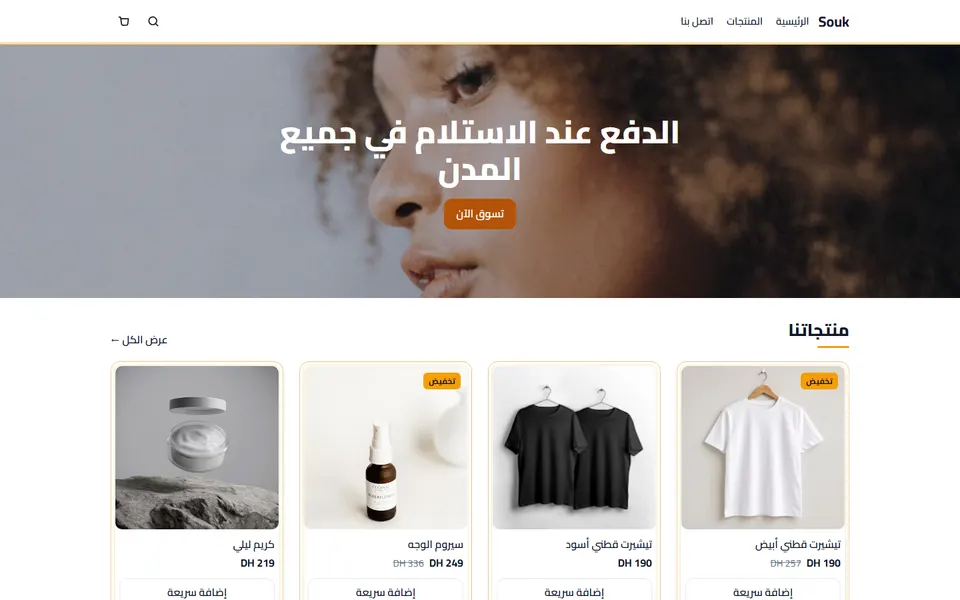
- Two fonts at most: one for headings, one for text. In Arabic, choose a font drawn for Arabic.
2. Put the home page in an order that sells
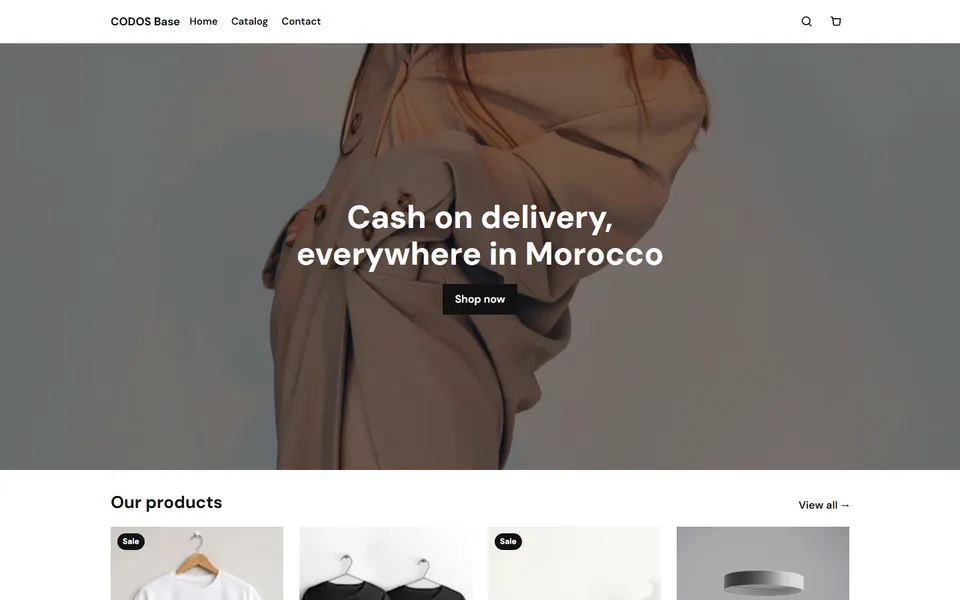
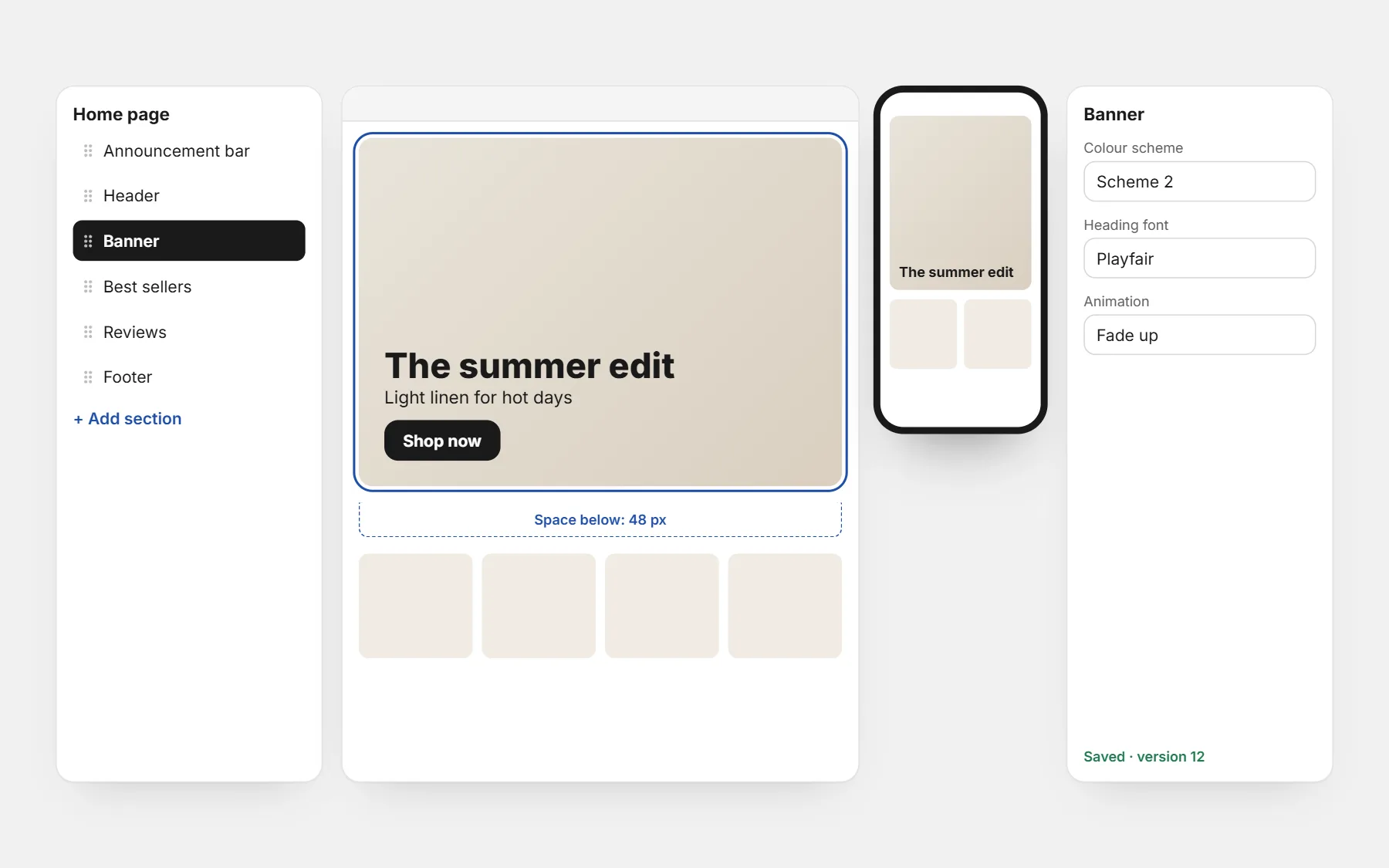
- 1Announcement bar: delivery and payment in one line.
- 2Banner: one picture, one sentence, one button.
- 3Best sellers: proof that people buy here.
- 4Reasons to buy: payment on delivery, delivery time, exchanges.
- 5Reviews with photos.
- 6Collections or a second product row.
- 7FAQ, then the footer with contact and policies.
Remove sections that say nothing. A shorter home page that answers questions beats a long one that only looks nice.
3. Spend most of your time on the product page
Most visitors from ads land on a product page, not the home page. Make sure it shows: real photos, the price with delivery, the order button high on the screen, your promises under it, and reviews further down. See product descriptions that sell.
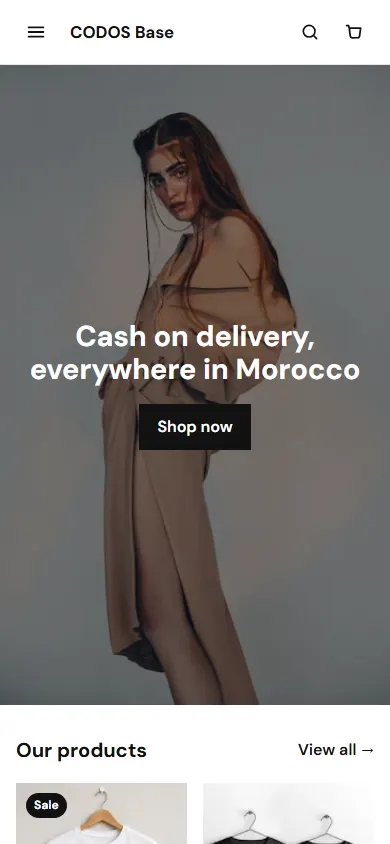
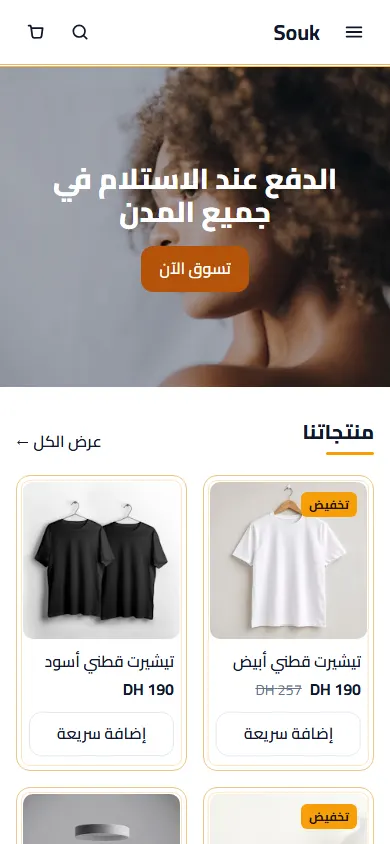
4. Check everything on a phone
- Can you read the price and press the order button without zooming?
- Do pictures load fast and stay sharp?
- Is the space between sections calm — not too tight, not too empty?
- In Arabic, does the whole layout turn, not only the text?
5. Add what the theme doesn’t have
Need a section your theme doesn’t include — a before / after, a size table, a comparison? Pick one from the section library, or describe it and let AI build it. Our AI prompts for store sections give you sentences that work.
What to leave alone
- Do not add every animation: one calm effect is enough.
- Do not hide your delivery fee or payment method to “clean” the page.
- Do not change the theme every week: improve one page at a time and watch your orders.
Questions people ask first
Do I need a designer to customize my store?
Not to start. A good theme plus your logo, colours, real photos and a clear product page is enough for most small stores.
How long does it take?
An afternoon for the brand and home page, then a little time on each product page.
Can I undo changes?
On CODOS Store, yes: changes stay a draft until you publish, and earlier versions are kept.