One rule first: the product page does most of the selling
Ads and social posts send people to a product, not to your home page. Spend your effort there first, then on the cart, and only then on the home page.
| Buyer’s question | The section that answers it | Where |
|---|---|---|
| What exactly is it? | Photos, video, variant swatches | Product page |
| How much in total? | Price, quantity offers, delivery fee | Product page |
| Is it really good? | Product reviews, testimonials | Product page, home |
| What if it goes wrong? | Guarantee | Product page |
| When will I get it? | Delivery estimate, How to order | Product page |
| Why here and not elsewhere? | Us vs others, Scrolling promises | Product page, home |
| Can I ask someone? | Ask us on WhatsApp | Everywhere |
Product page: the eight sections that close the sale
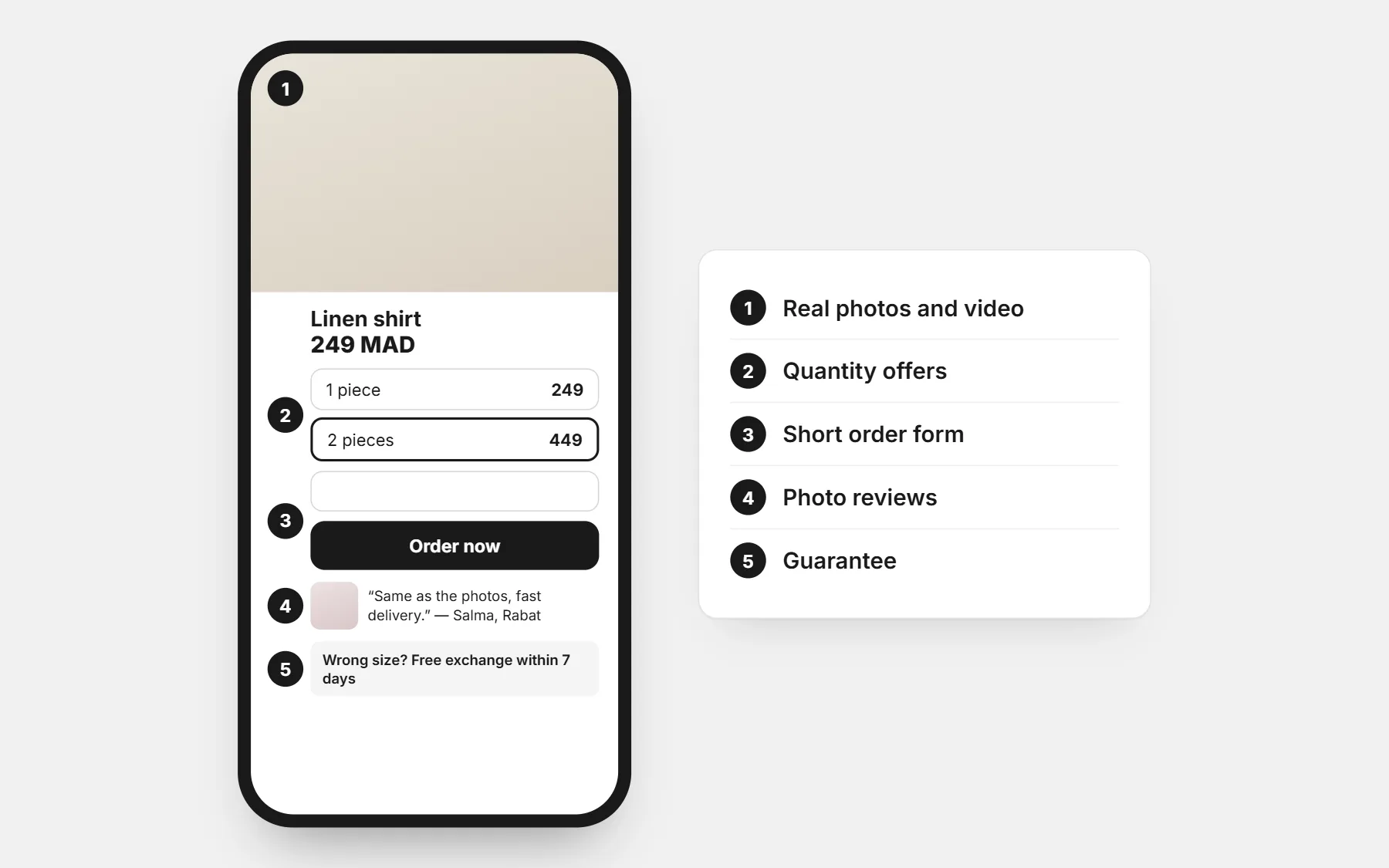
- 1. Pictures and video. Several real angles, one picture in use, one short video. Most buyers decide here, before reading a word.
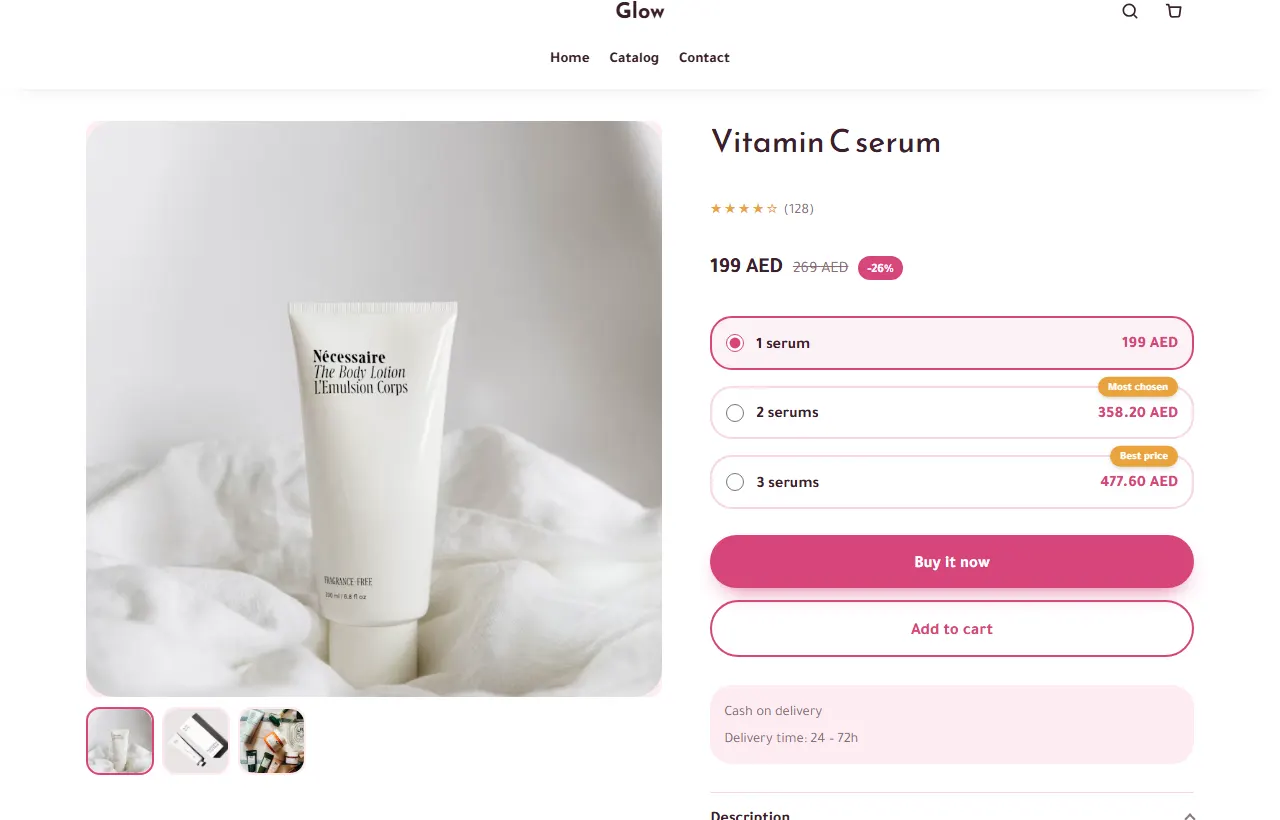
- 2. Quantity offers. “1 for 199, 2 for 349” right above the button raises the order value without cutting the price of one piece. See the Quantity offers app.
- 3. A short order form on the page. Name, phone, city, address — no account, no extra step. See the Quick Order Form.
- 4. Product reviews with photos. A buyer’s photo answers “is it really like the picture?” better than any text. See Reviews.
- 5. Guarantee. One plain sentence: what happens if the size is wrong or it arrives damaged.
- 6. Delivery estimate. “Arrives between Tuesday and Thursday” is easier to believe than “fast delivery”. See the Delivery Date Estimator.
- 7. Us vs others. A simple two-column comparison with what buyers usually get elsewhere. Only claims you can keep.
- 8. Ask us on WhatsApp. For the visitor who has one last question. It turns a closed tab into a conversation.
Honest urgency: real numbers only
Fake countdowns and “23 people are watching” banners are easy to spot and hurt trust. On CODOS Store, the urgency sections read real data:
- Stock left shows the real number of pieces in stock.
- Recent orders notice shows the first name and city from real orders of the last 48 hours — when there are none, it stays hidden.
- Limited offer counts down to the end date you set for a real offer, and flash sales change the prices on the server, so the price really goes back up.
Home page: the five sections that send people to a product
- 9. Hero banner. One promise, one picture of the product in use, one button to your best seller. Not a slideshow of five ideas.
- 10. Scrolling promises. A thin line of short facts: delivery in 48 hours · pay on delivery · exchange in 7 days.
- 11. Featured products. Your best sellers, with price visible, two per row on phones.
- 12. Testimonial slider. Three or four real customer words, with a first name and a city.
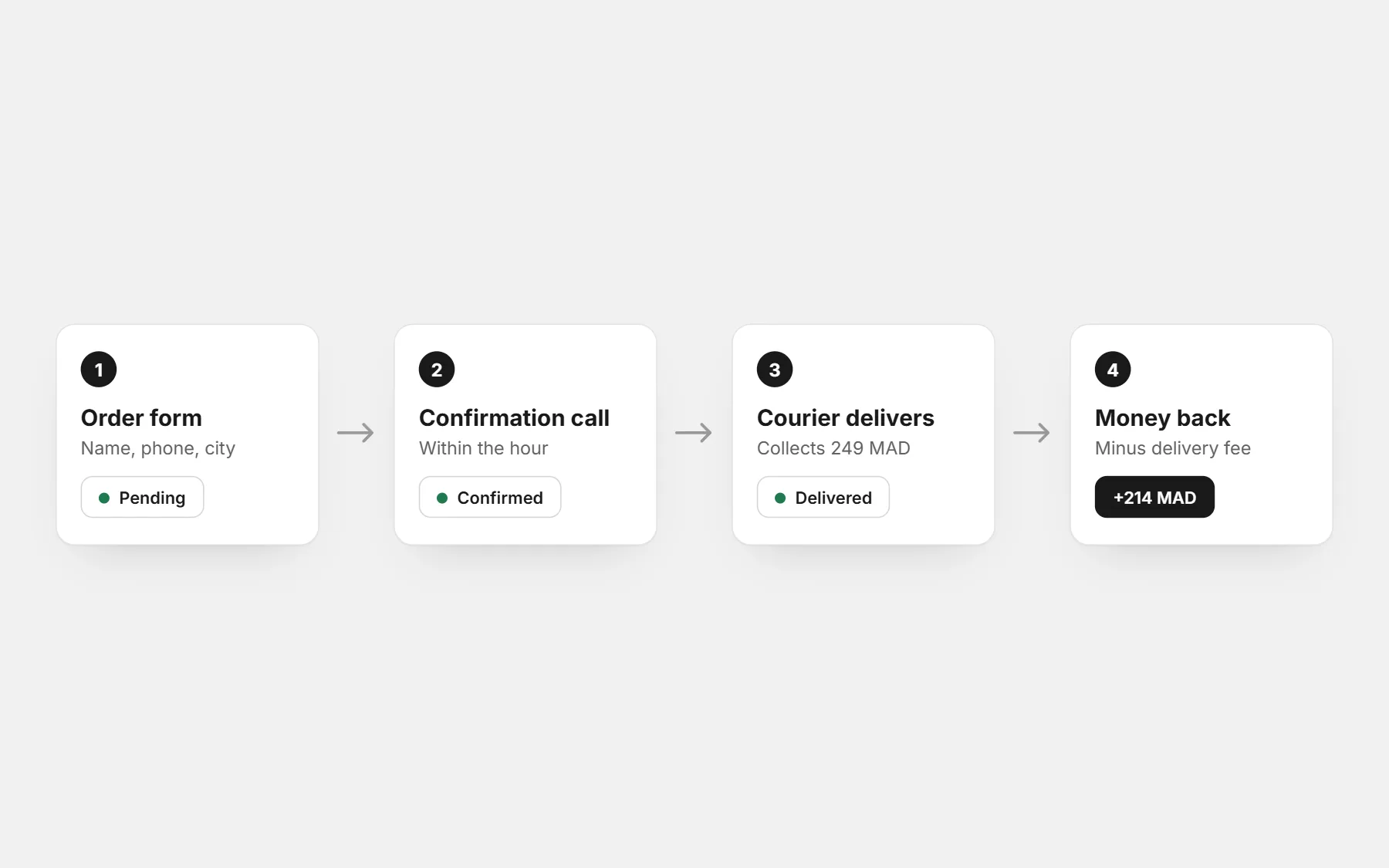
- 13. How to order. Three steps (order, we call to confirm, pay at the door) — it removes the fear of a first online order.
Cart: two sections that raise the order value
- 14. Free delivery bar. “Add 60 MAD more for free delivery” — set the threshold just above your average order. See Free shipping bar.
- 15. One add-on, not ten. A small related item at the right moment: frequently bought together on the product page, or an order bump in the form.
Sections that cost you sales
- A slideshow that moves before the visitor has read the first slide.
- Pop-ups on the first second of a visit, before anyone has seen a product.
- A home page so long that the first product appears after four screens.
- Reviews nobody can believe: all five stars, same style, no names.
- Ten apps all shouting at once. Pick the three that answer your buyers’ real questions.
Not sure which ones to add? Describe the section you want and let AI sections build it in your theme, then measure: store analytics shows where visitors stop.
Questions people ask first
Which section increases sales the most?
On most stores: real photos and a short order form on the product page, then quantity offers and photo reviews. Start there before touching the home page.
How many sections should a product page have?
As many as there are questions buyers really ask — often six to nine. If a section answers no question, remove it.
Do countdown timers work?
Only when the offer really ends. A timer that restarts on every visit is noticed, and it costs trust on every other claim you make.
Do I need to pay for these sections?
On CODOS Store, sections and apps are included in the plan, with no extra fee per app.