1. The chat button: let customers come to you
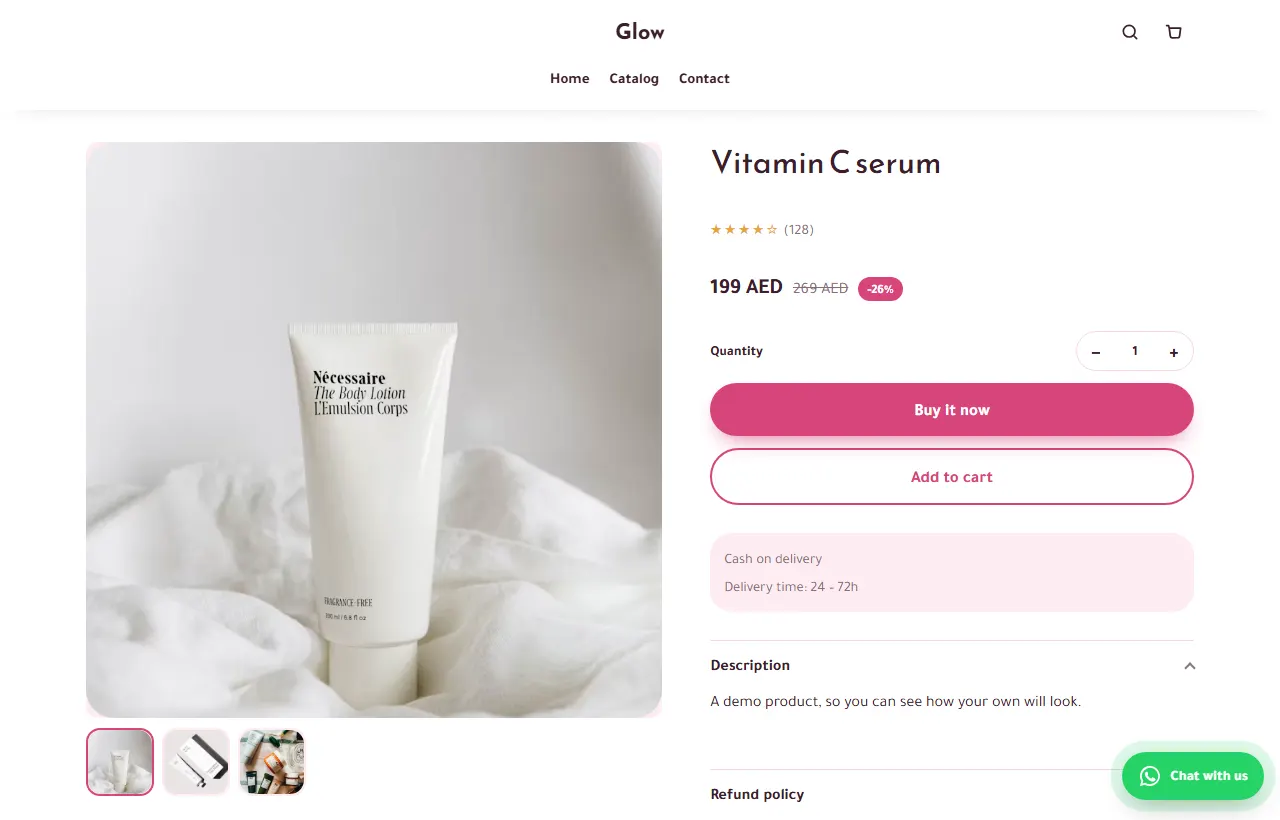
The best WhatsApp marketing is a customer who writes first. A WhatsApp button on every product page, with the product already written in the message, answers the last question before an order. Answer fast, then send the product link so the order goes through your form.
2. Collect numbers with consent
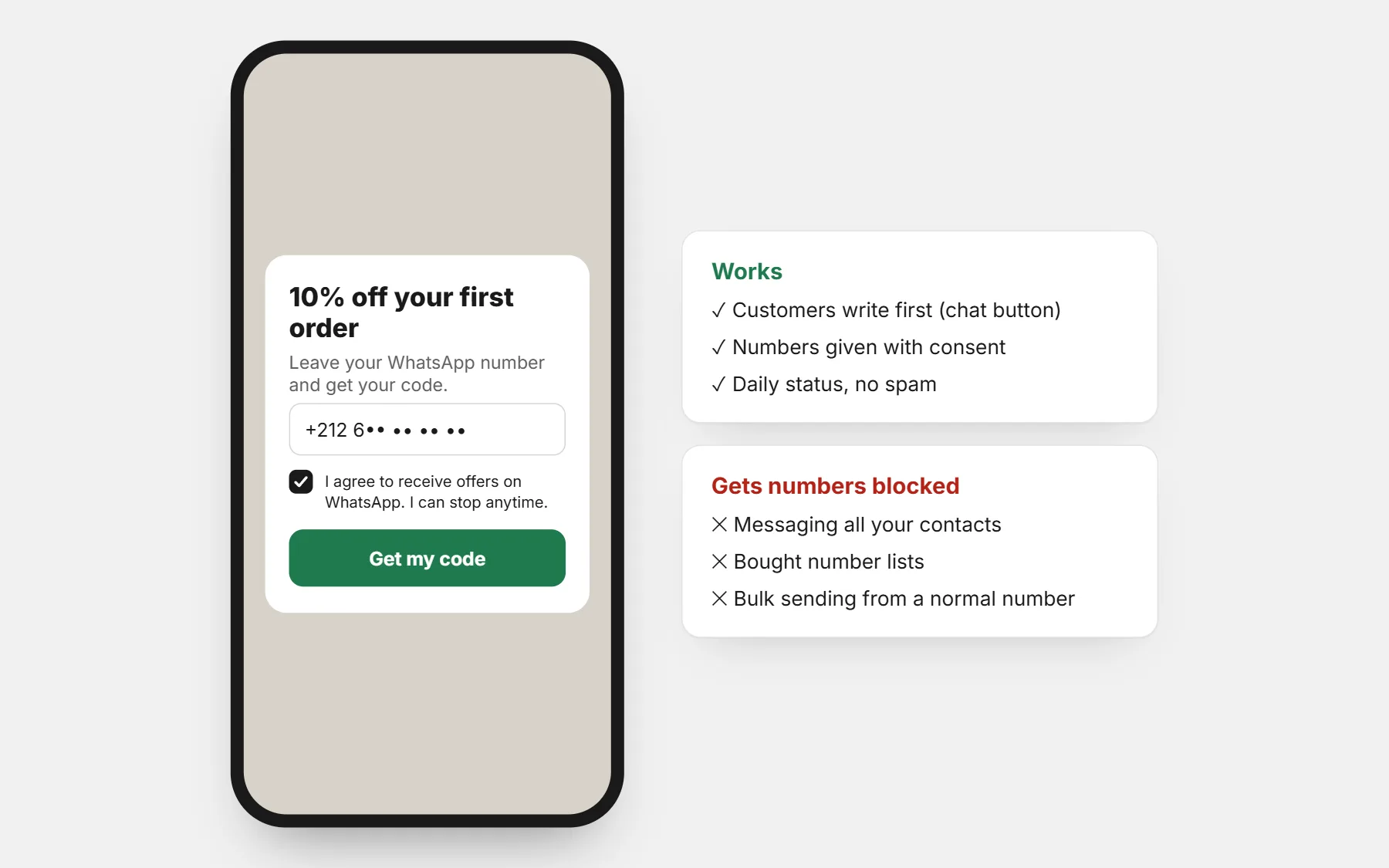
- A spin wheel or pop-up that offers a coupon in exchange for a WhatsApp number — with a clear sentence that you will send offers.
- “Tell me when it is back” on sold-out products.
- The order form: the number is for the order. Ask separately before you send offers to it.
3. Status and broadcast lists
- Status: post new products, restocks and customer photos every day. Only people who saved your number see it — no spam, no risk.
- Broadcast lists in WhatsApp Business reach only people who saved your number. Keep them small, relevant and not too frequent.
- Catalogue: fine for showing products; send the store link to take the order with the right price and delivery fee.
4. Bring back abandoned orders
Someone filled the form and left before ordering. On CODOS Store, abandoned checkouts appear with the customer’s phone, and you can send a WhatsApp reminder with a link back to their order. One polite message, not three.
5. Order messages that sell the next order
Confirmation, shipping and after-delivery messages are read by everyone who ordered. Make them clear first, then add one useful line: how to use the product, or a matching item. See order confirmation messages.
6. When you need to send at scale
Sending to many customers at once needs the WhatsApp Business Platform (the API): approved message templates, an opted-in list and a per-message cost set by Meta. Tools that send from a normal WhatsApp number in bulk break WhatsApp’s rules and get numbers banned.
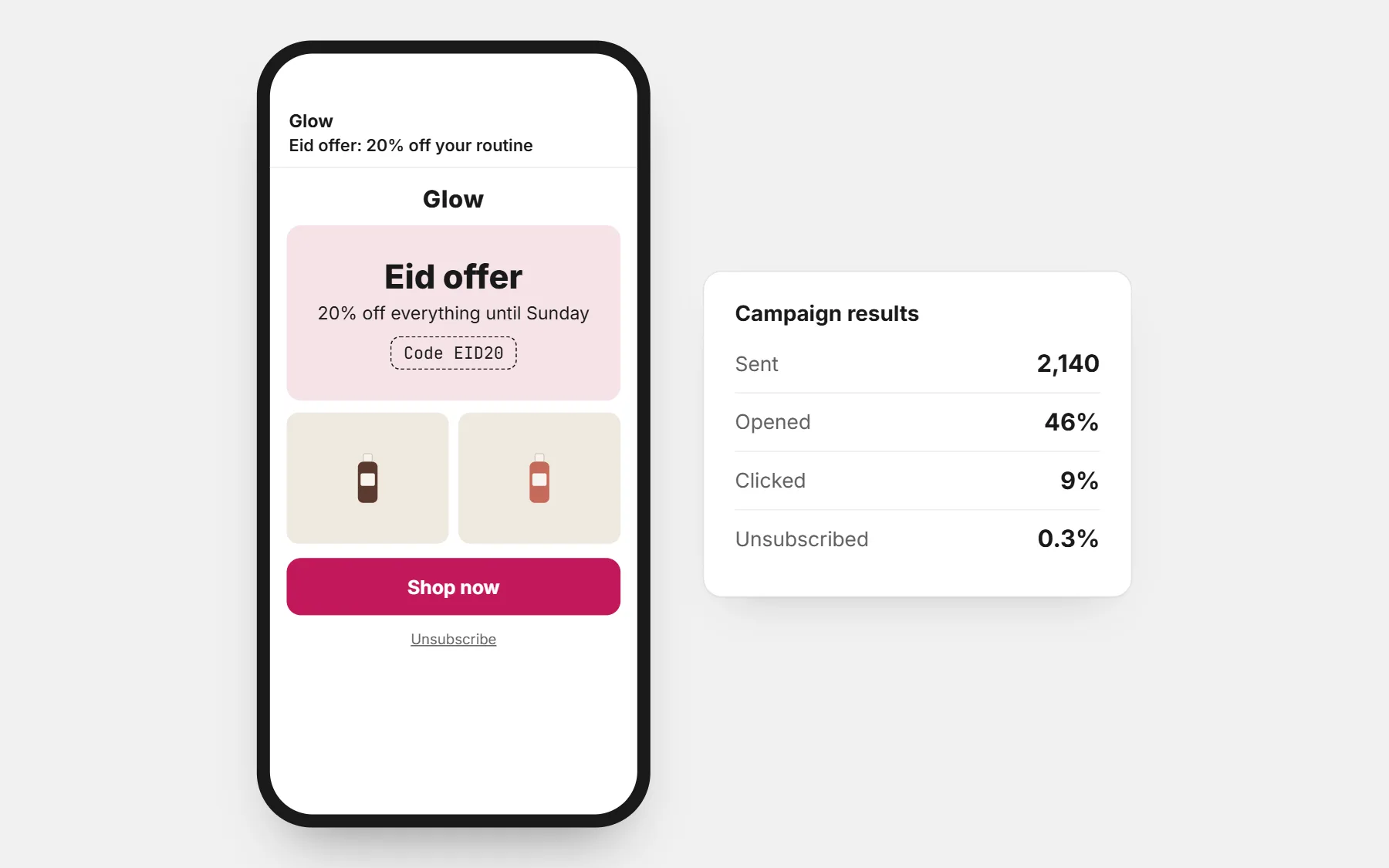
CODOS Store does not send bulk WhatsApp messages. For campaigns to a large list, use email marketing (included in the store) or the WhatsApp tools of CODOS Ops.
What to avoid
- Adding people to groups without asking.
- Messaging every contact in your phone when you launch.
- Buying number lists.
- Sending several offers a day.
- Fake urgency: “last 2 left” when it is not true.
Questions people ask first
Is WhatsApp Business free?
The WhatsApp Business app is free. The WhatsApp Business Platform (API) charges per conversation or message, with prices set by Meta.
Can I send offers to customers who ordered?
Only if they agreed to receive offers. Their number on an order is for that order.
Why was my number blocked?
Usually because people reported messages they did not ask for. Slow down, message only people who agreed, and let customers write first.