Start from what delivery really costs you
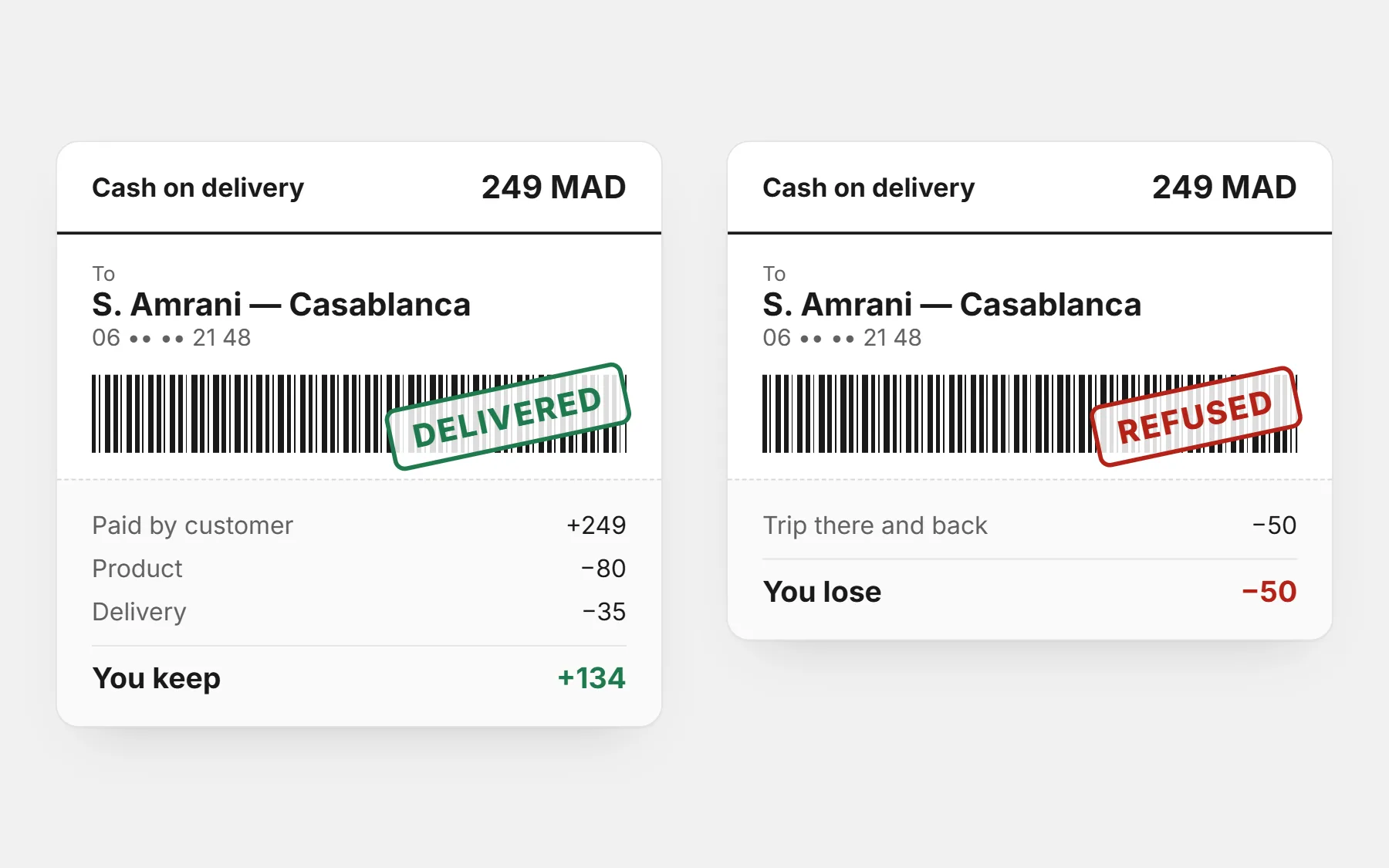
Your delivery cost is not only the courier’s price. Add packaging, and the cost of refused parcels spread over the delivered ones.
| Cost per order | Example |
|---|---|
| Courier price for a delivered parcel | 35 |
| Packaging (box, bag, tape, card) | 5 |
| Refused parcels: return fee × refusal rate ÷ delivery rate | 15 × 20% ÷ 80% ≈ 4 |
| Your real delivery cost | ≈ 44 |
Couriers often charge more for far cities and remote areas. Ask for their full price list by city before you set yours.
The three ways to charge
| Method | Best when | Risk |
|---|---|---|
| Flat fee (same everywhere) | Your courier charges about the same everywhere | Far cities cost you more than you charge |
| Fee by city | Prices differ a lot between your city and the rest | A long list confuses buyers — keep it to a few groups |
| Free over an amount | You want bigger baskets | The threshold is too low and eats your margin |
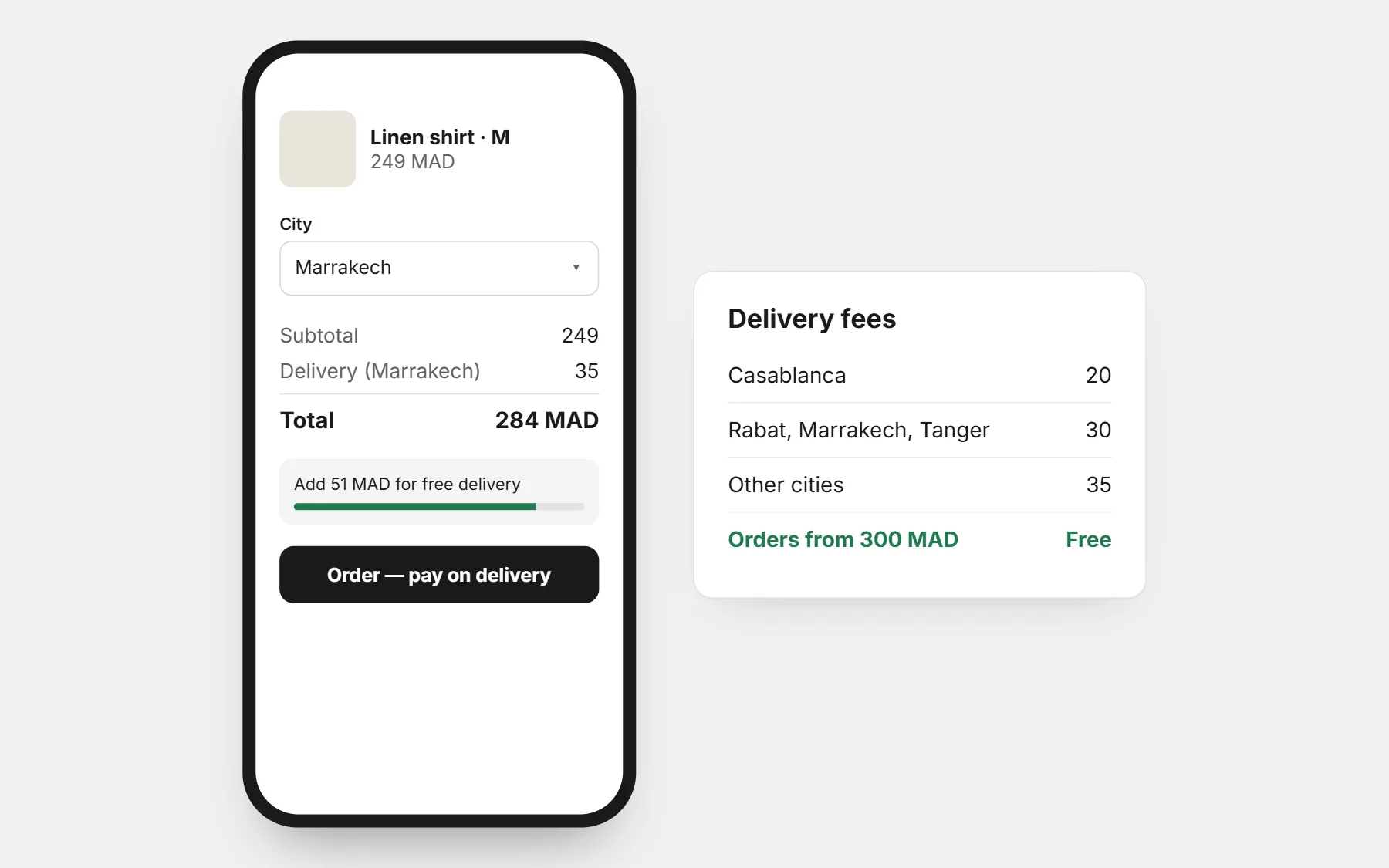
Most stores end up mixing them: a fee for your own city, a fee for the rest of the country, and free delivery above an amount that is a bit more than your best-selling product.
“Free delivery” is never free — price it in
Free delivery sells, but someone pays. Either you include the cost in the price (sell at 249 instead of 219), or you set a threshold that only bigger orders reach.
- Set the threshold just above your average basket. If most orders are around 200, free delivery from 250 pushes people to add a small second item.
- Show the gap: “Add 40 more for free delivery” works better than a rule written in the footer.
- Keep it simple: one threshold for the whole country is easier to understand than one per city.
Where to show the fee
A delivery fee that appears only at the last step feels like a trick — and with cash on delivery, a surprise at the door often becomes a refused parcel. Show it early:
- Next to the price on the product page (“+ 30 delivery, 24–72h”).
- In the order form, updated as soon as the customer picks a city.
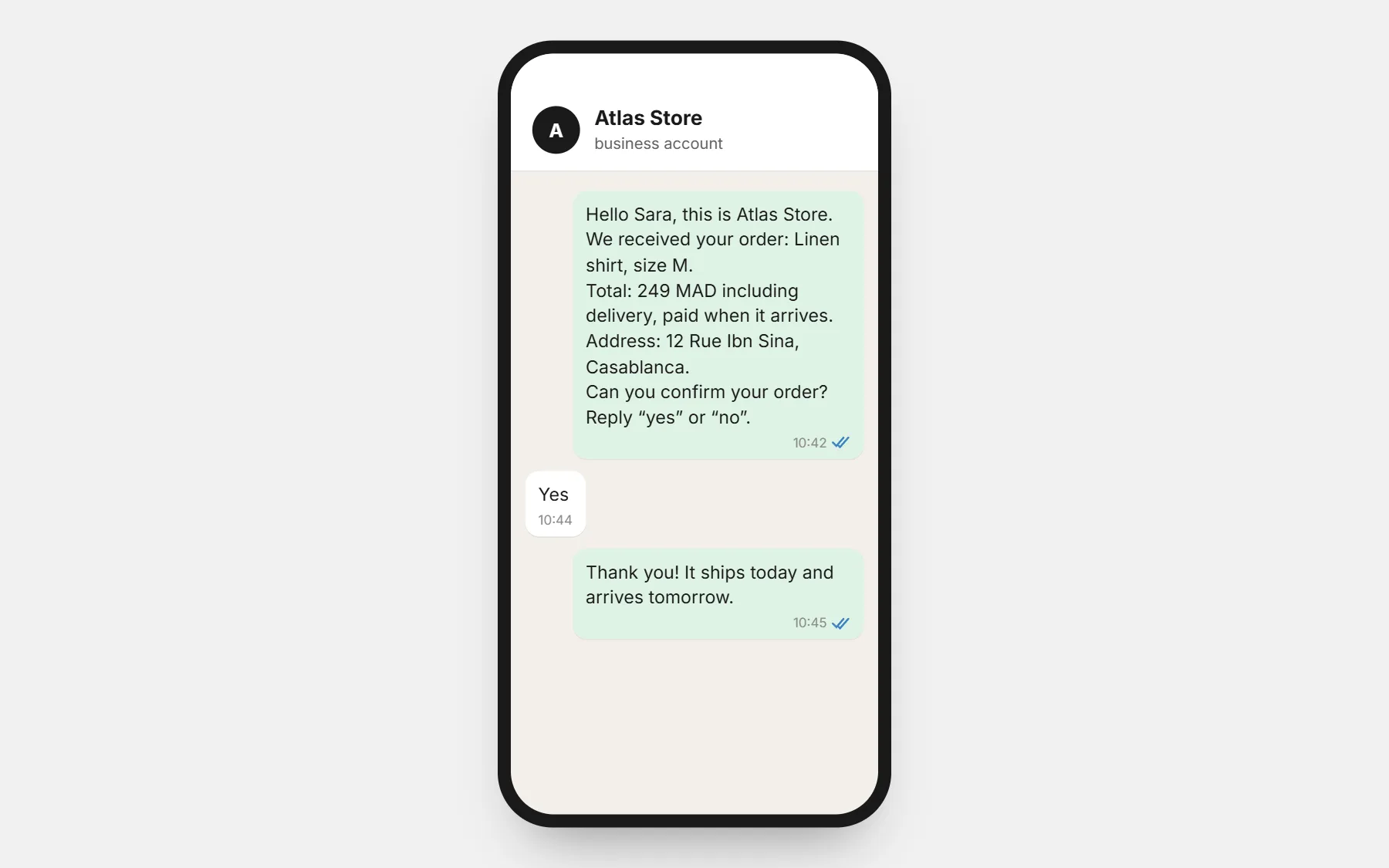
- In the order confirmation message, inside the total.
Check it with your own numbers
Before you publish your fees, run one product through the profit calculator with the delivery price of your most expensive city. If that order still leaves you a profit, your fees are safe.
Profit calculator
Your real profit per order after delivery, refused parcels and ads — and the most you can pay per order.
Questions people ask first
Should I offer free delivery everywhere?
Only if the price already covers it. For most small stores, a fee plus free delivery above an amount brings bigger orders without losing money on small ones.
How many city prices should I have?
As few as possible: often your city, a second group of big cities, and everywhere else. Customers should find their price in one look.
Can I refuse to deliver to some areas?
Yes. If your courier does not reach an area, it is better to say so in the form than to accept an order you cannot deliver.