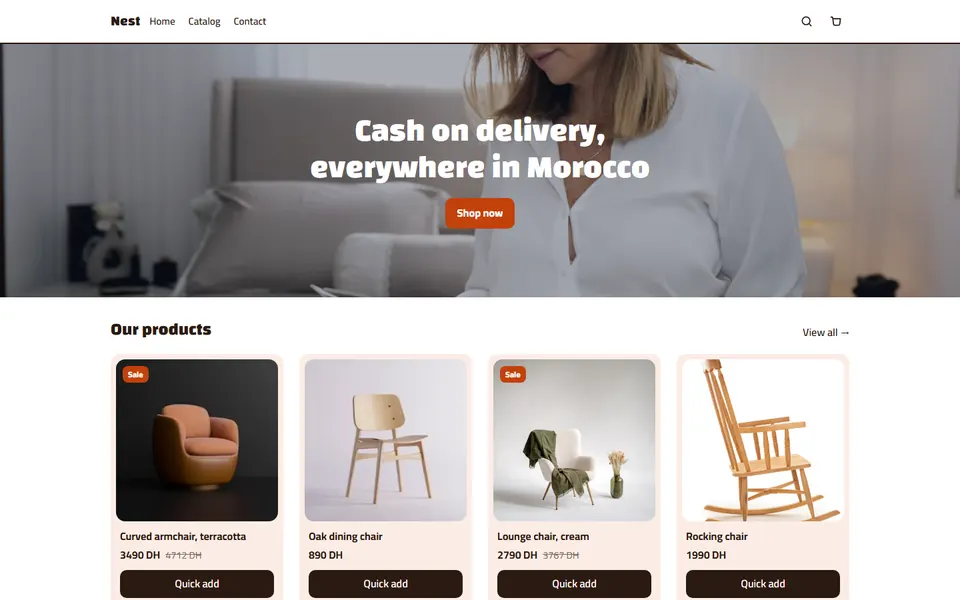
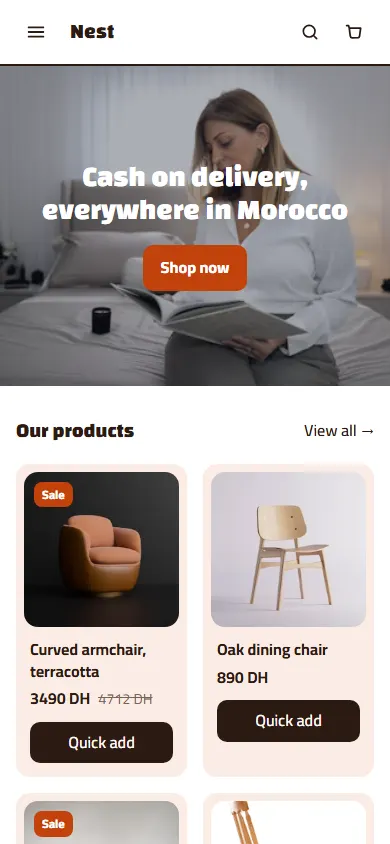
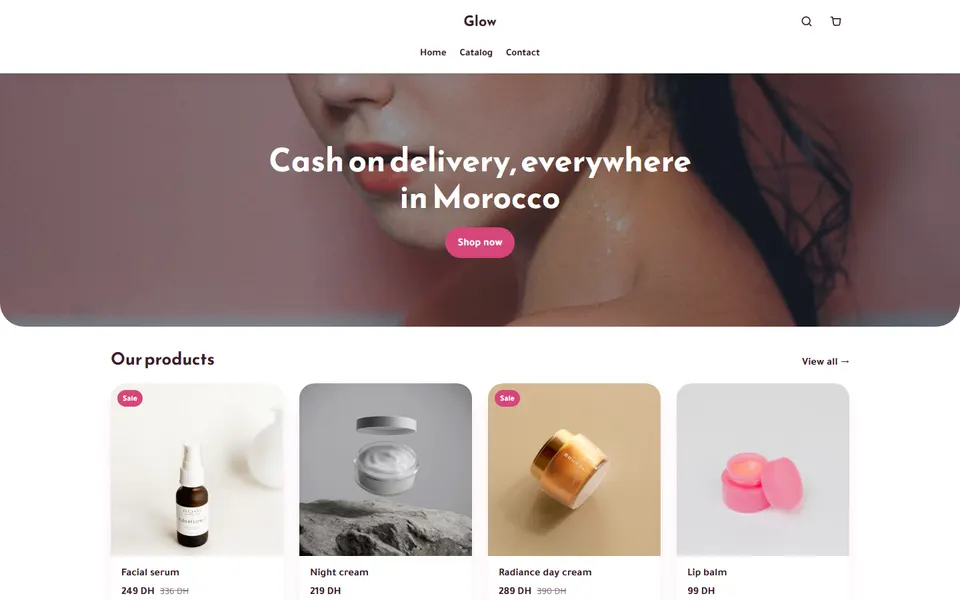
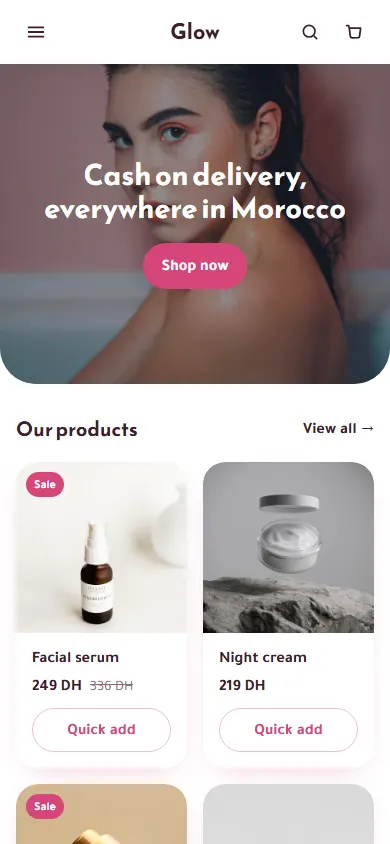
One ad, one product page
Send each ad to the page of the product it shows — never to your home page. On CODOS Store every product page is already a landing page: picture, price, order form and offers in one place.
The structure, top to bottom
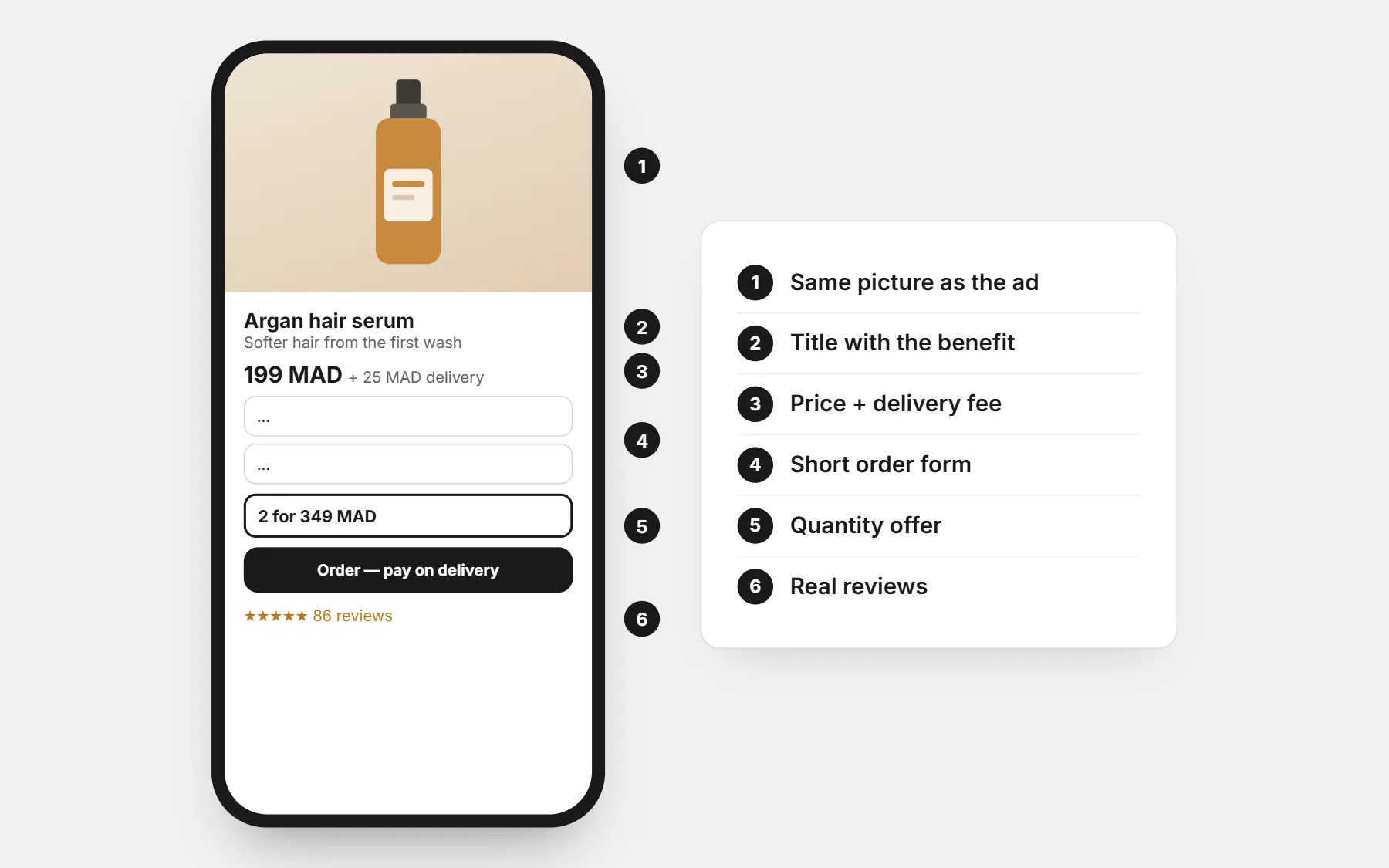
- 1Picture or short video of the product in use — the same one as the ad, so the visitor knows they are in the right place.
- 2Title with the main benefit, not just the product name.
- 3Price, old price if true, and the delivery fee. No surprise later.
- 4The order form or the buy button, visible without scrolling on a phone.
- 5Quantity offer: “2 for …” inside the form.
- 6Three to five benefits, short lines with an icon or a picture.
- 7Proof: customer photos and reviews, a short video of the product working.
- 8How to use it or what is in the box.
- 9Delivery and returns: how long, who calls, what if it does not fit.
- 10FAQ: the questions you get in messages.
- 11The form again at the bottom, or a sticky buy button.
The order form
- Name, phone, city, address — nothing more.
- The total updates when the city or quantity changes.
- One clear button: “Order now — pay on delivery”.
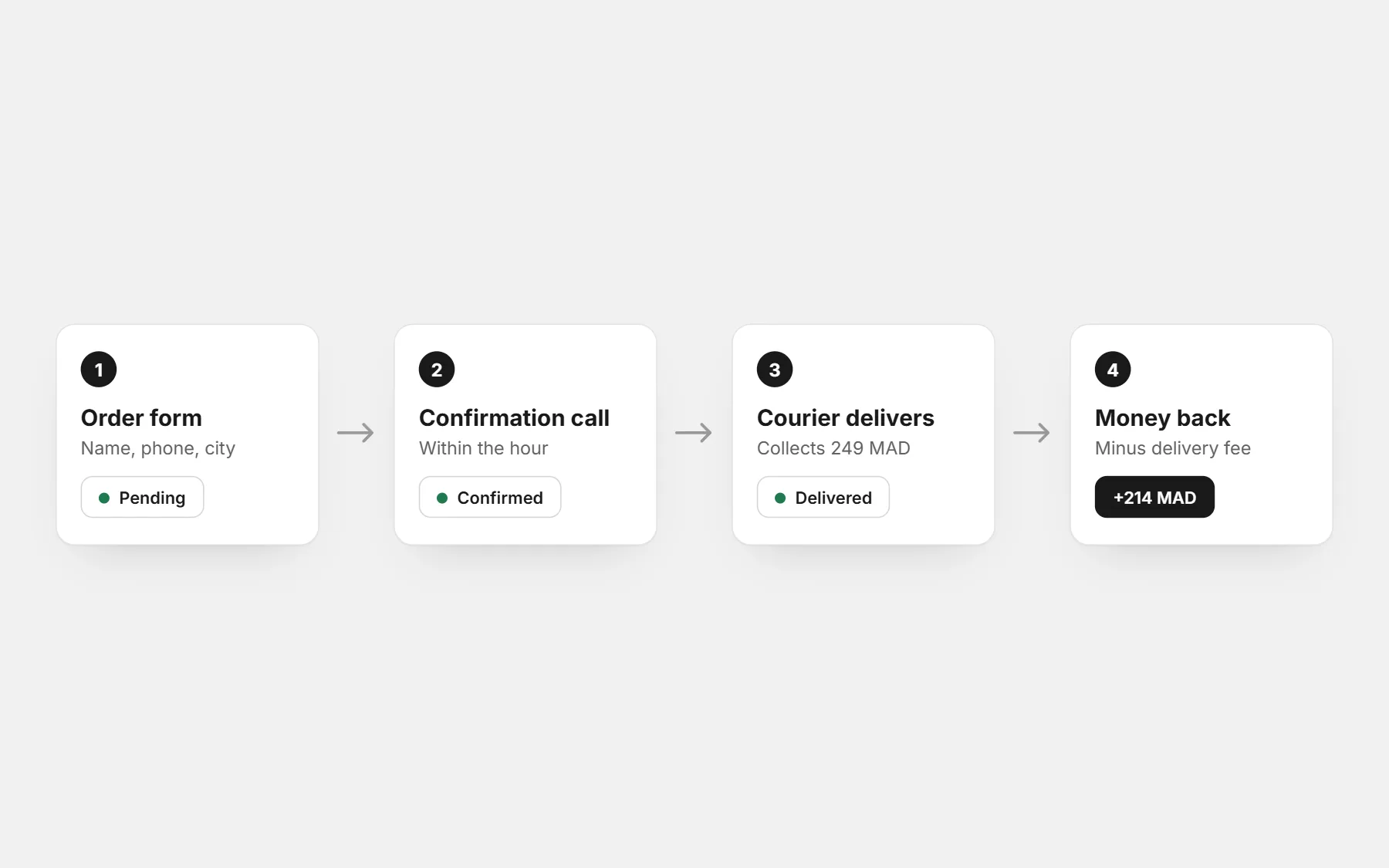
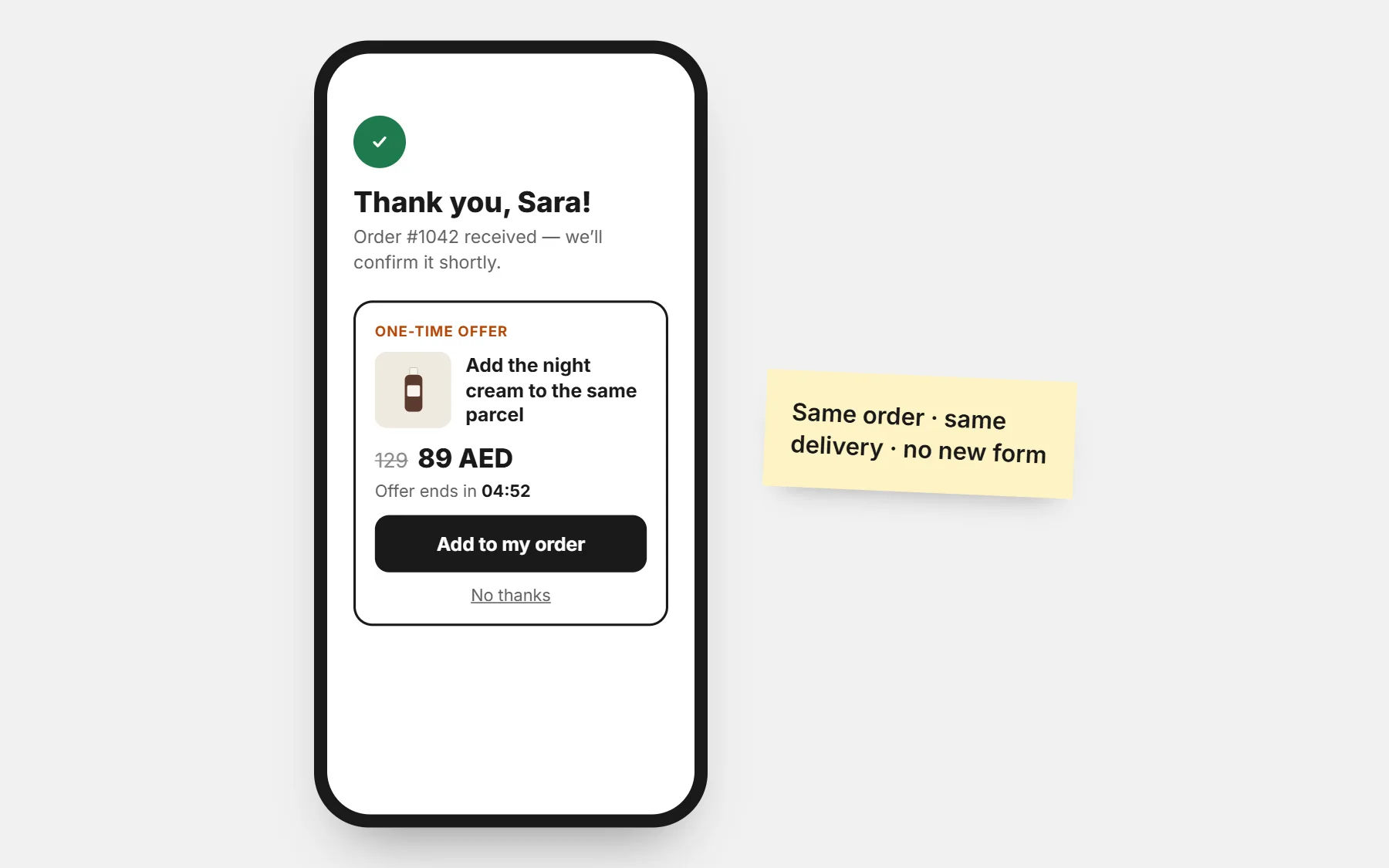
- A thank-you page that says what happens next: “We will call you within the hour to confirm”.
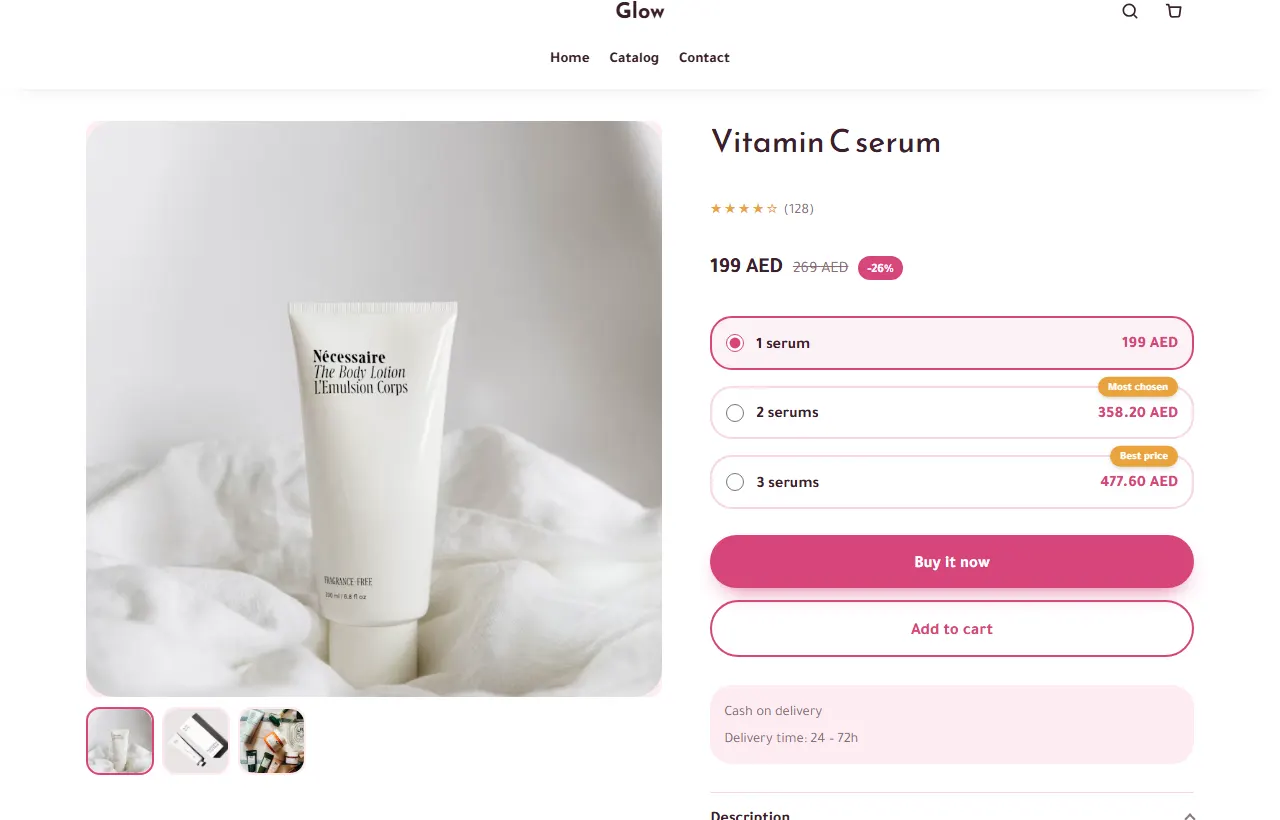
Trust, for a buyer who does not know you
- Real photos, not only supplier pictures.
- A WhatsApp button for the last question.
- Your delivery promise next to the button.
- Honest stock and order counts — never invented numbers.
Speed and the pixel
Most ad clicks come from phones on mobile data. Keep pictures light (CODOS Store resizes them at upload) and avoid heavy video at the top if your buyers have slow connections.
Install the Meta Pixel before the first ad so Facebook learns from orders, not from clicks: see pixel setup and a store for Facebook & Instagram ads.
Test one change at a time
Change the first picture, the title or the offer — one at a time — and compare the cost per confirmed order over a few days. See why ads bring clicks but no orders.
Questions people ask first
Landing page or full store?
Both. A product page works as the landing page for one ad, and the rest of the store reassures the visitors who look around.
Should the form be on the page or in a pop-up?
On the page converts well for a single product; a pop-up from a sticky button keeps long pages clean. Try both.
How long should the page be?
Long enough to answer every question you get in messages. The order button must be reachable at every moment.