Before the first ad
- A product page that answers everything — see the COD landing page structure.
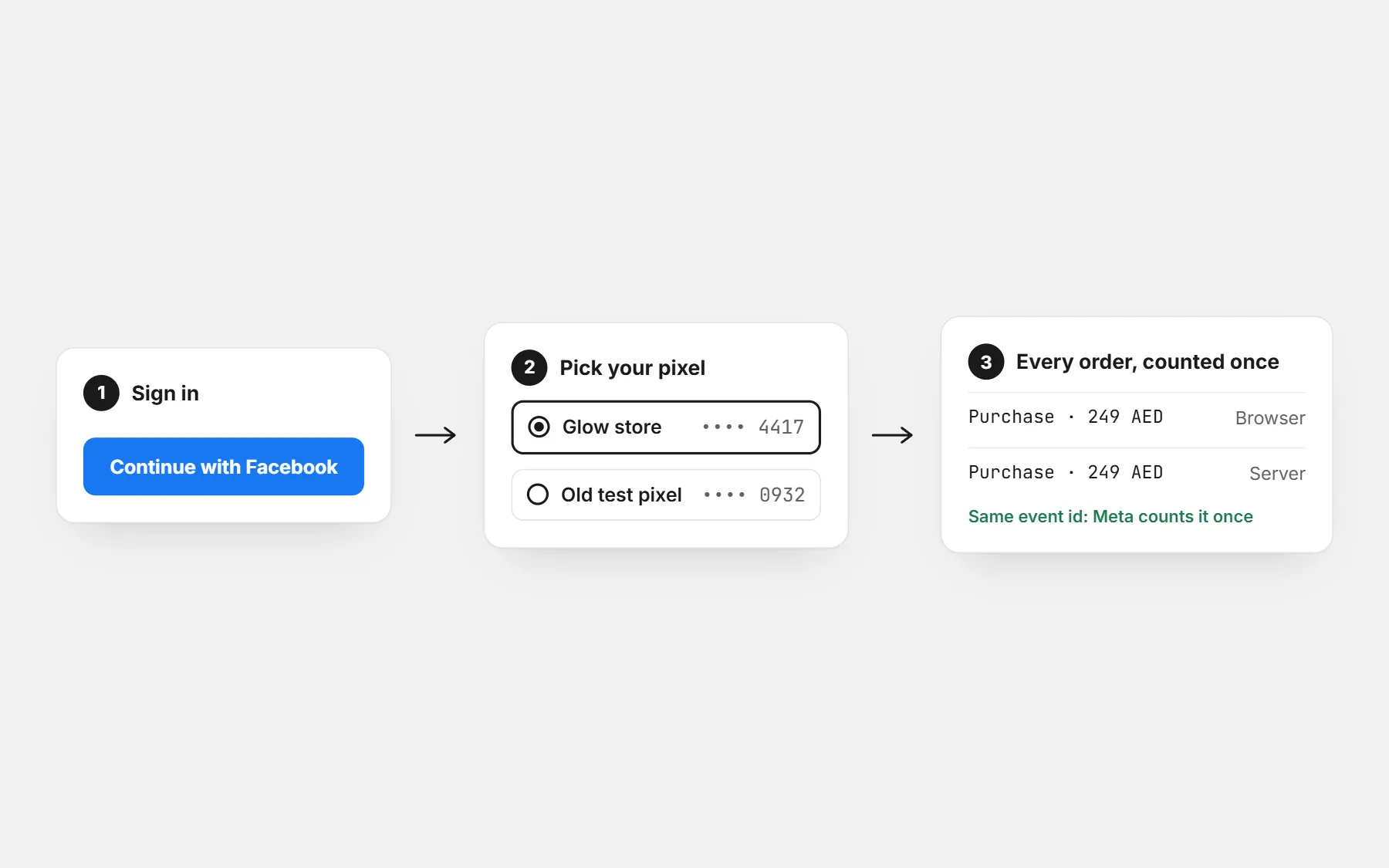
- The Meta Pixel installed and receiving orders with their value — see pixel setup.
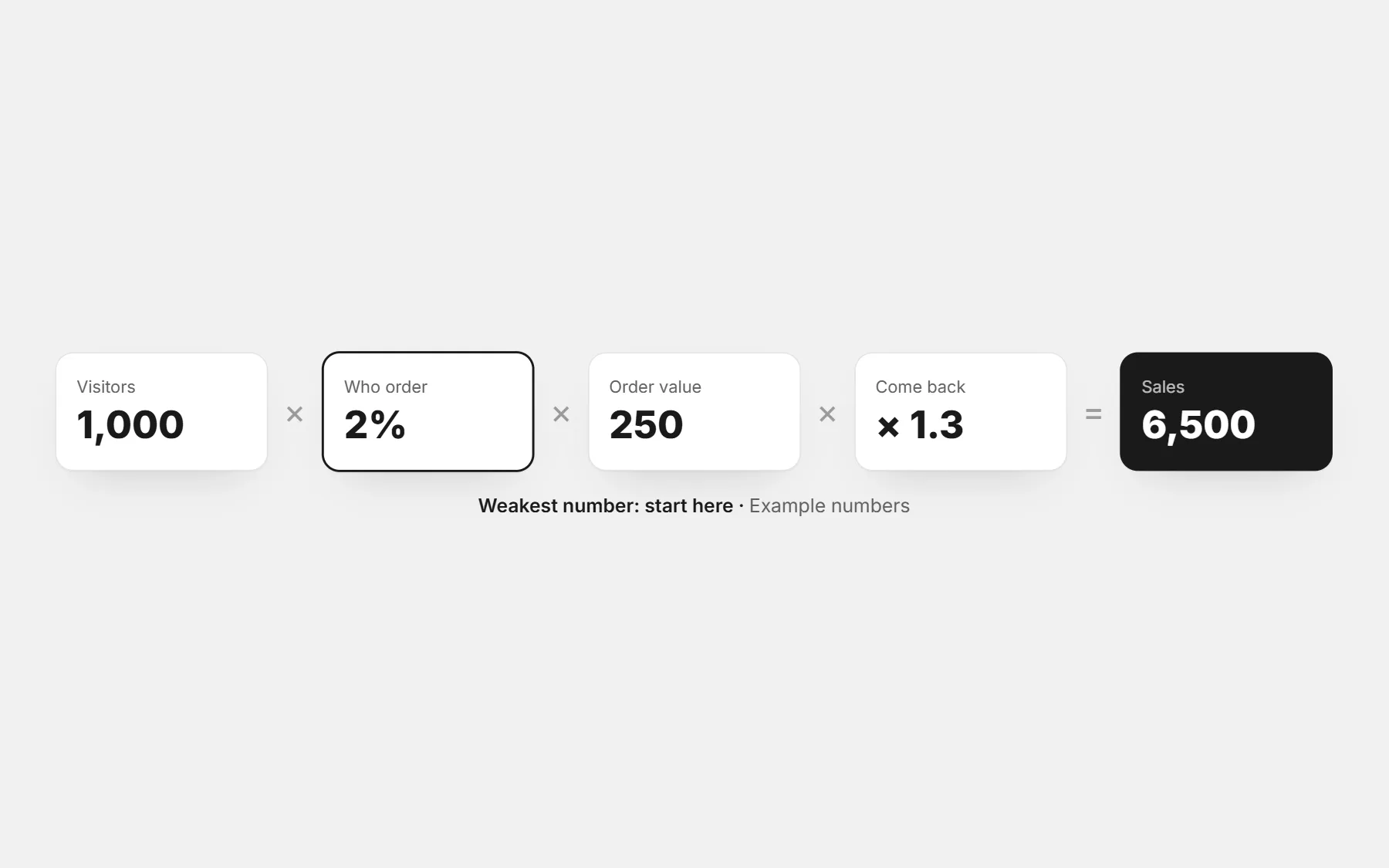
- Your break-even ad cost per order — the profit calculator gives it.
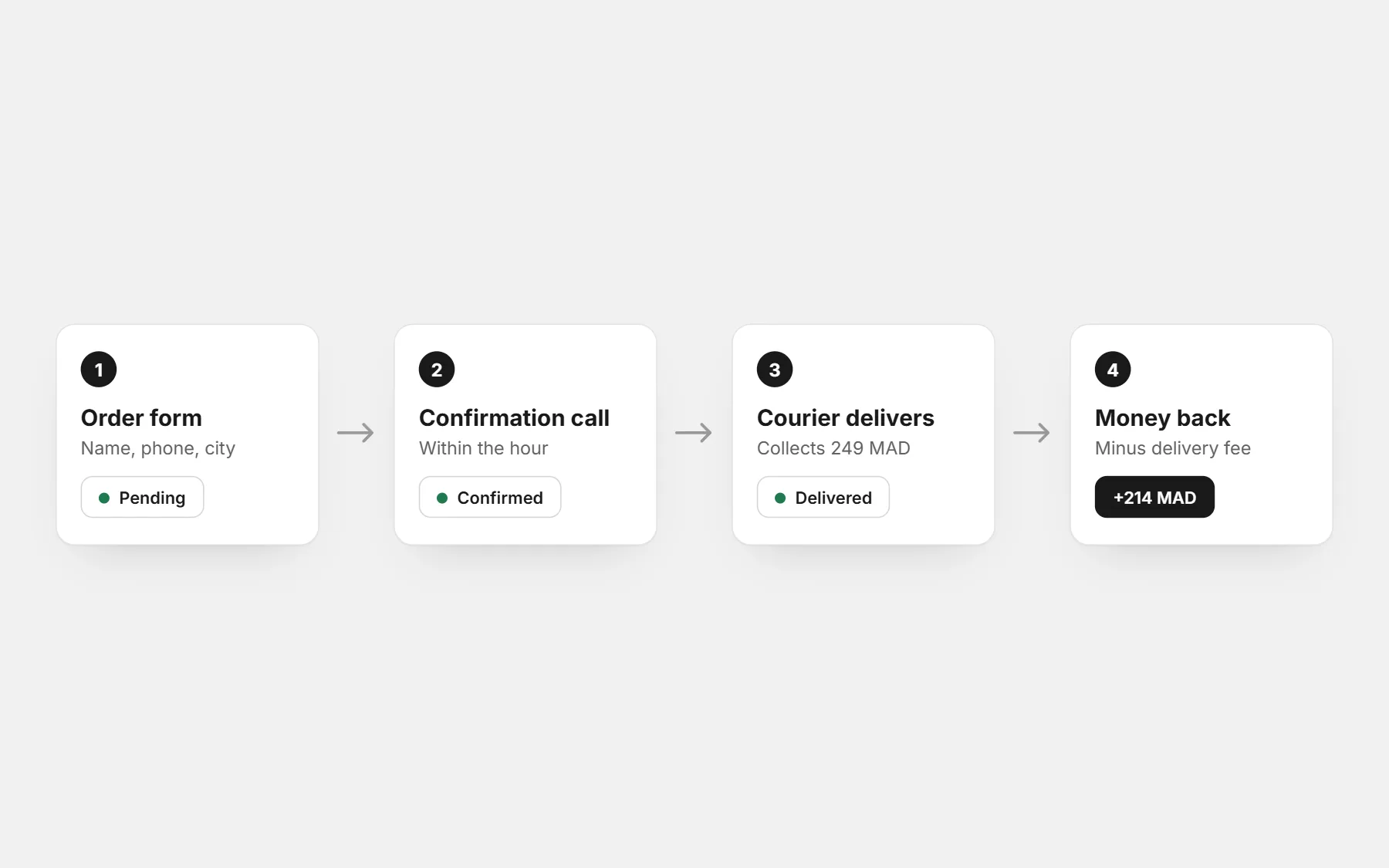
- A way to confirm orders within the hour.
Set up the campaign
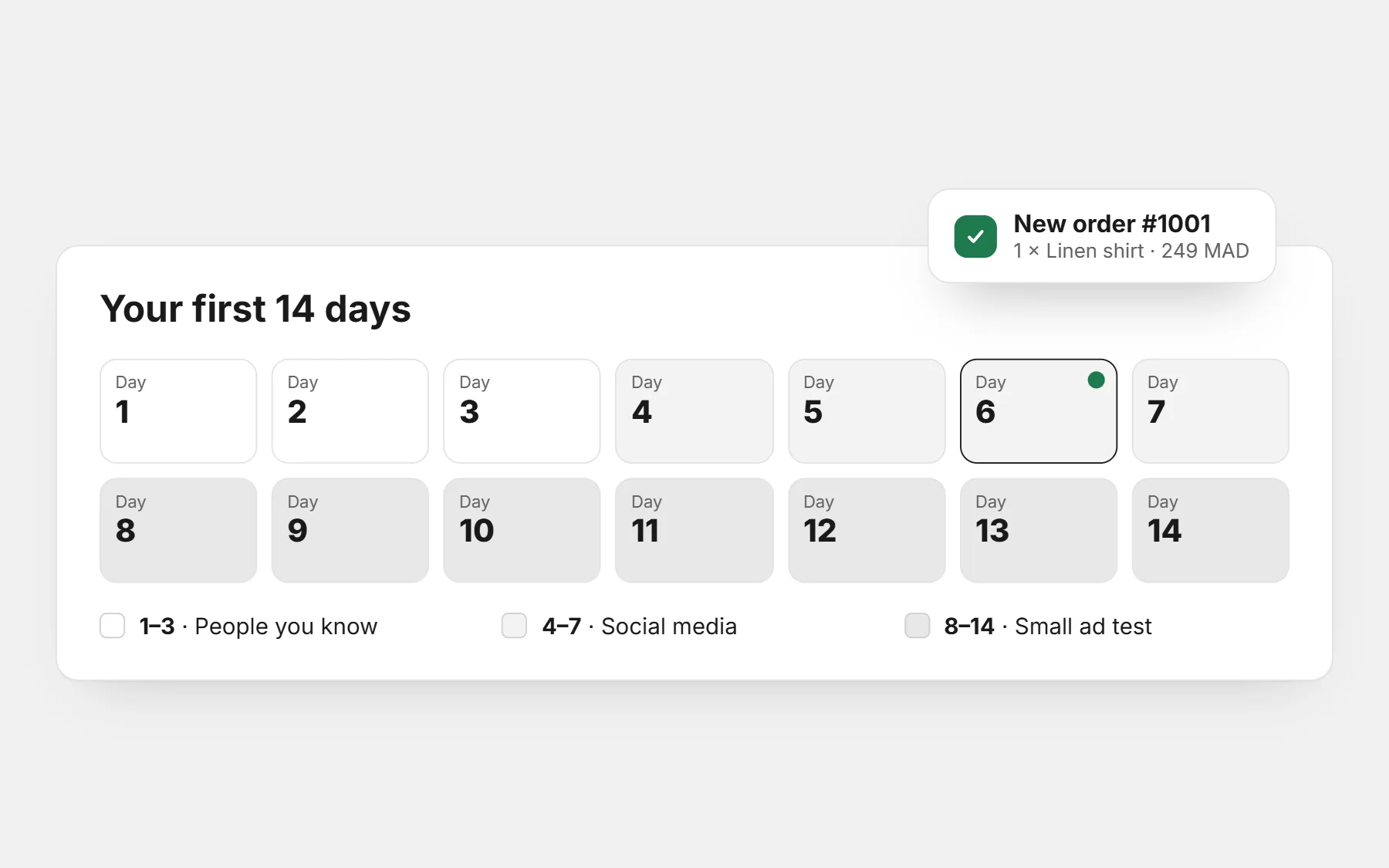
- Objective: Sales, optimised for purchases — so Meta looks for buyers, not clickers. In the first days, with few orders, results are noisy; give it time.
- Audience: your country (or cities you deliver to), broad age range, few interests. Let the creative pick the buyer.
- Placements: automatic to start; check later where orders come from.
- Destination: the product page, never the home page.
Budget: test small, then scale what works
Give each product a small, fixed daily budget for several days before deciding. One day is not enough data; one week usually is. Use the ad budget calculator to see what budget your order target needs.
| After the test | What it means | What to do |
|---|---|---|
| Cost per delivered order below your break-even | The product sells at this price | Raise the budget gradually; make new creatives |
| Orders come, but many are refused | The page or confirmation has a problem | Fix price display, confirmation and delivery speed before spending more |
| Clicks, but almost no orders | The page does not convince | See clicks but no orders |
| Few clicks | The creative does not stop the scroll | Test a new first picture or video |
Creatives that sell in COD markets
- A short phone video of the product in real use, in the first second.
- The problem it solves, said in the customer’s language and dialect.
- The price or the offer on the image, if it is a strength.
- “Pay on delivery” said clearly — it removes the main fear.
- Real customer photos and reactions when you have them.
Judge ads by cost per delivered order
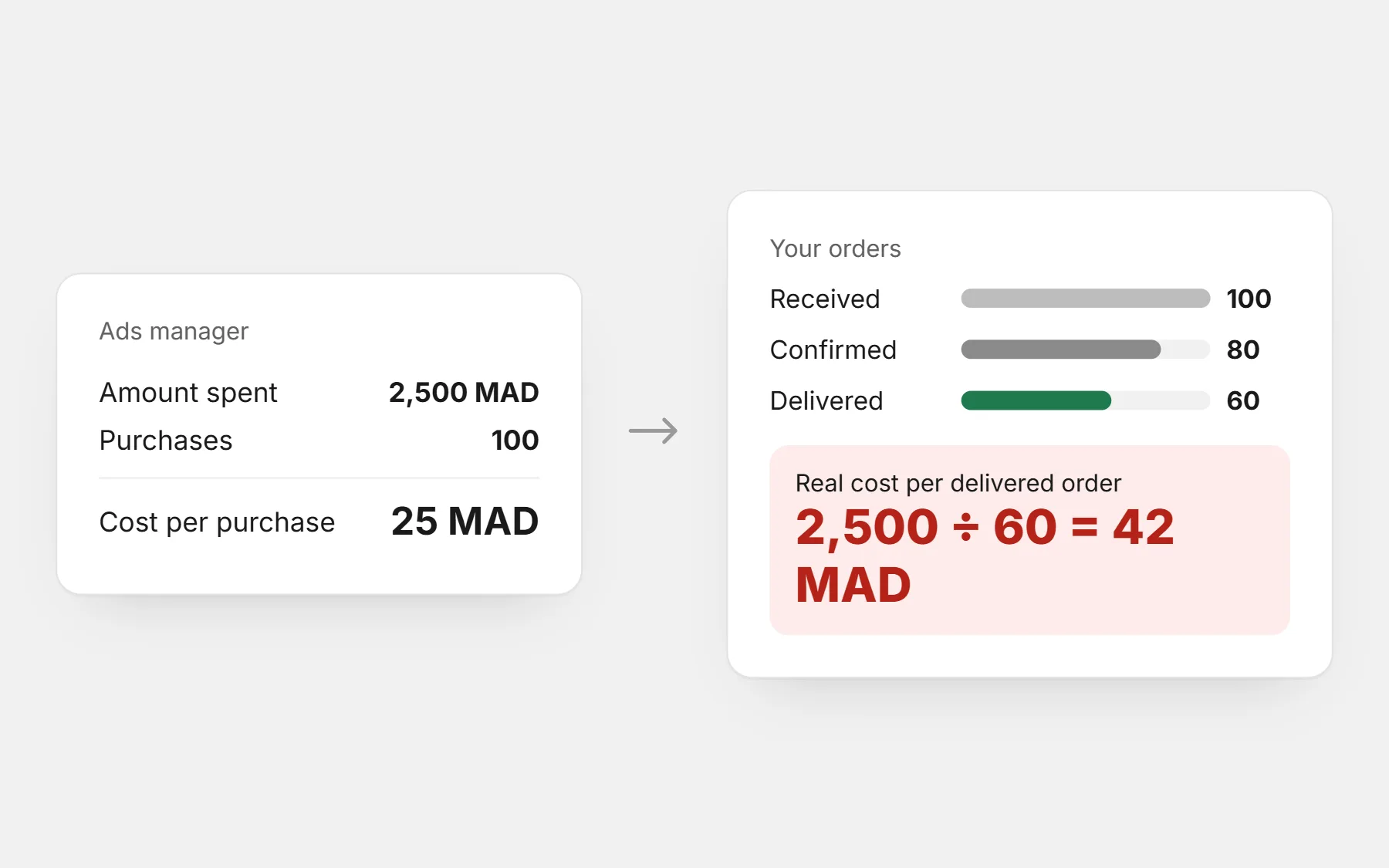
Facebook shows cost per purchase — that is cost per order received. Your real number is: ad spend ÷ orders delivered. Track confirmed and delivered orders in your store’s orders list and compare weekly.
Profit calculator
Your real profit per order after delivery, refused parcels and ads — and the most you can pay per order.
Questions people ask first
How much should I spend per day?
Enough to get several orders per product over a week, and never more than you can afford to lose on a test. The ad budget calculator works it out from your numbers.
Should I boost posts or use Ads Manager?
Ads Manager: it lets you optimise for purchases, choose cities and read results per ad.
My cost per purchase looks good but I lose money. Why?
Because purchases in Facebook are orders received. Unconfirmed and refused orders still cost the ad — count delivered orders.